Adding 90 degree USB-C to MTR-1
You'll attach this addon to your sensor and plug it into an outlet.
1. Gather the MTR-1, 90 degree addon, and optional top facing USB-C Plug.
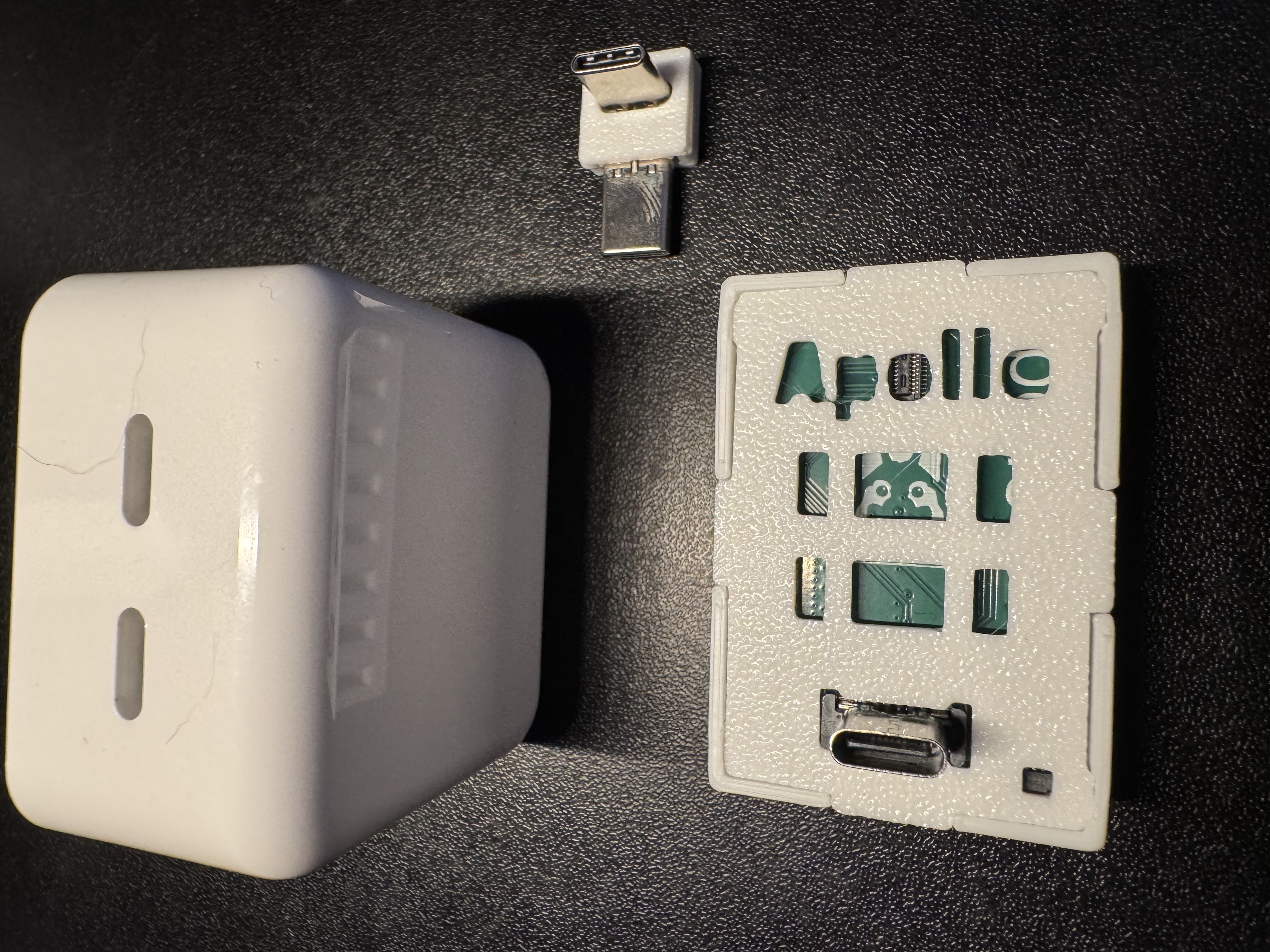
2. Insert the shorter end of the 90 degree addon into the MTR-1.
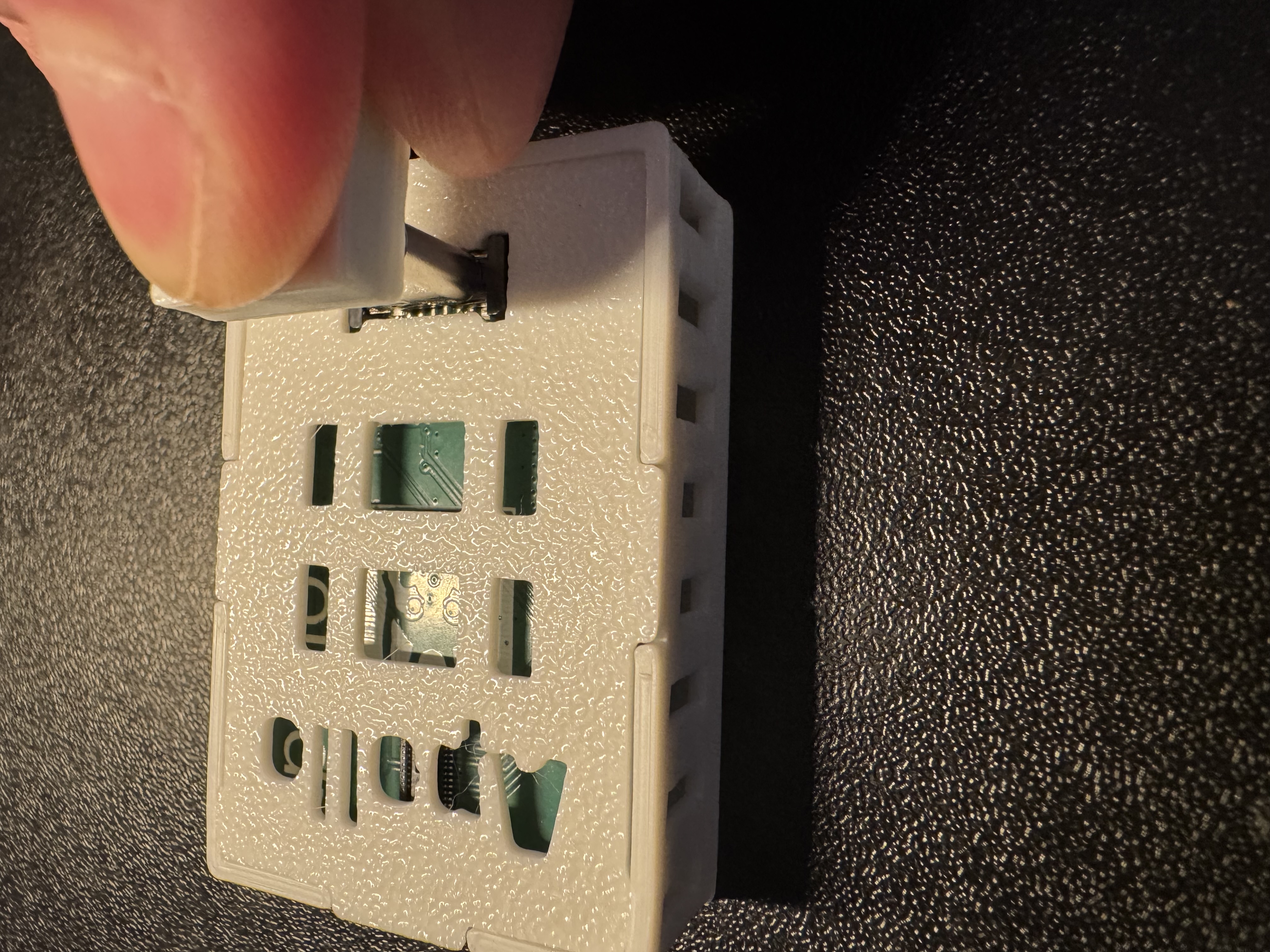
3. Align the other end of the 90 degree addon to the optional top facing USB-C Plug.
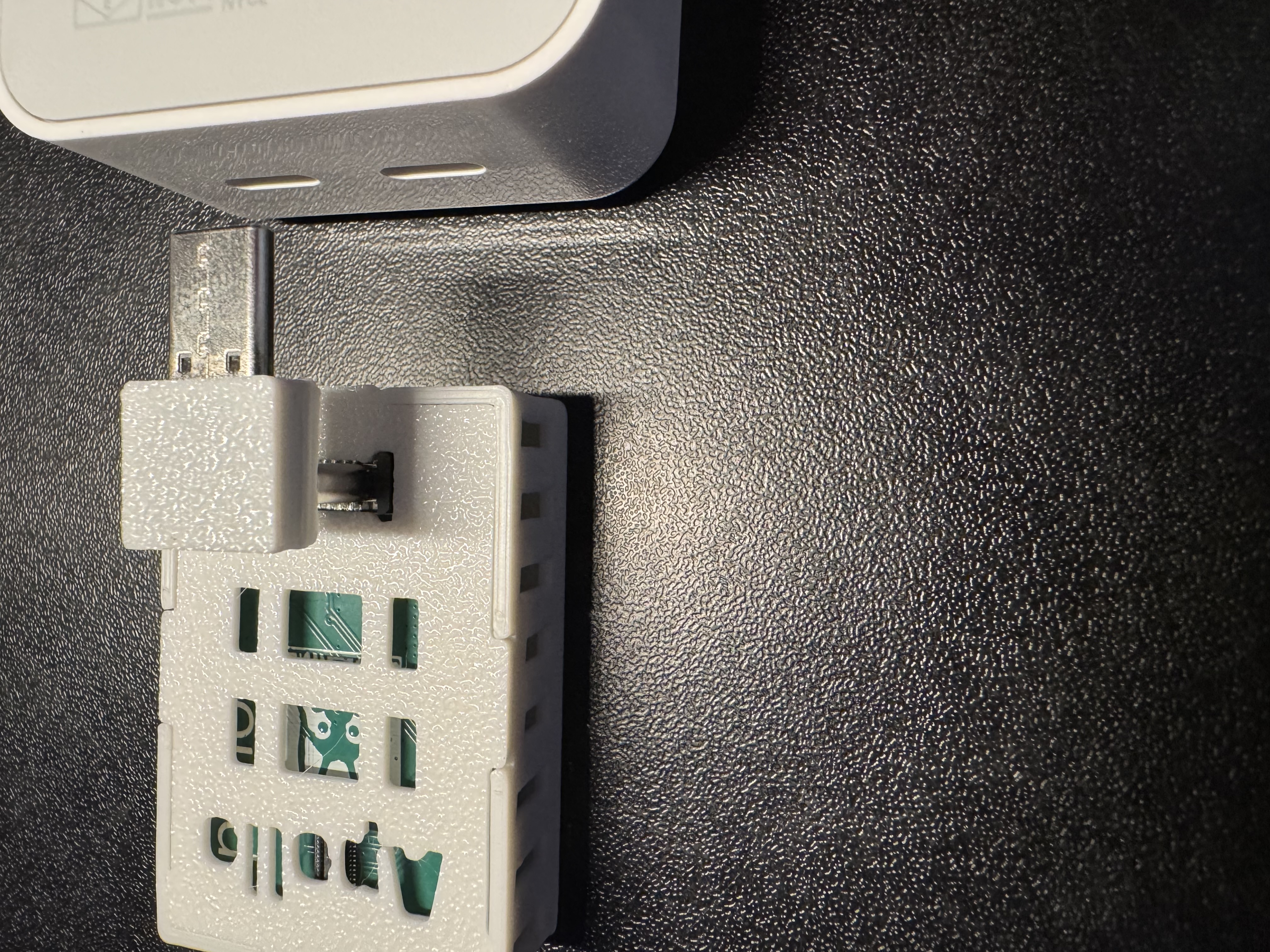
4. Gently push the connector into one of the top USB-C ports.
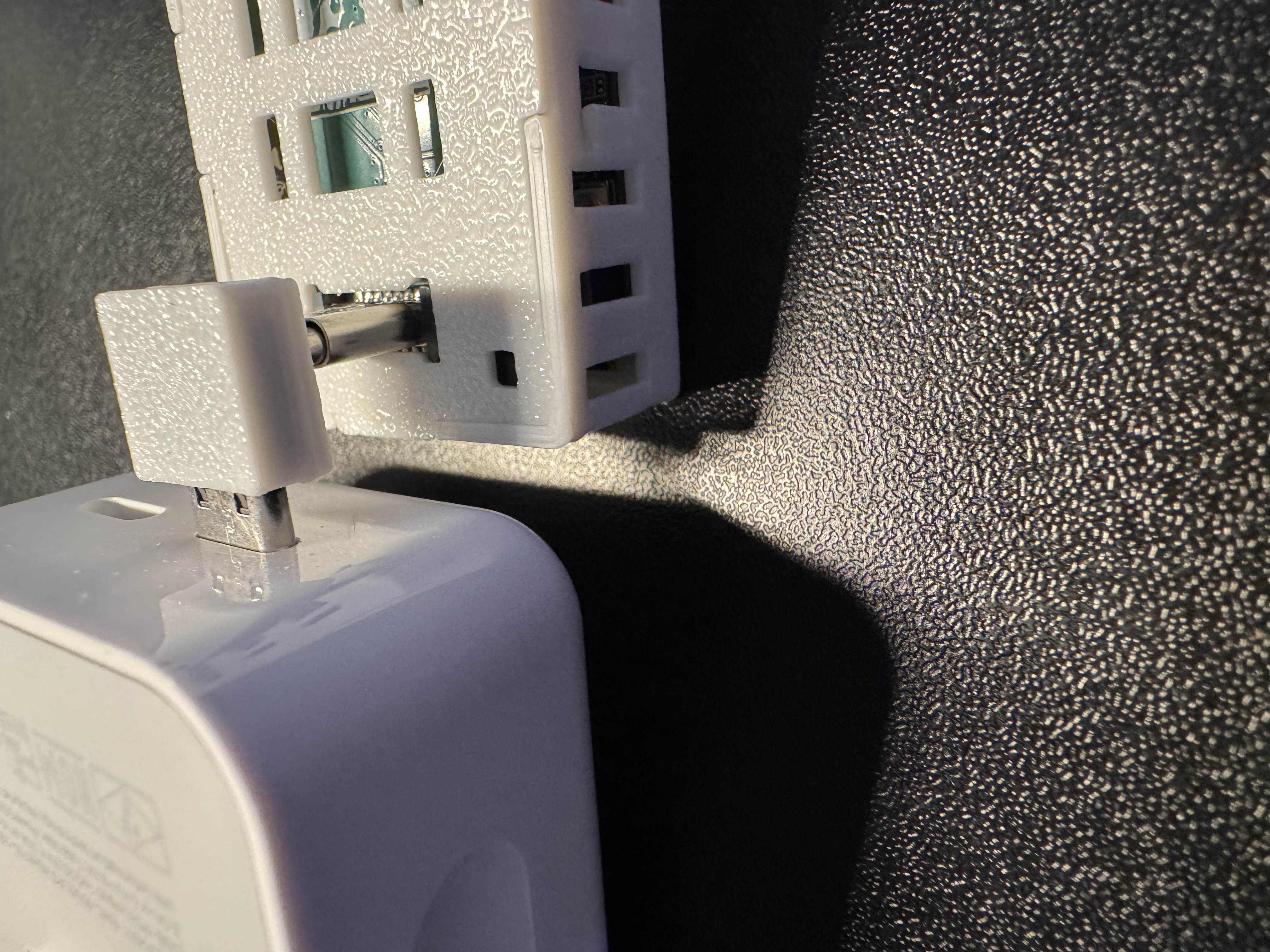
5. Plug into an outlet and enjoy your sensor!
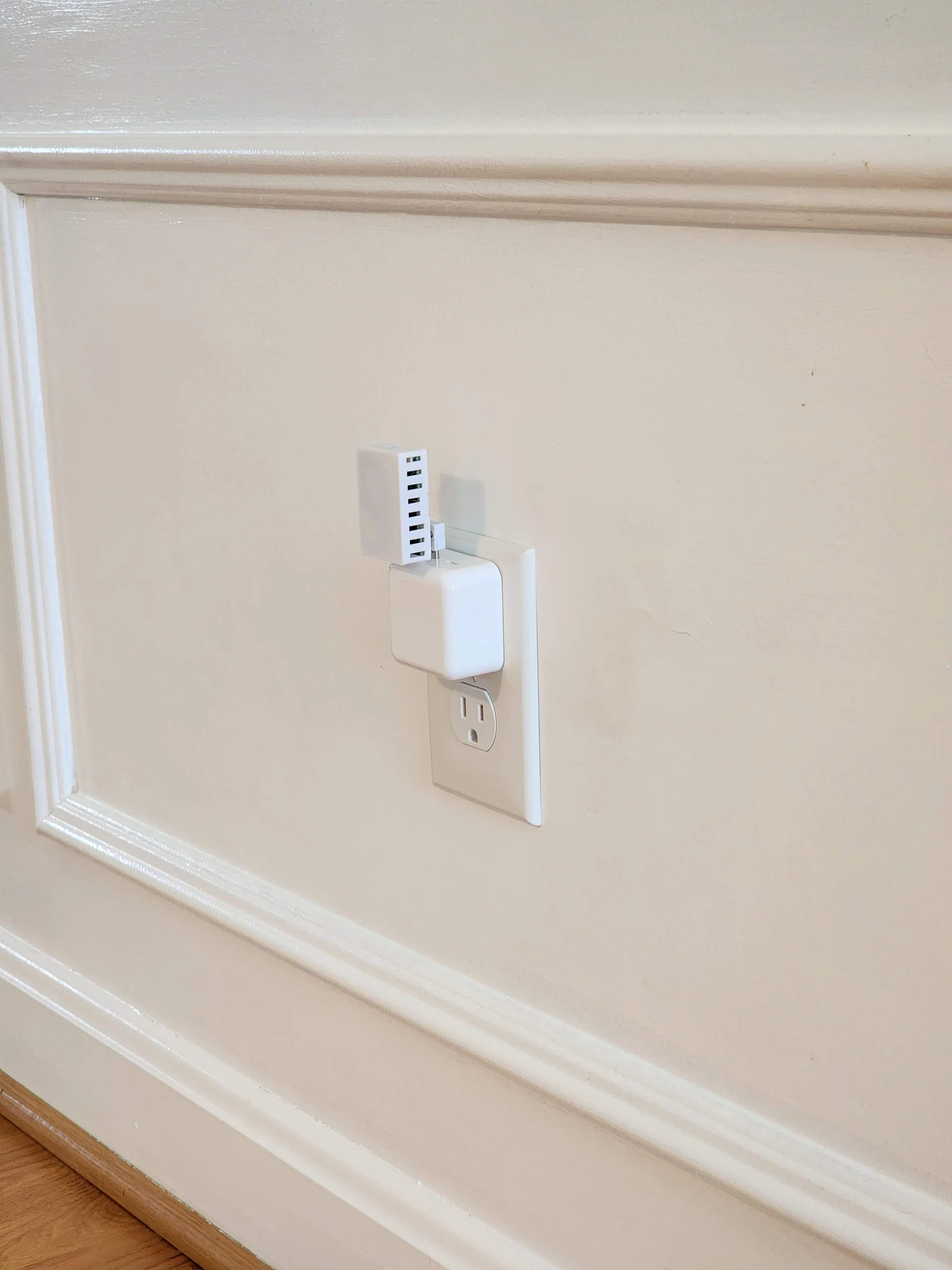
You're ready to begin using your device!
Make sure to head to our getting started guide to get your MTR-1 up and running!