How to tune the MSR-2 using Home Assistant
Prefer a guided dashboard?
The Apollo mmWave integration gives your Apollo MSR-2 a tuning dashboard with a Gate Energy chart and a Calibrate with empty room button that sets the gate thresholds for you. The Apollo mmWave dashboard guide walks you through it as a guided alternative to the manual steps below.
If you're experiencing false triggers, Radar Engineering Mode (REM) lets you monitor the gate energy and adjust the gate thresholds to eliminate them.
Quick introduction video of the LD2410B gates and zones.
How to tune the mmWave sensor using radar engineering mode.
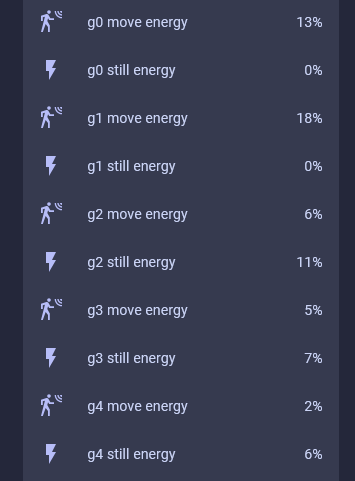
You'll turn on Radar Engineering Mode to see the move and still energy for each gate.
1. Head to the ESPHome integration page (Settings → Devices & services → ESPHome) and select your MSR-2.

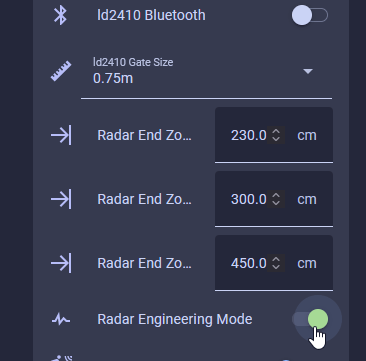
2. Scroll down to the Configuration section and turn on "Radar Engineering Mode".
3. Scroll down to the Diagnostic section and you will see that when REM is enabled, the move and still energy for gates 0-8 are shown.
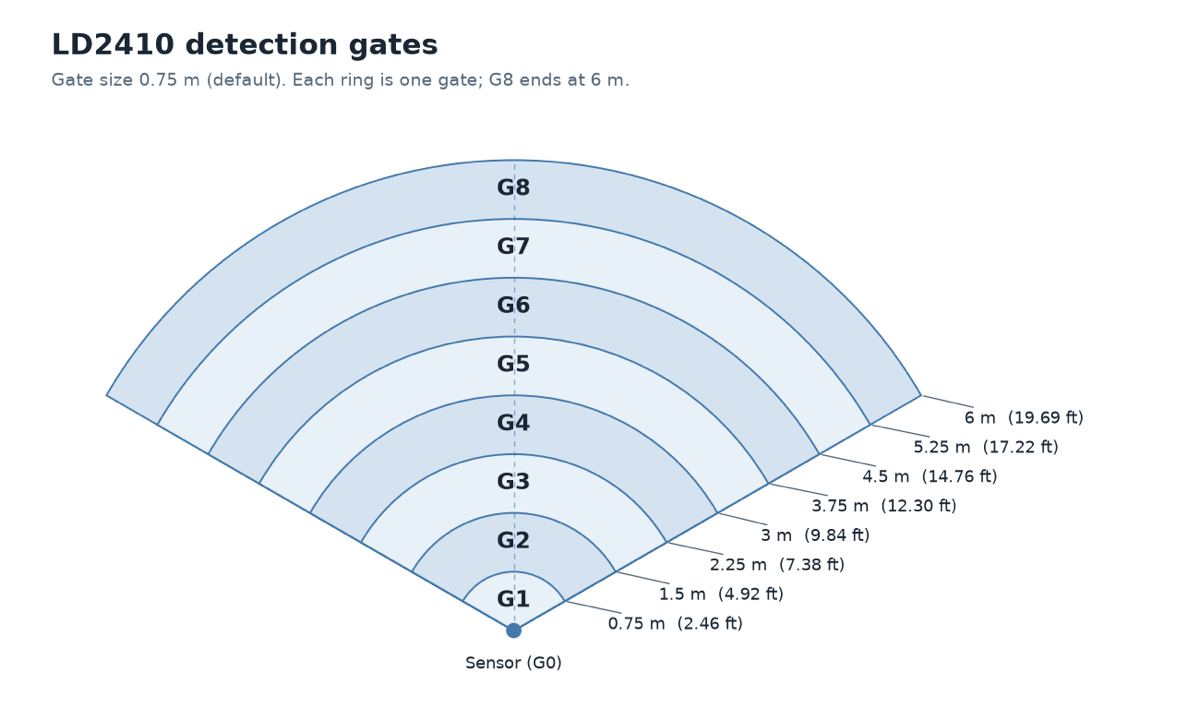
The gates are 0.75 meter increments from the sensor, allowing you to "tune" each 0.75 meter section until your sensor works as intended!
| Gate | Distance (m / ft) | Default move threshold | Default still threshold |
|---|---|---|---|
| 0 | 0 m / 0' | 50 | 0 |
| 1 | 0 - 0.75 m / 0' - 2.46' | 50 | 0 |
| 2 | 0.75 - 1.5 m / 2.46' - 4.92' | 40 | 40 |
| 3 | 1.5 - 2.25 m / 4.92' - 7.38' | 40 | 40 |
| 4 | 2.25 - 3 m / 7.38' - 9.84' | 40 | 40 |
| 5 | 3 - 3.75 m / 9.84' - 12.30' | 40 | 40 |
| 6 | 3.75 - 4.5 m / 12.30' - 14.76' | 30 | 15 |
| 7 | 4.5 - 5.25 m / 14.76' - 17.22' | 30 | 15 |
| 8 | 5.25 - 6 m / 17.22' - 19.69' | 30 | 15 |
Moving the gate still and move threshold slider to the right increases the amount of energy needed to trigger the sensor. Do this if you want the gate to be less sensitive.
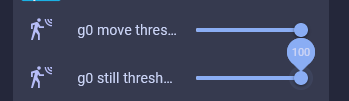
Moving the gate still and move threshold slider to the left decreases the amount of energy needed to trigger the sensor. Do this if you want the gate to be more sensitive.