TEMP-1 food probe
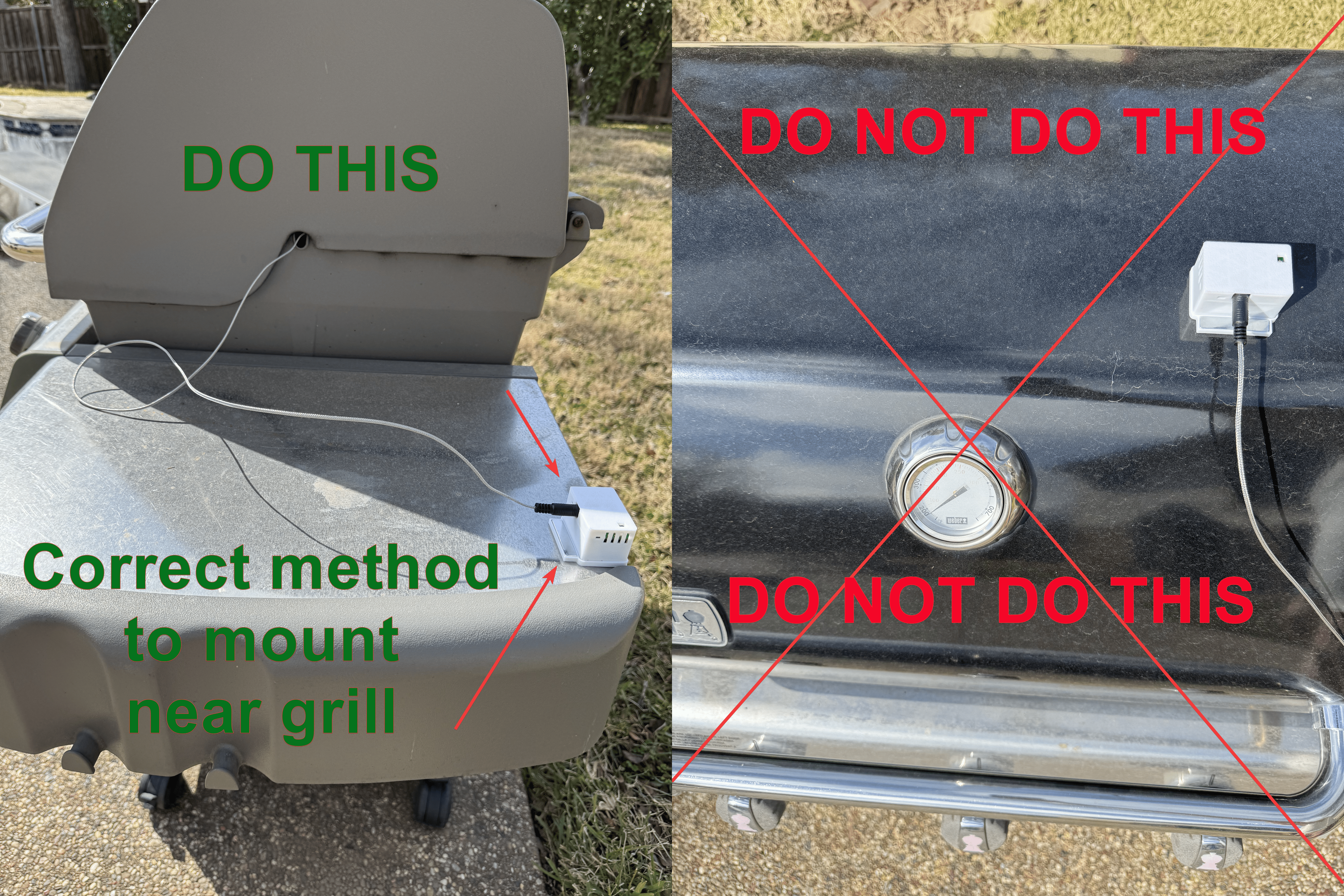
The TEMP-1 comes with an optional food probe which can be used to monitor food temperatures when baking, grilling, etc. It includes a heat-resistant cable but the TEMP-1 itself needs to stay in a cool environment.
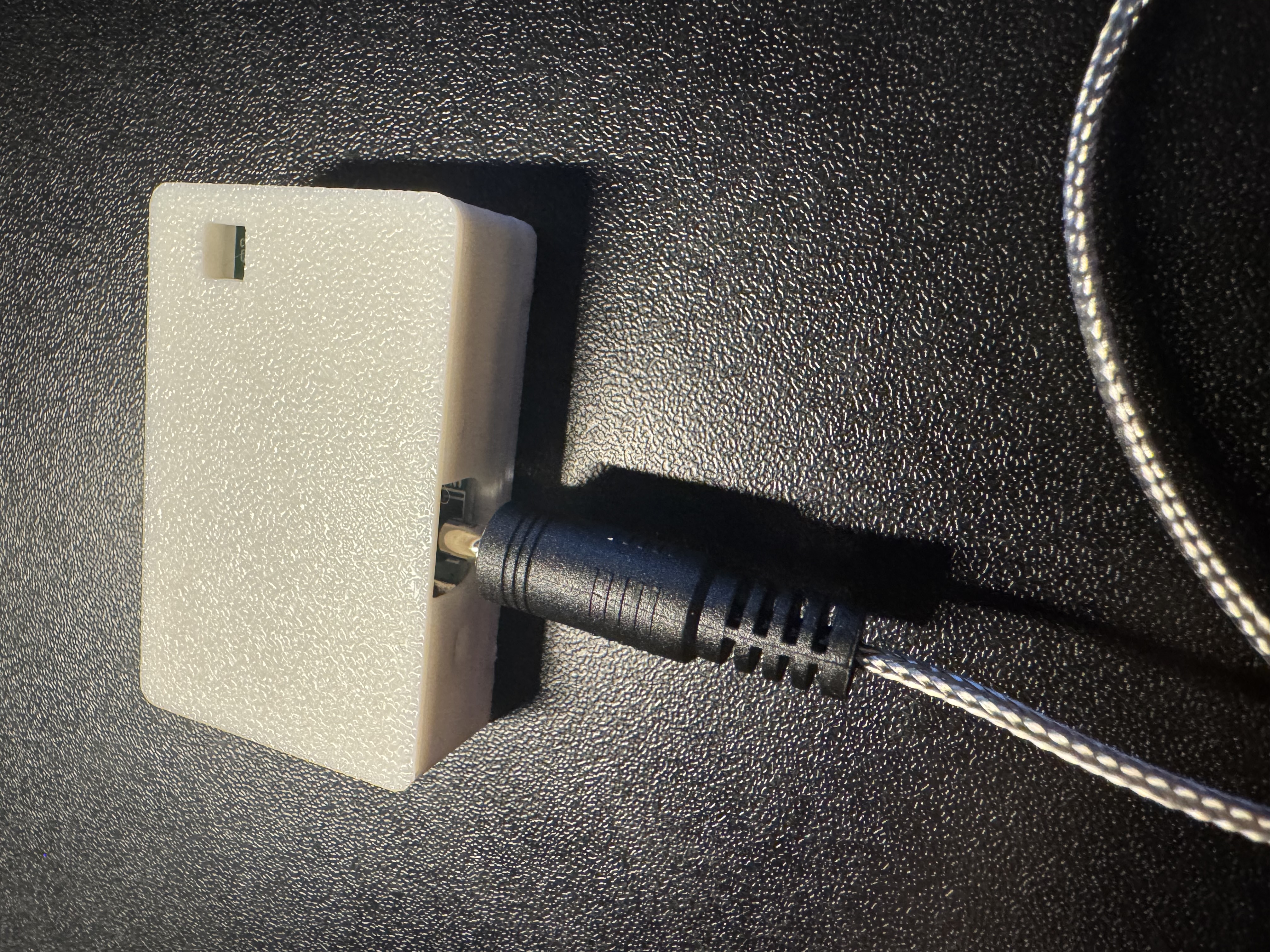
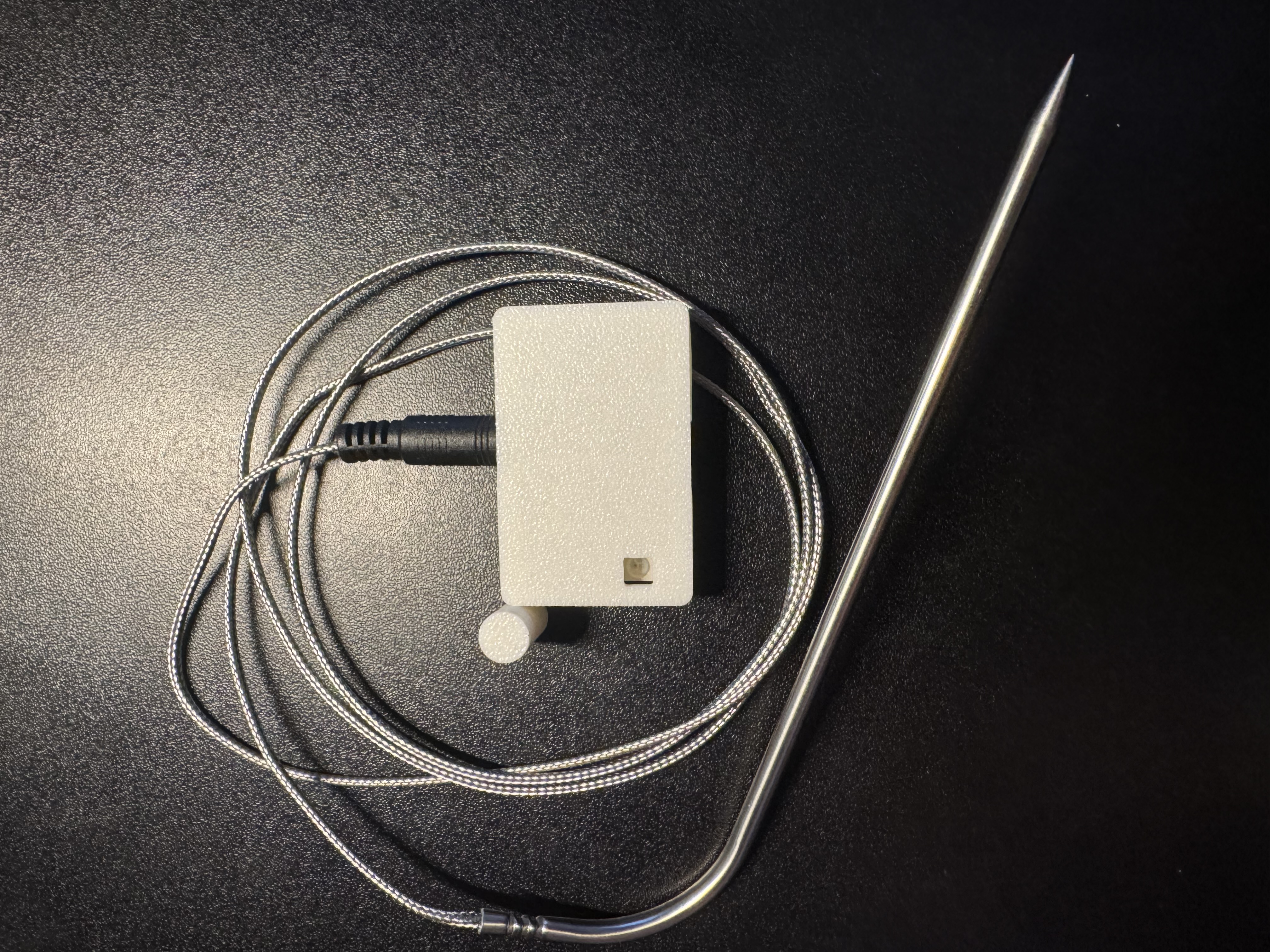
1. To use your food probe, take it out of the package and insert it into the 3.5mm port on your TEMP-1.
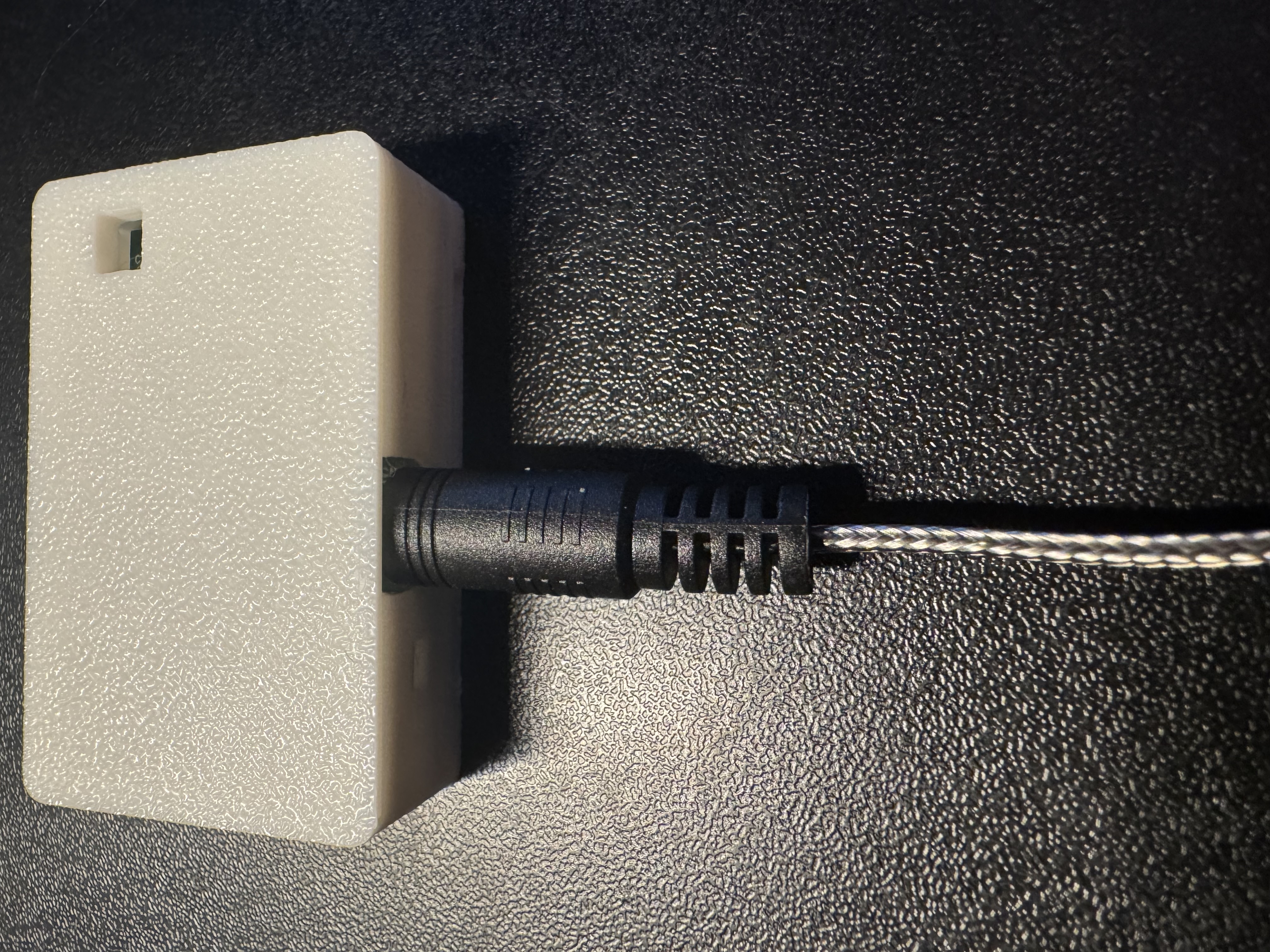
2. Once inserted, press the reset button or unplug and replug your TEMP-1 so it detects the food probe (see the tip below), then continue to step 3.
If you have it plugged into power you need to push the reset button.
The TEMP-1 looks for the food probe when it boots and if it is not there then the sensor is marked as failed and will not report a temperature. You need to click the reset button if you have it plugged in or power cycle your TEMP-1 to make it reliably use the new food temperature probe.
3. In the Homey app, open your TEMP-1's Settings and, under Probes and offsets for TEMP-1 and TEMP-1B, set Select probe to Food.
Do not leave your sensor outside or let it get wet!
The TEMP-1 should not be left outside for long periods of time or allowed to get wet. You will need to use another case around your TEMP-1 if there will be high moisture content in the air or if it is expected to rain.