Add the gang box mounts to your R PRO-1
The gang box mounts let your Apollo R PRO-1 sit inside a 1-gang box on your wall, behind a blank faceplate. First you fit the two mounts onto the R PRO-1's board, then you install it in the box.
Before you start
You need:
- The two gang box mount pieces: one labeled "TOP" and one bottom mount.
- A 1-gang box that's already attached to your wall.
- A blank faceplate and its screws.
Attach the mounts
Fit both mounts onto the board so the R PRO-1 is ready to go into the gang box.
1. Unplug your R PRO-1 from power and remove the back.
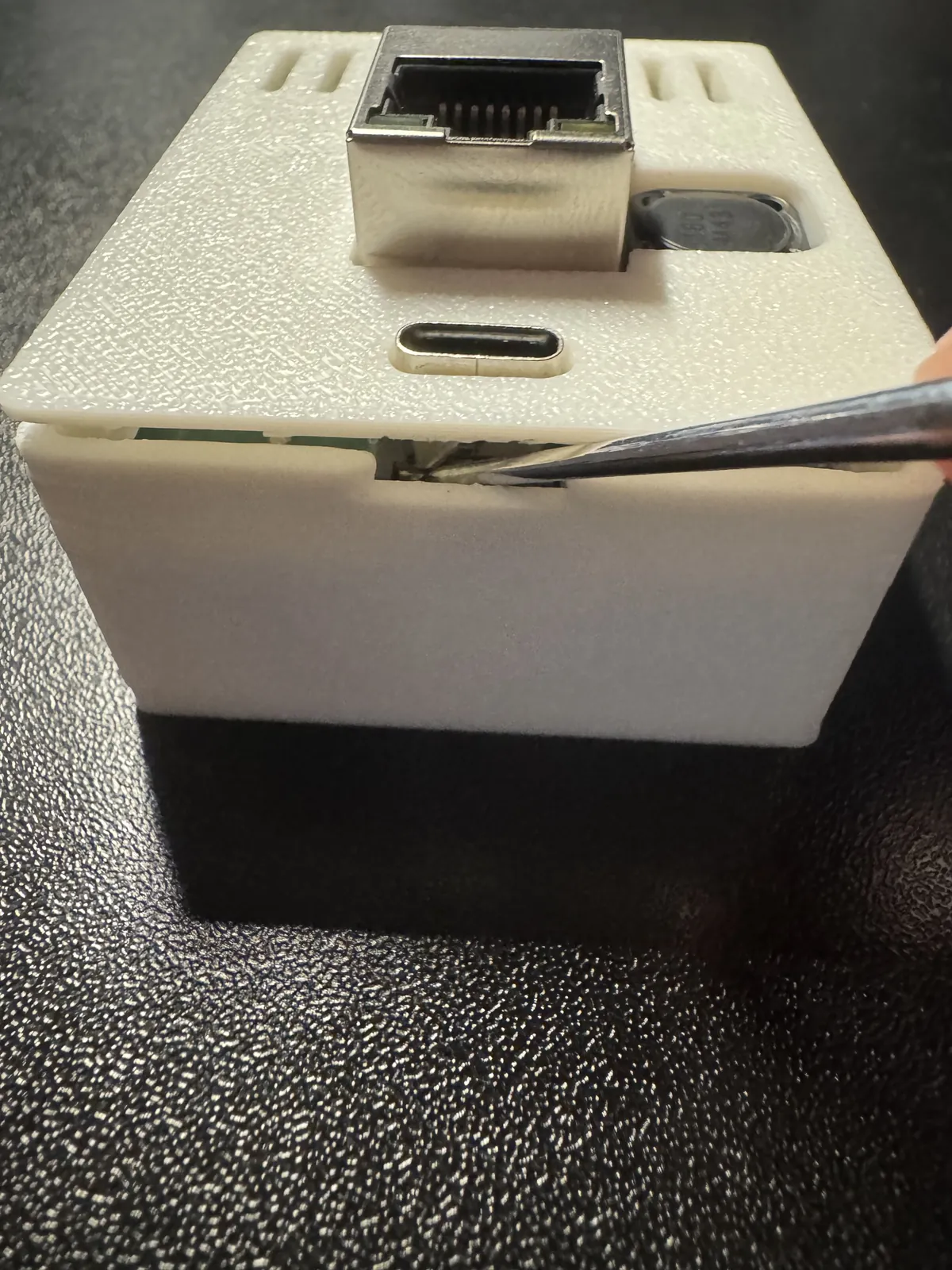
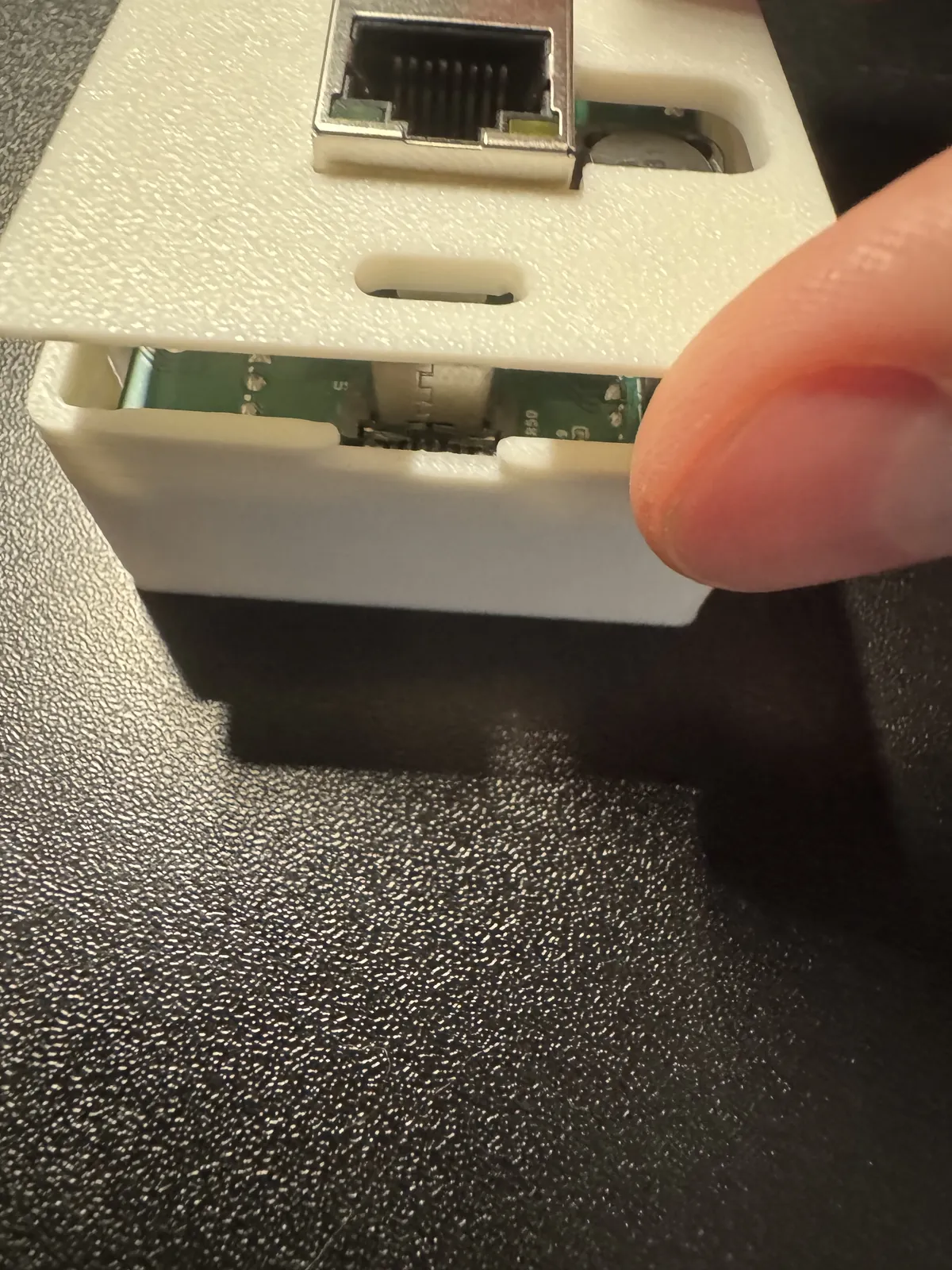
2. Gently lift the board (PCB) out of the case and set it face up with the USB-C port facing down.
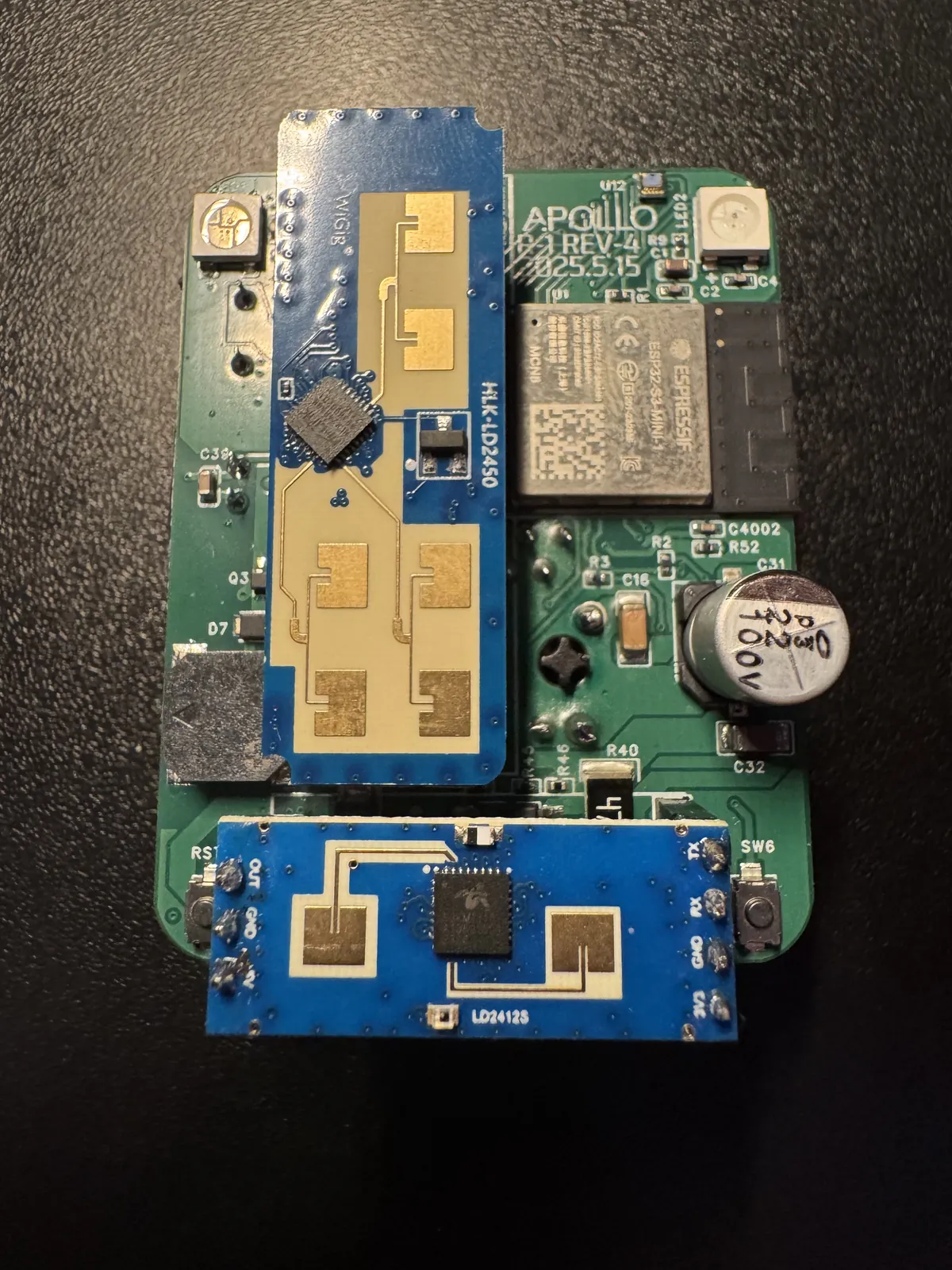
3. Take the two gang box mount pieces and find the one labeled "TOP". The other piece is the bottom mount.
Check the orientation before you slide the mounts on
Make sure each mount is oriented exactly as shown in the images below. If the mounts aren't put on properly, the R PRO-1 could be damaged.
4. Gently push the mount labeled "TOP" onto the top edge of the board, as shown below. Make sure its orientation is identical to the image.
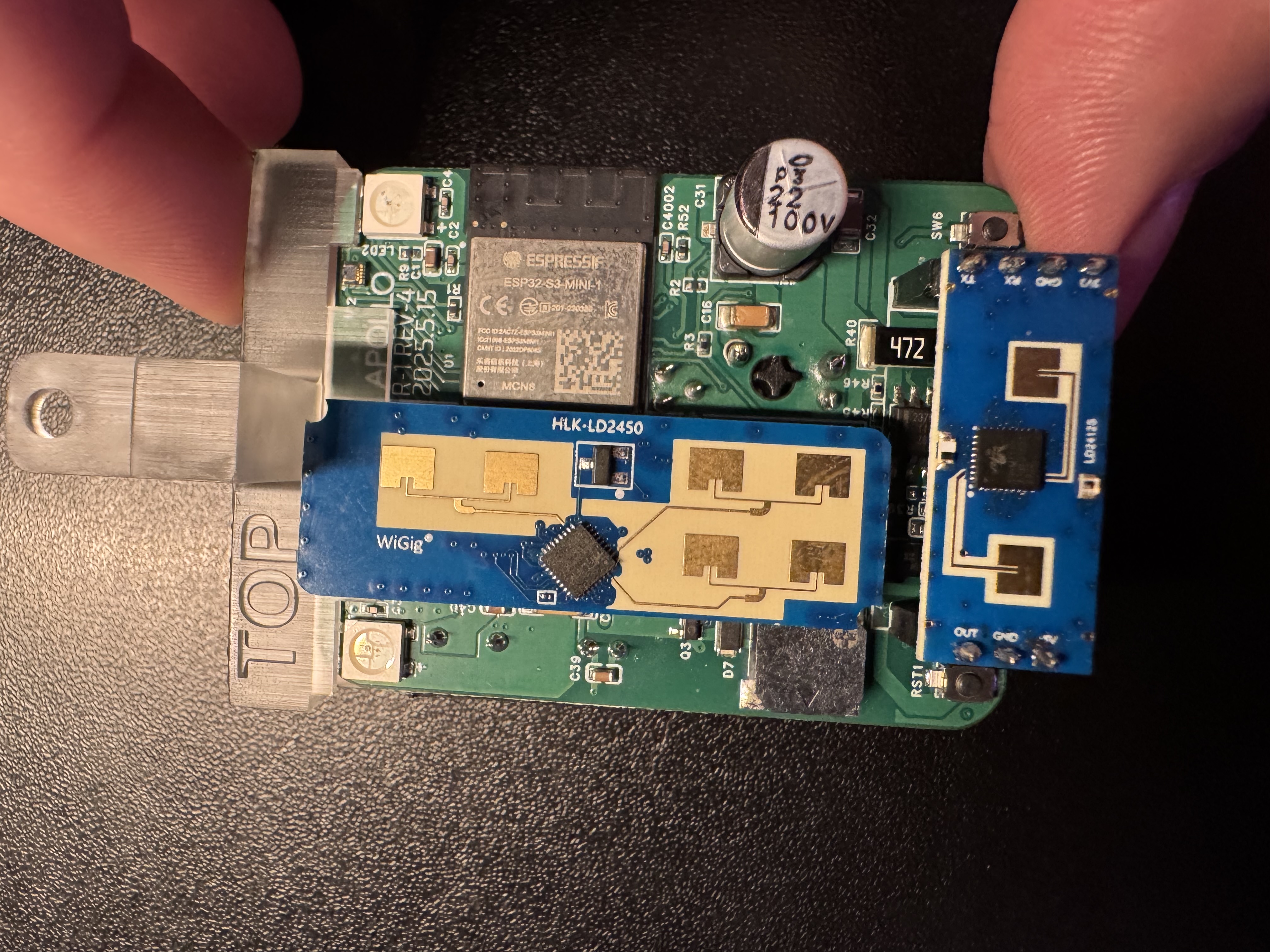
5. Gently push the bottom mount onto the bottom edge of the board, below the LD2412, as shown below. Make sure its orientation is identical to the image.
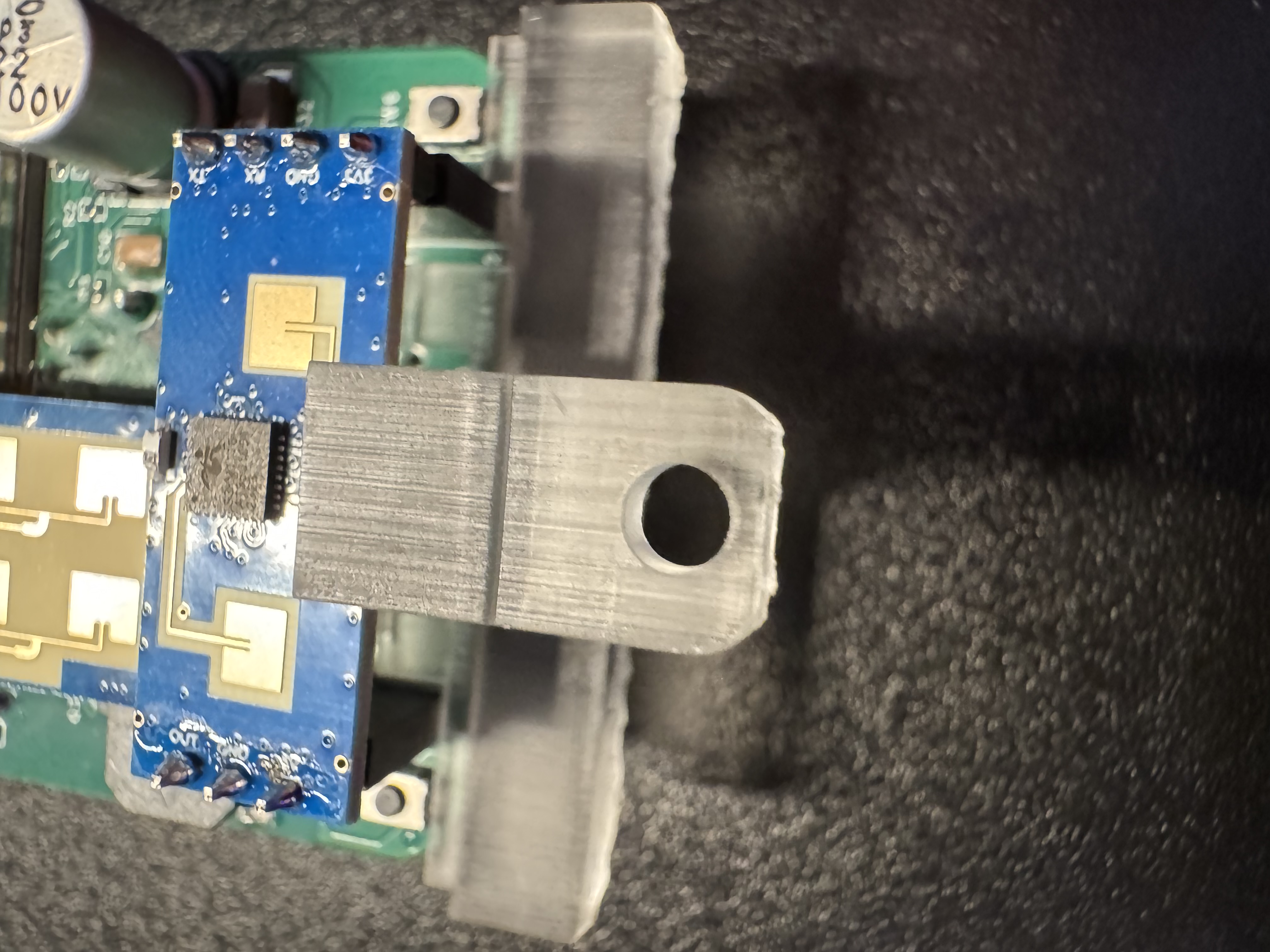
6. Compare your board with the image below. It should look identical.
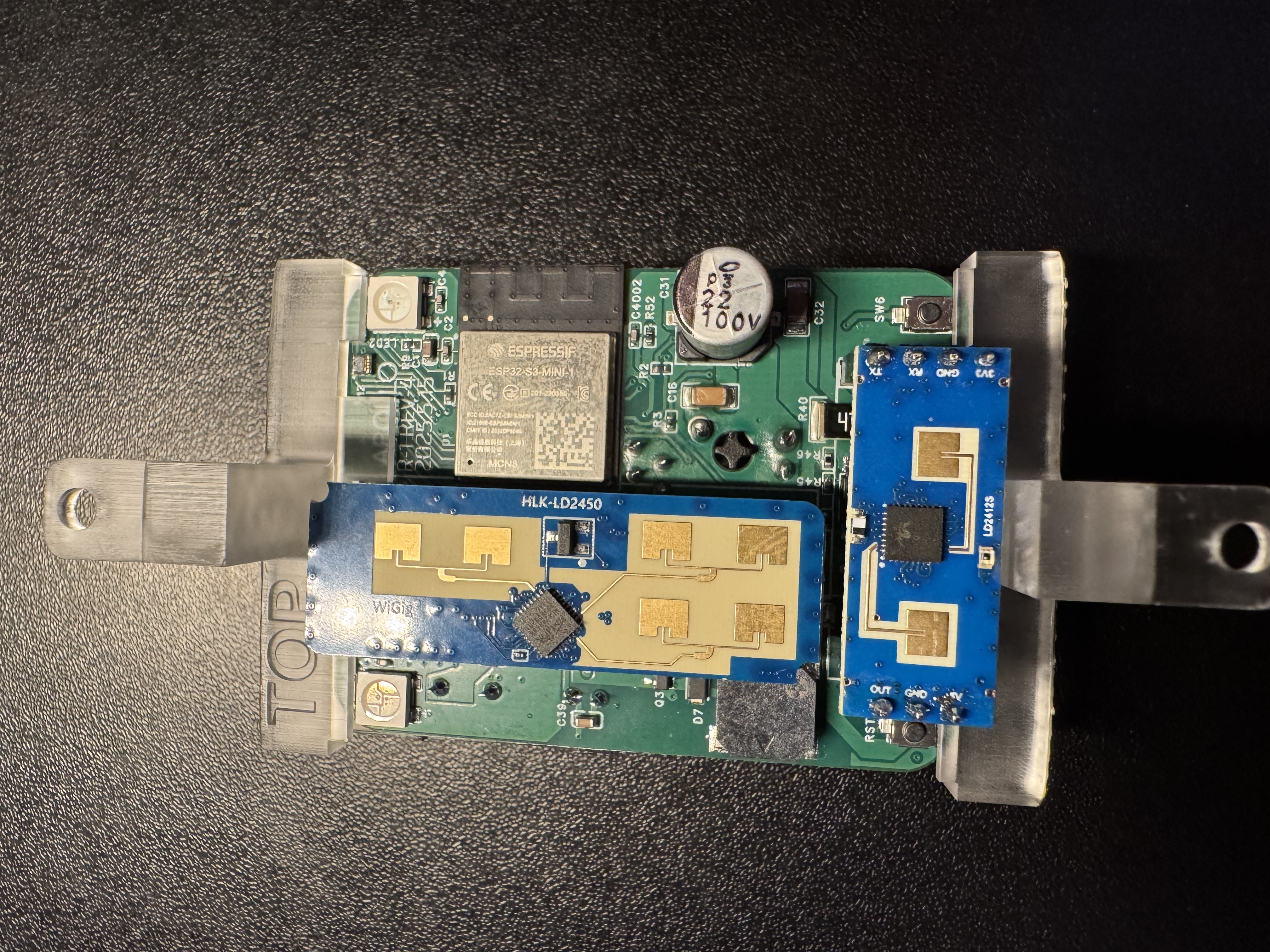
Both mounts are on, and your R PRO-1 is ready to install inside a 1-gang box.
Install in a 1-gang box
Now set the R PRO-1 into the box on your wall and cover it with the blank faceplate.
1. Set the R PRO-1 into your 1-gang box (yours will be attached to the wall already) and line up the holes in its mounts with the holes in the box.
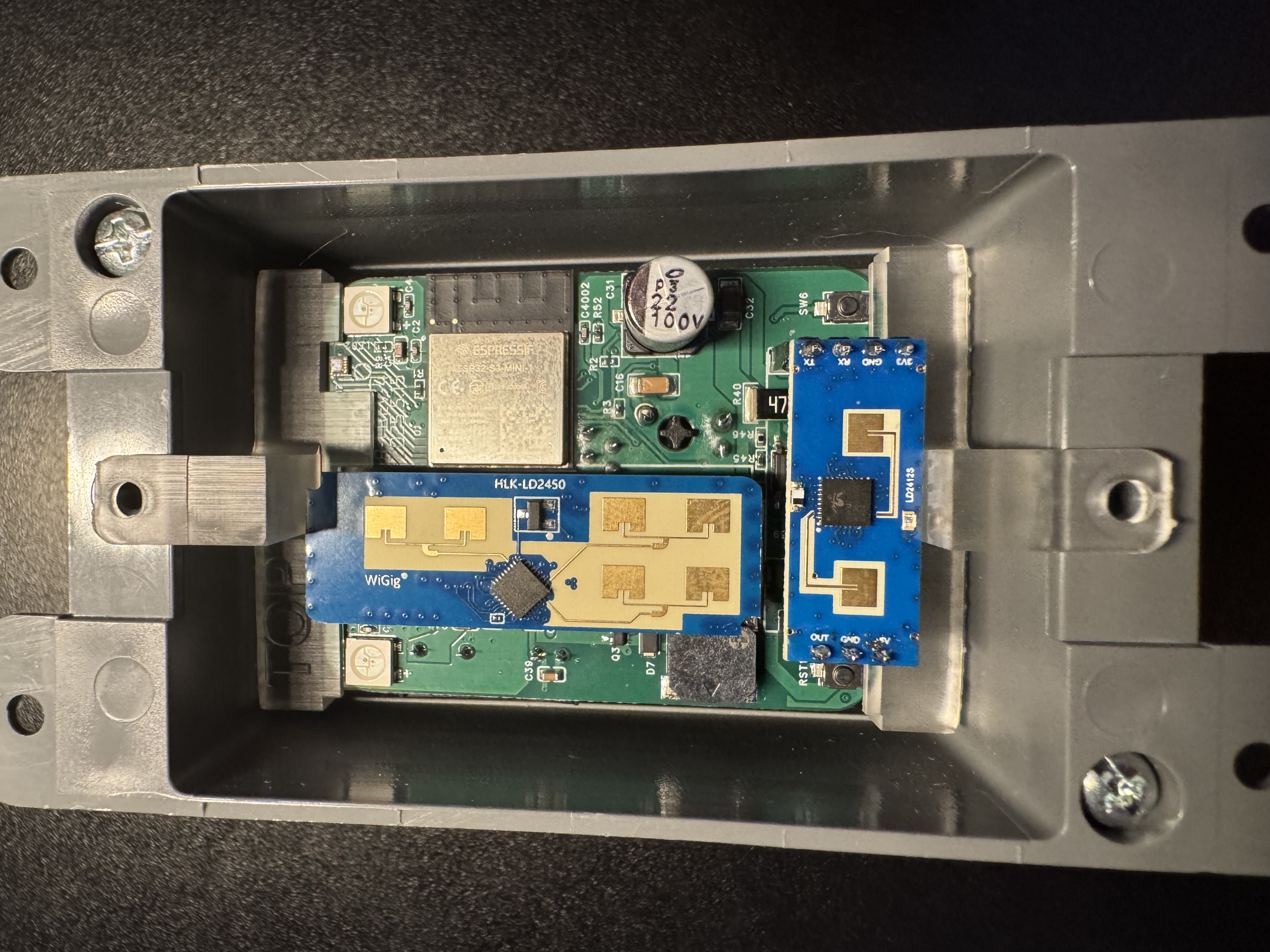
2. Put the screws through the blank faceplate and gently place it over the R PRO-1's mounting holes.
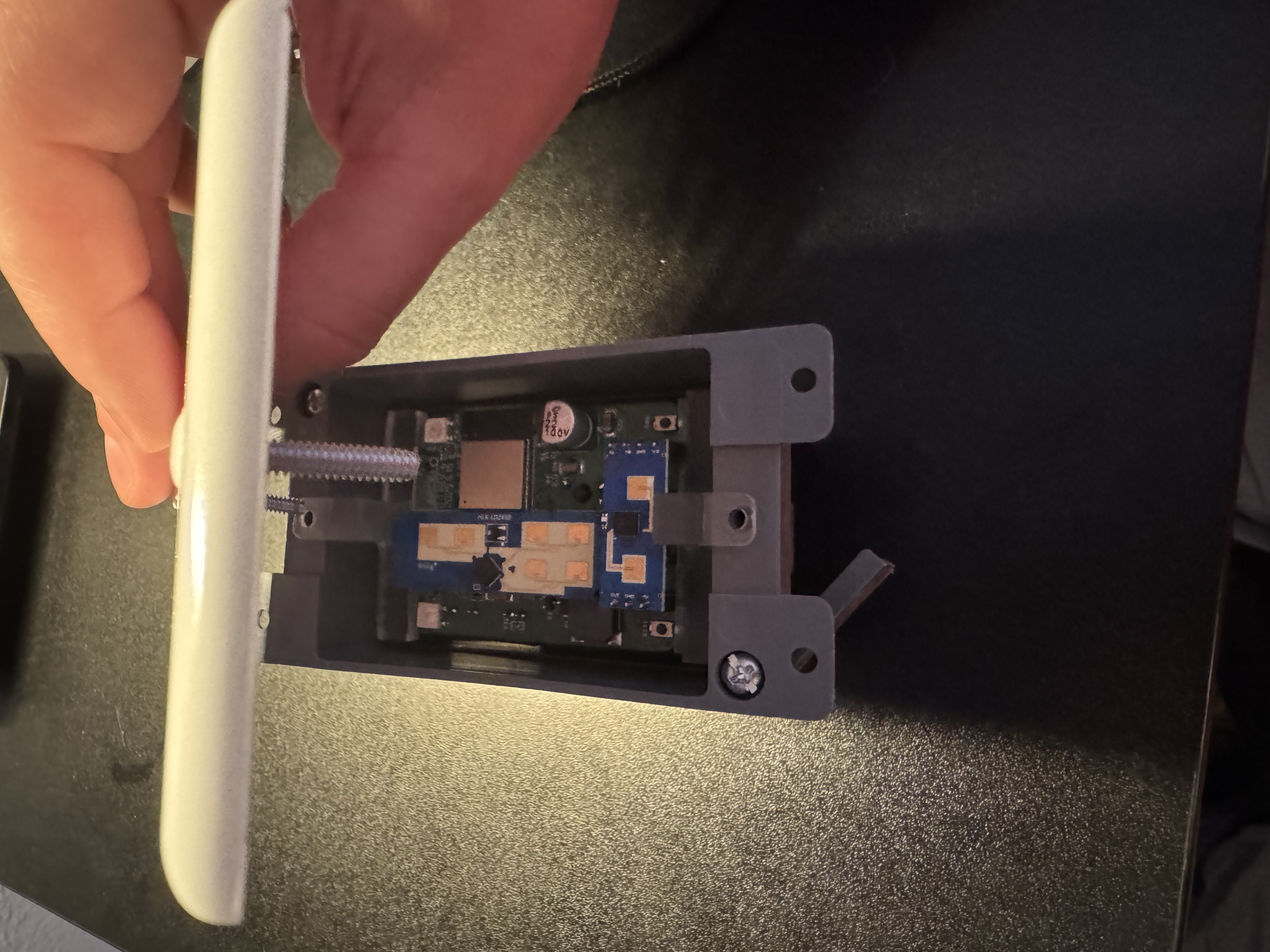
3. Screw in the screws slowly so you don't break the mounts or the blank faceplate.
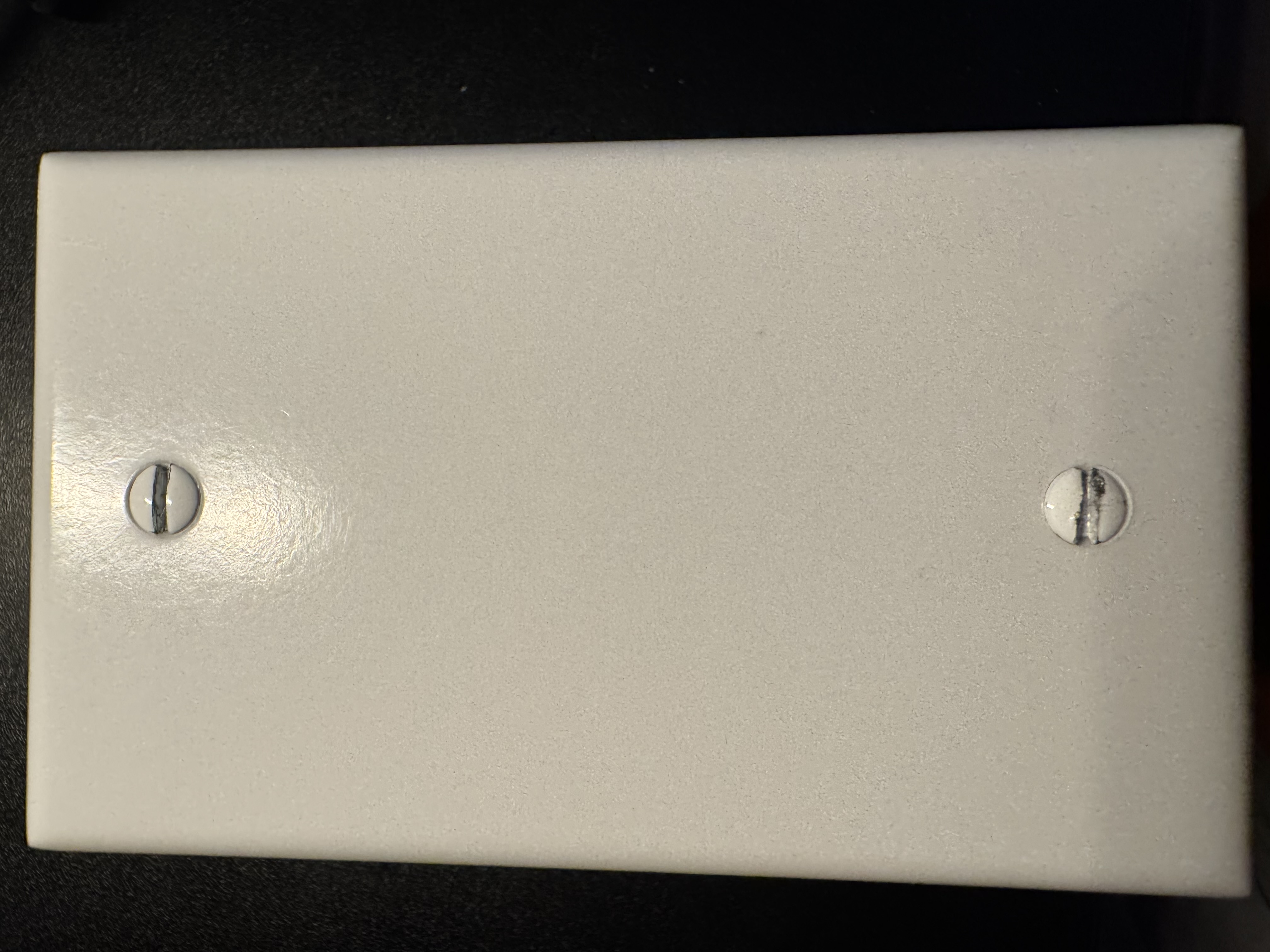
Your R PRO-1 is now installed in the 1-gang box and should look like the image above.