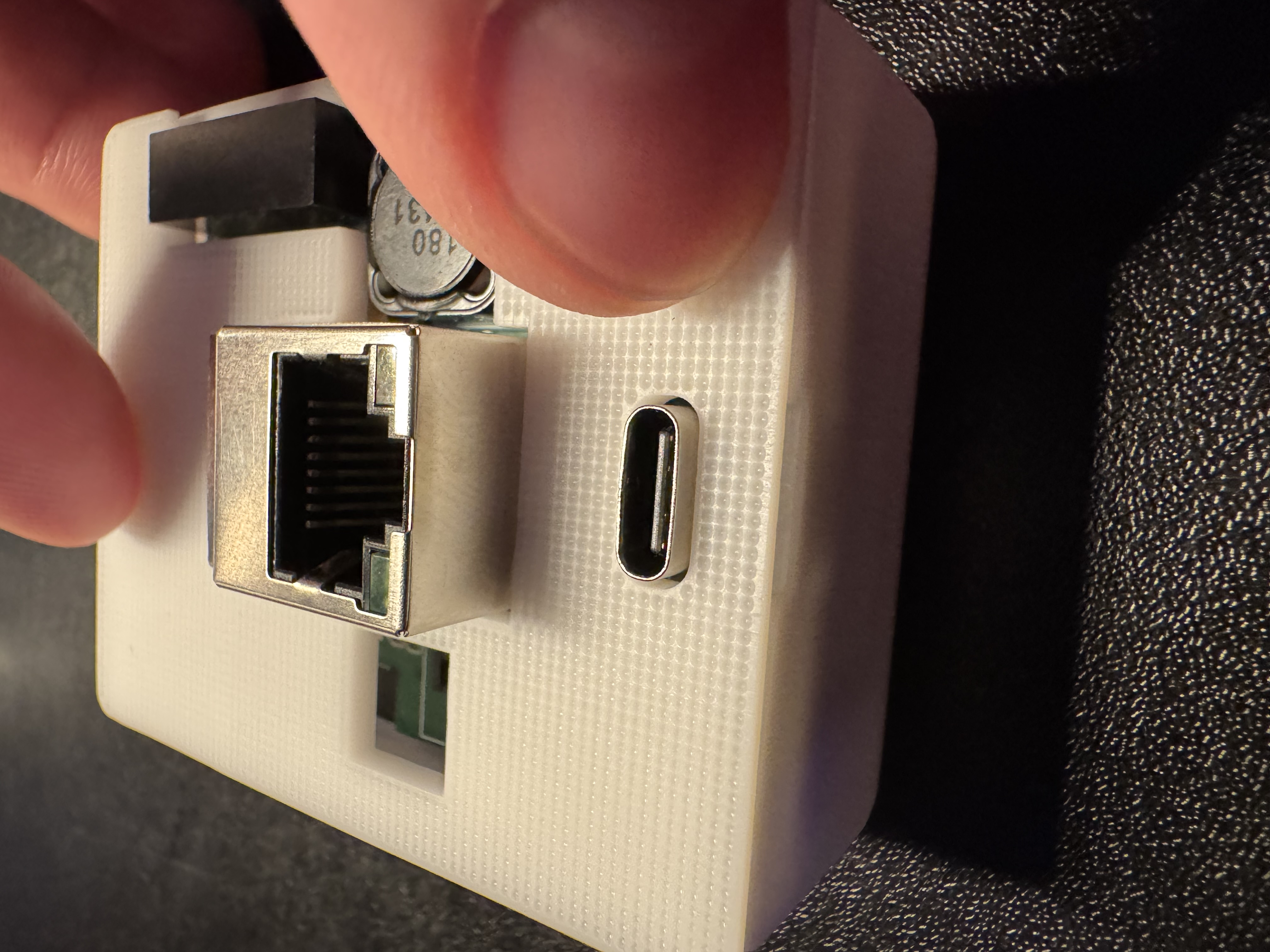
Install the LD2412 in R PRO-1

Check out the gif above or step by step directions below!
The gif above shows all the steps needed to take apart and add your LD2412 to the R PRO-1 or you can follow the step by step tutorial with images below!
1. Unplug your R PRO-1 from power and remove the back.
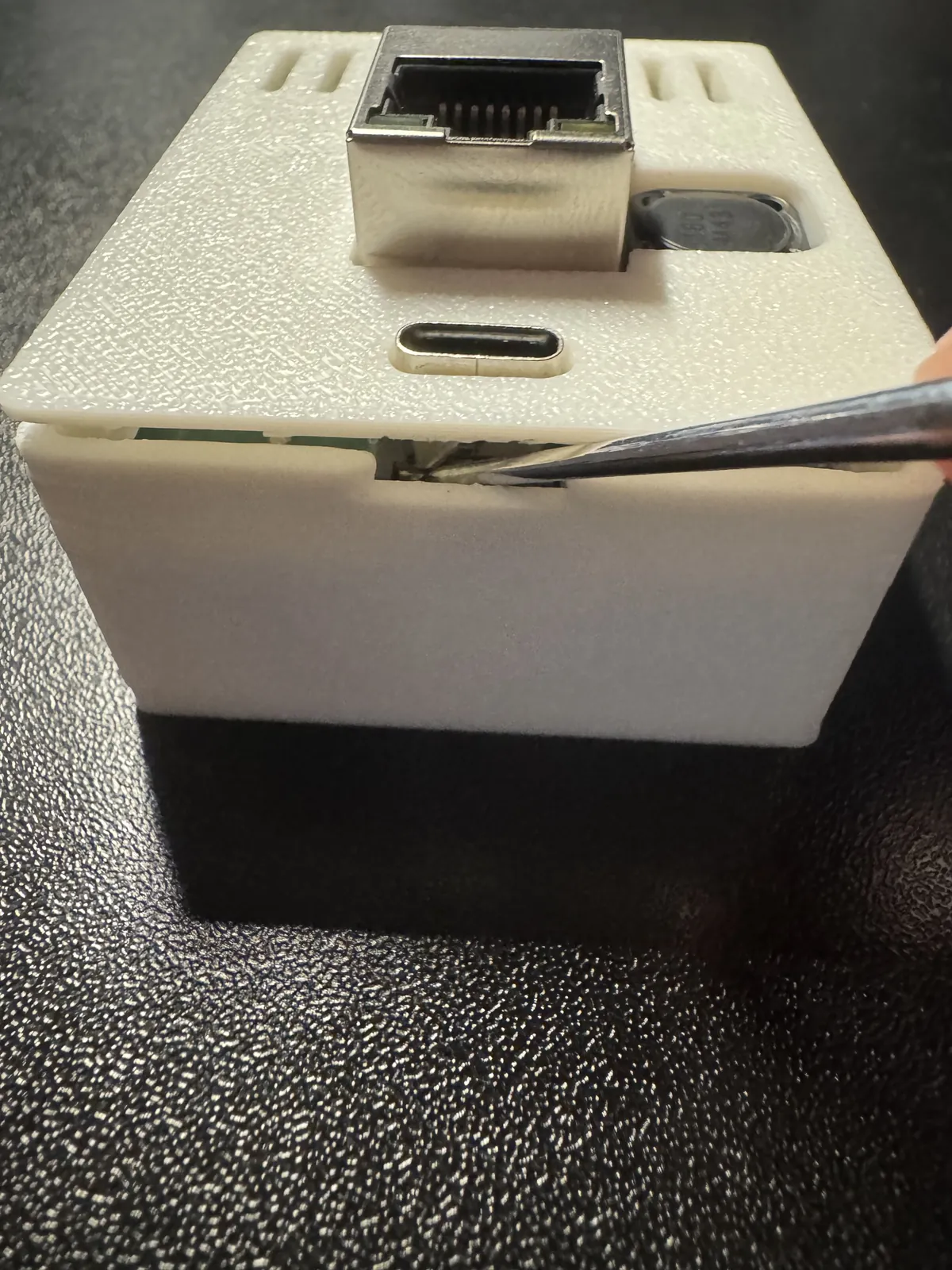
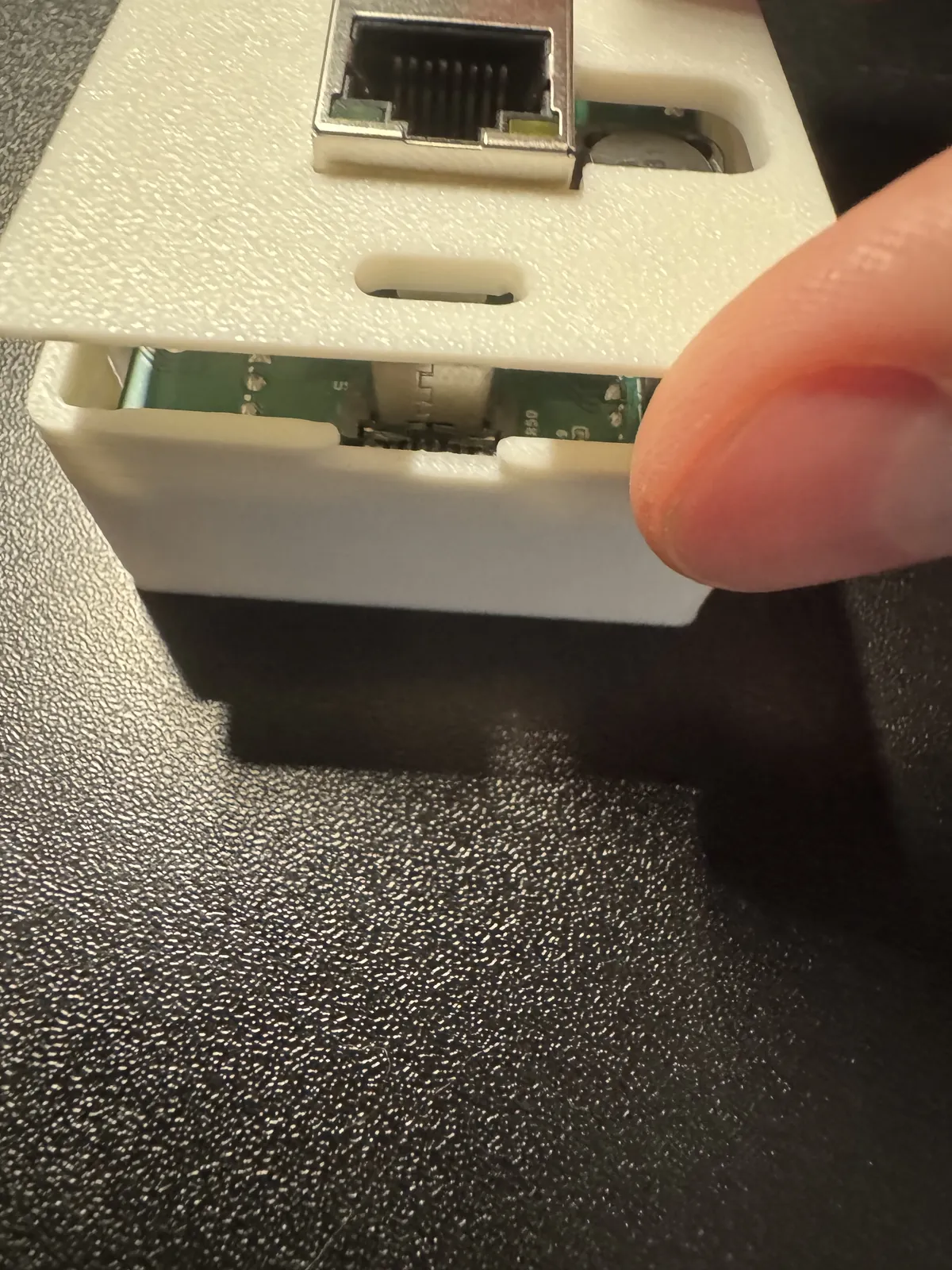
2. Gently remove the PCB from the case and flip it over.
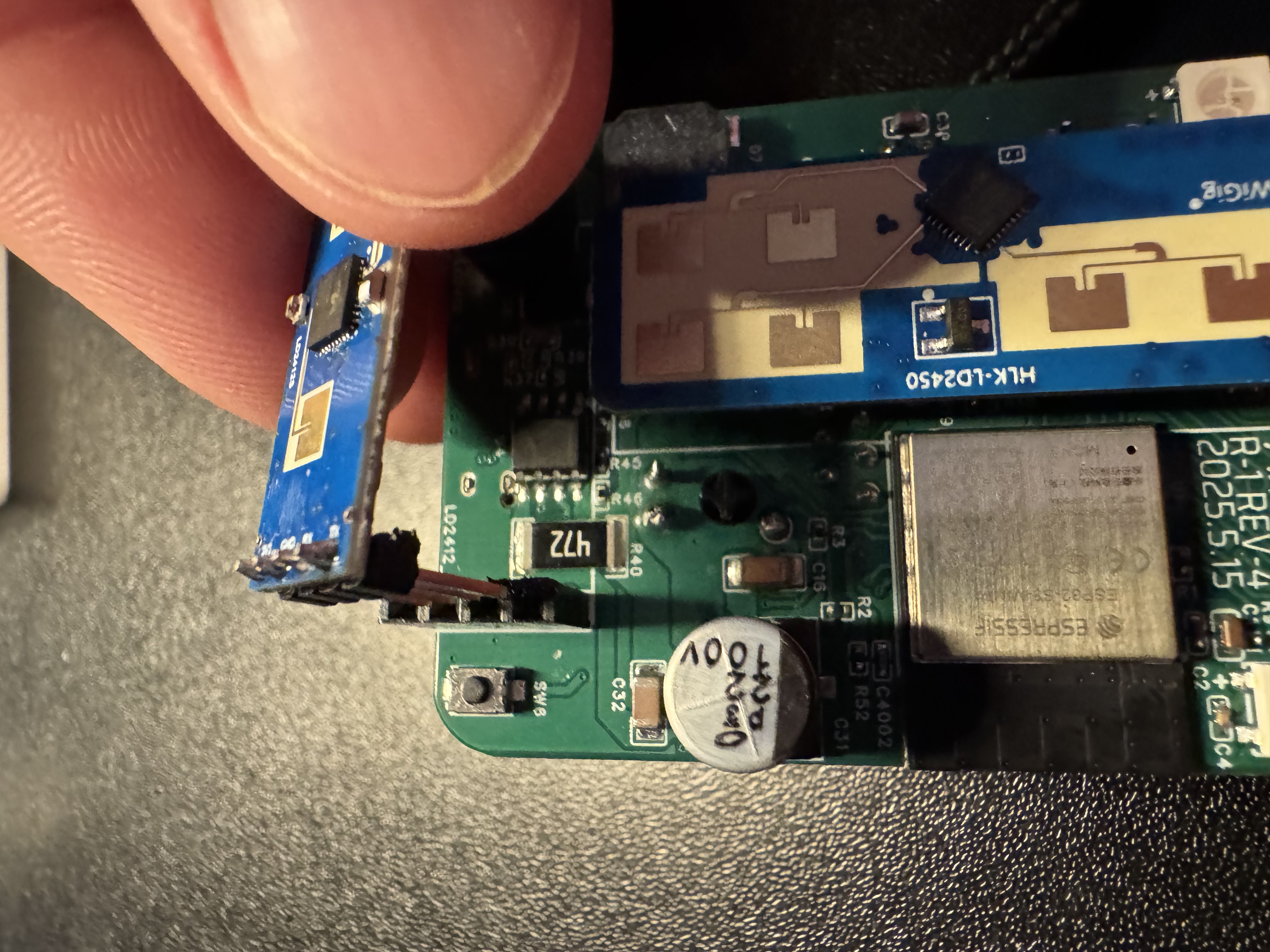
3. Place the LD2412 on the 4 and 3 pin headers (only fits one way).
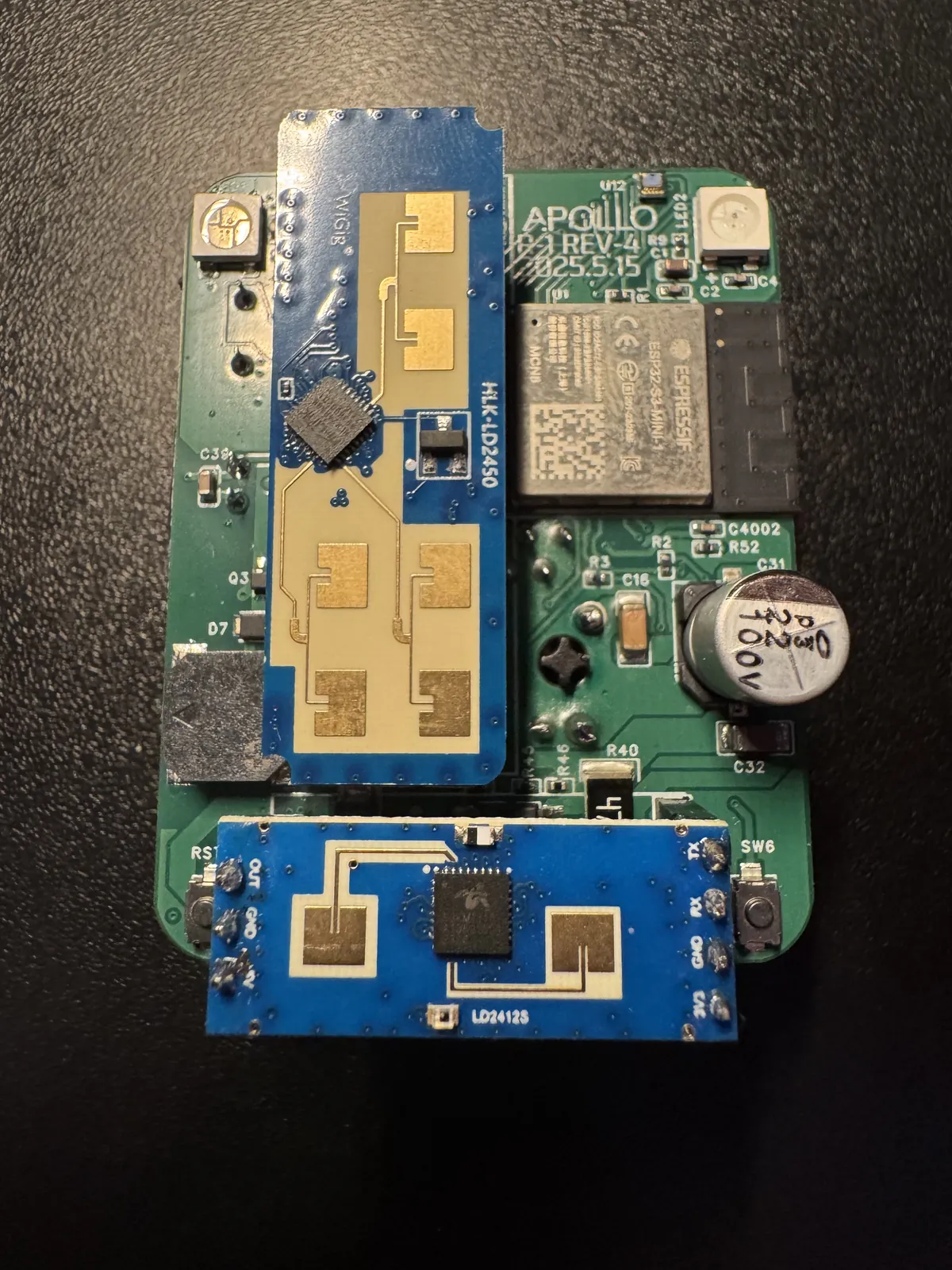
4. Place back into the case with the ethernet module facing up and the USB-C port facing you.
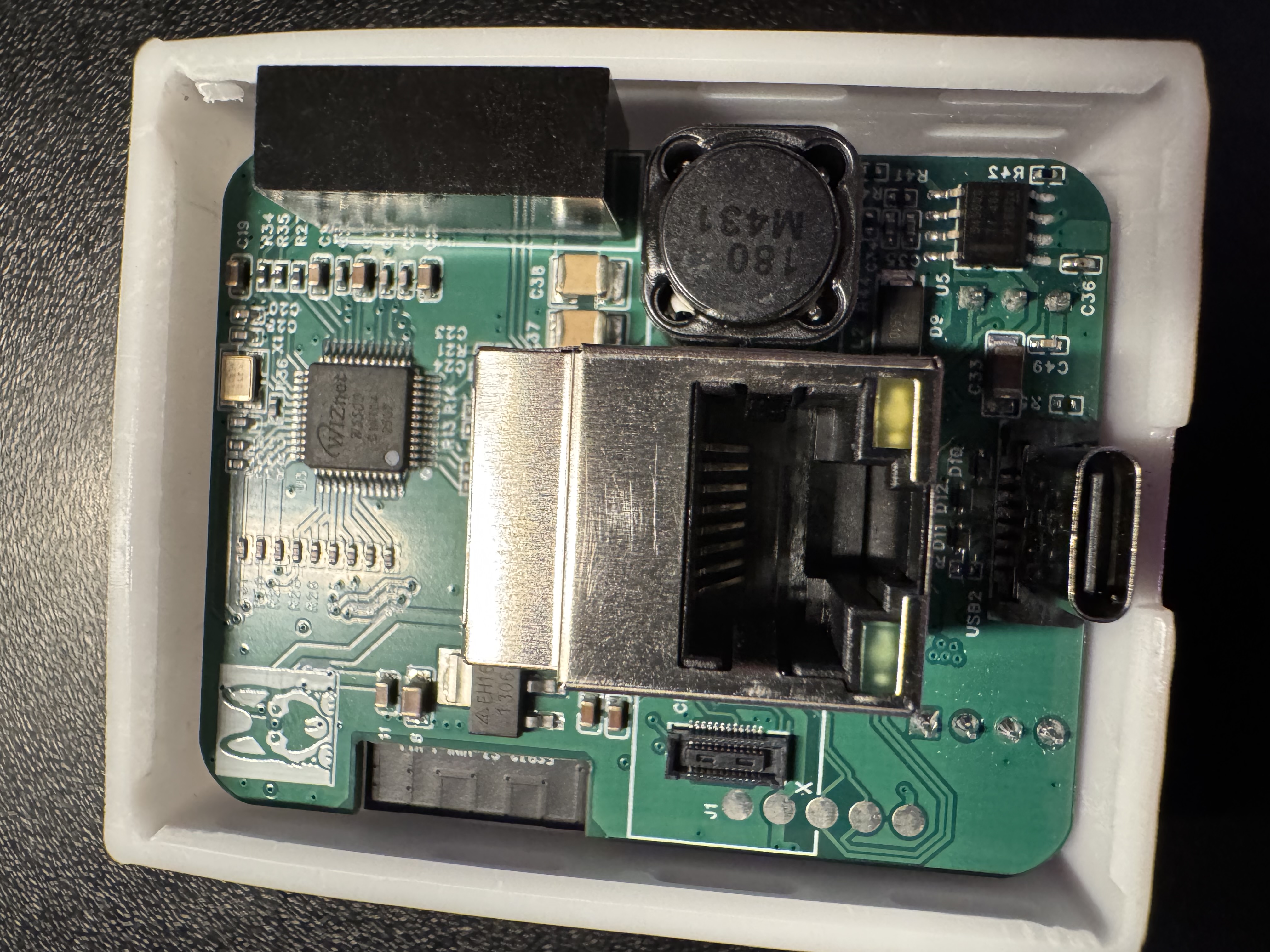
5. Snap the lid back into place!