Removing Device From Home Assistant
ESPHome app
This will cover how to remove an Apollo device from Home Assistant
Skip this step unless you took control of your device with the ESPHome Device Builder app!
This step is only necessary for advanced users who added the device to the ESPHome device builder to edit the yaml and customize the device. Please skip to the next step if you are only using the ESPHome or Apollo Automation integration!
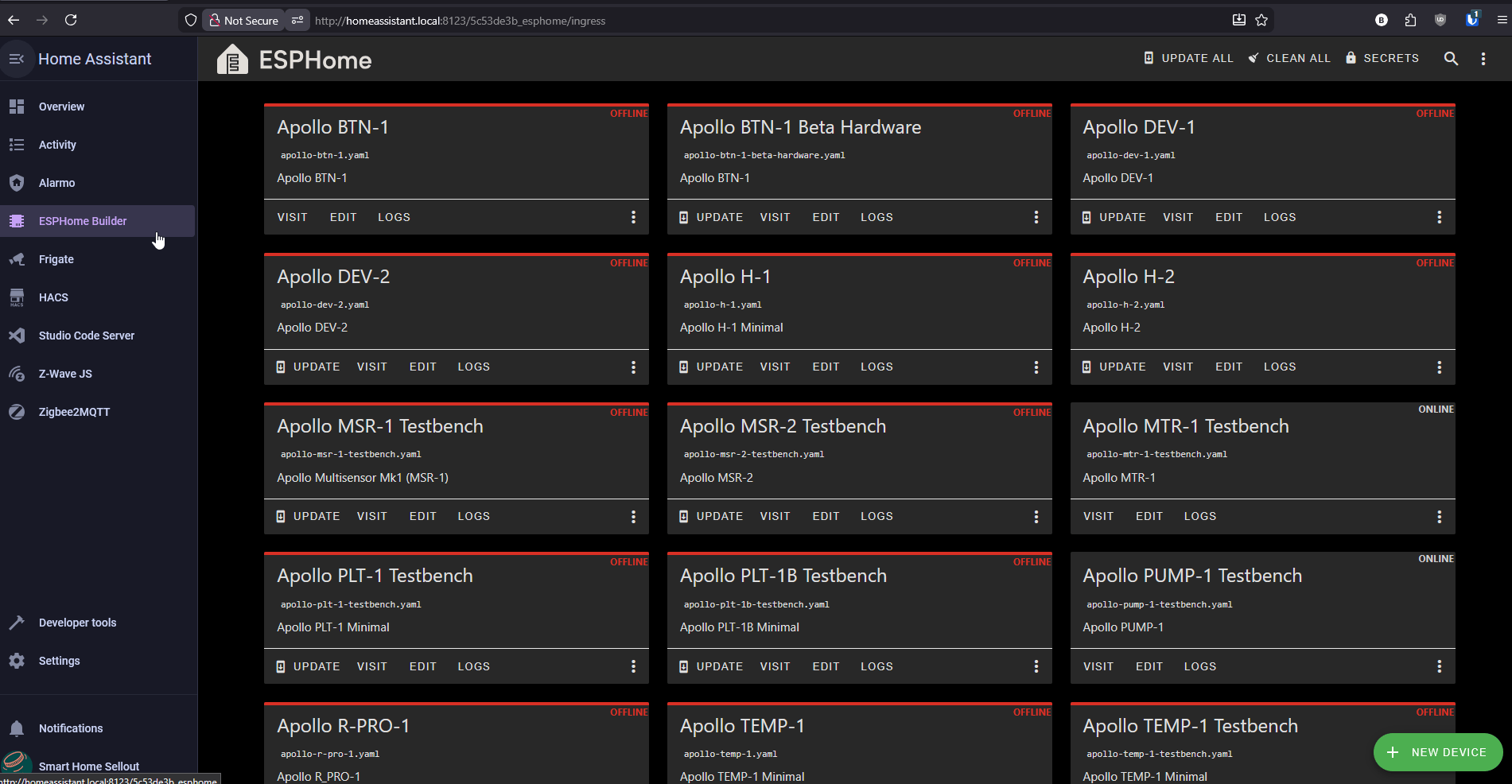
1. Navigate to Home Assistant and open your ESPHome Device Builder app.
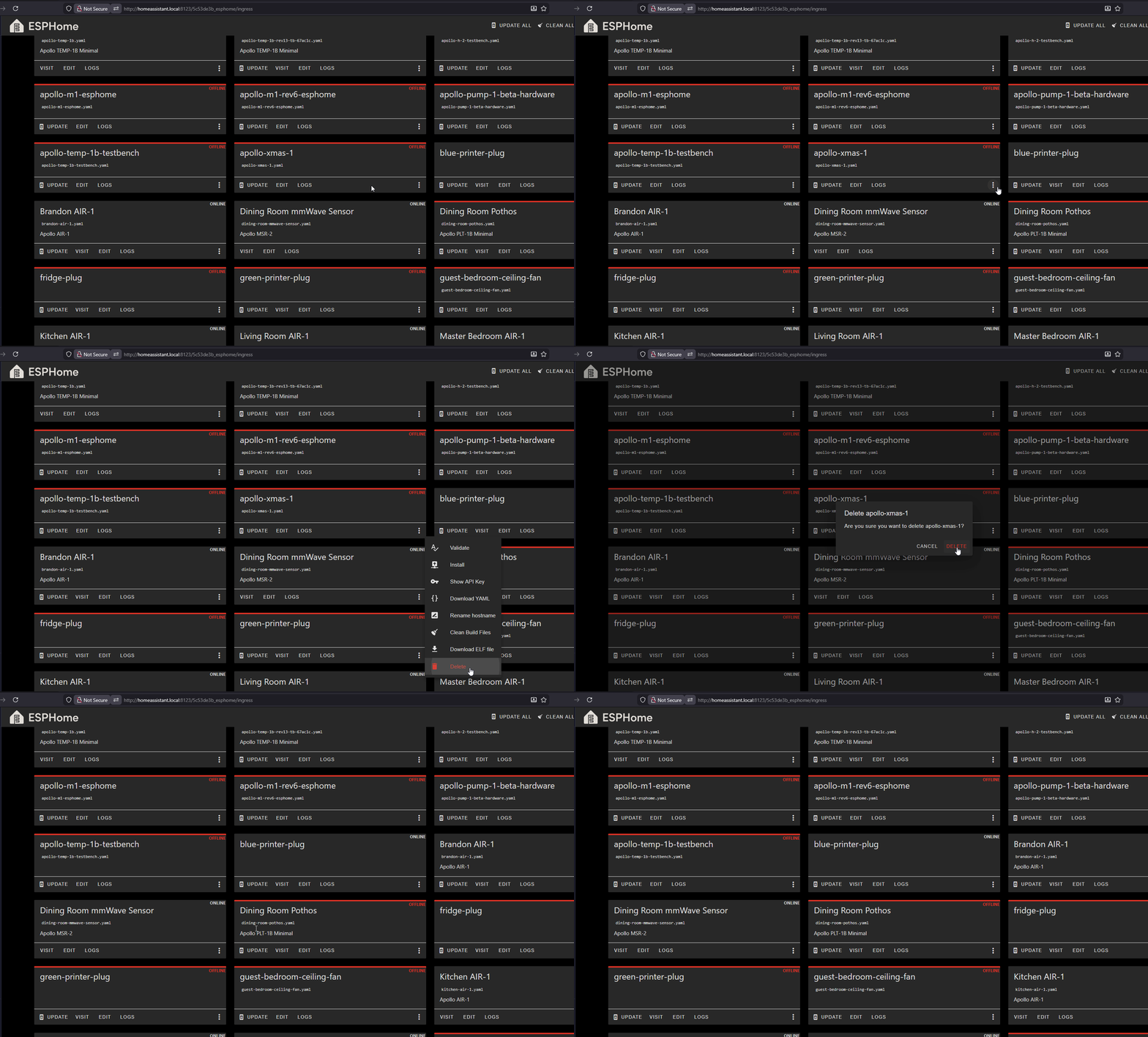
2. On the device you would like to remove, click the three dots and select "Delete" then click Delete to confirm.
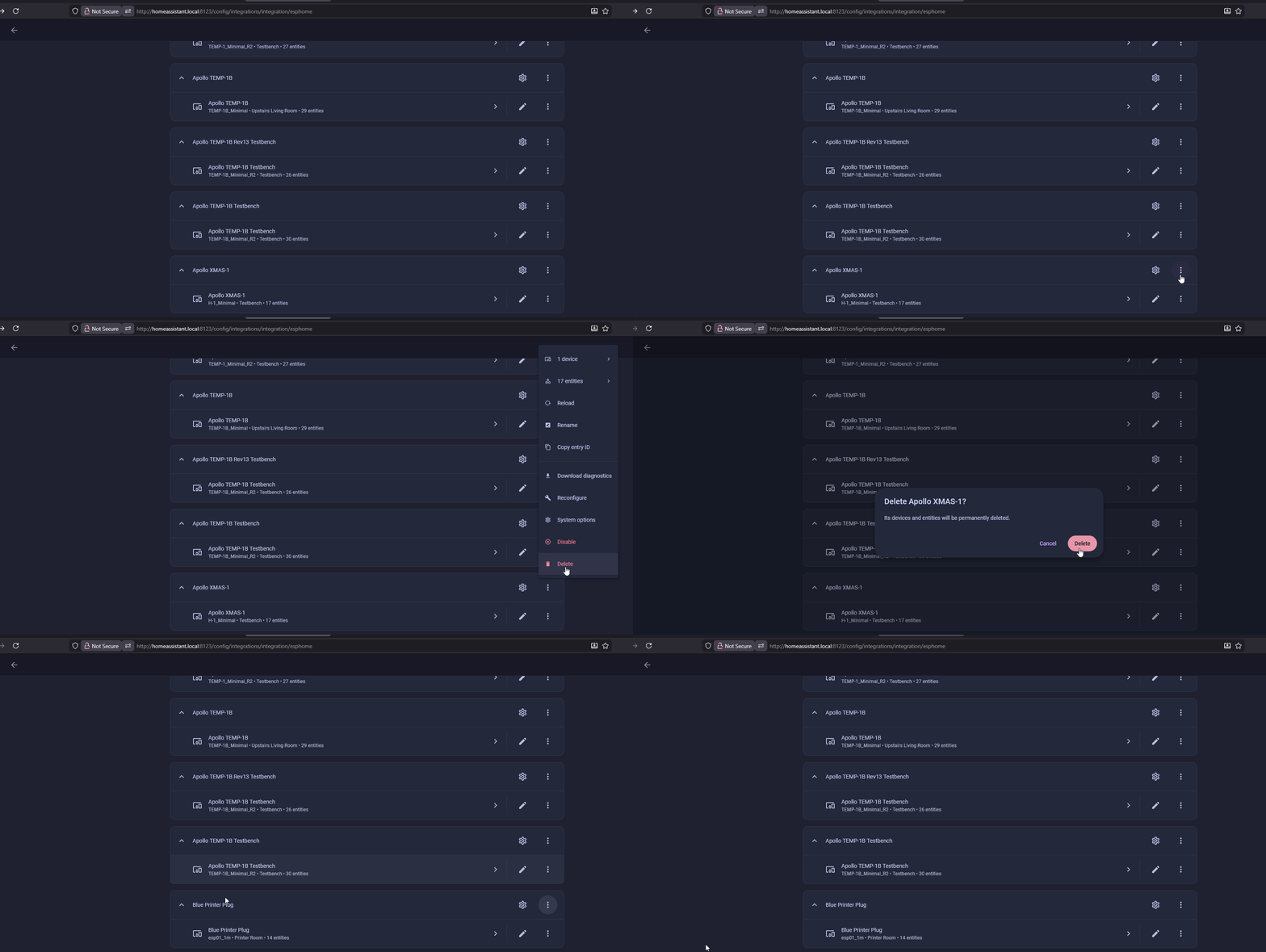
ESPHome Integration
1. Head to the ESPHome Integrations page. Next to the device you would like to remove, click the three dots and then "Delete".