MSR-1 Home Assistant dashboard examples
Each example below is a Home Assistant dashboard card for your Apollo MSR-1, with a screenshot of the result and the YAML that builds it. To use one, install any custom card it needs from HACS (its section has a button), then add a card to your dashboard and paste in the YAML.
Change the entity IDs to your own
The YAML uses the entity IDs of the MSR-1s these examples were built on. Before you save a card, replace the a79e14 or a79e38 part of each entity ID with your own MSR-1's ID, or the card won't find your sensor. You'll find your MSR-1's entities on its device page under Settings → Devices & services → ESPHome.
Radar scatter plot
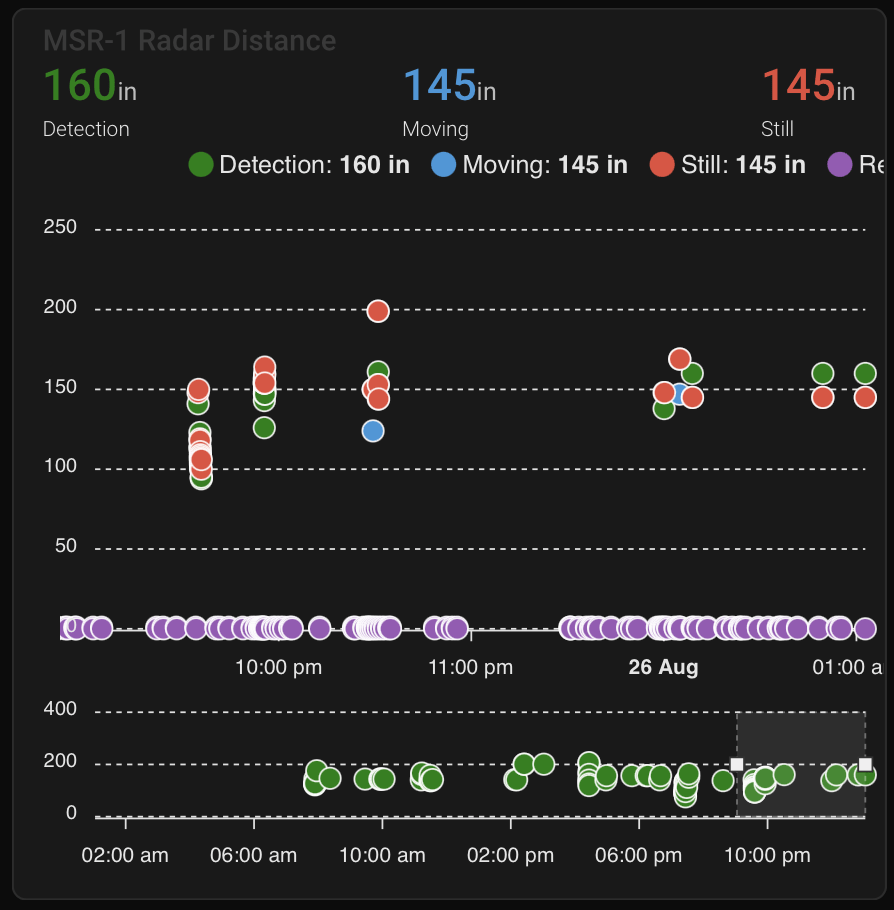
This ApexCharts card plots your MSR-1's radar detection, moving, and still distances as a scatter plot. The card installs from HACS, so add it there first:

type: custom:apexcharts-card
header:
  show: true
  title: MSR-1 Radar Distance
  show_states: true
  colorize_states: true
apex_config:
  legend:
    position: top
    horizontalAlign: center
    offsetX: -80
    offsetY: 0
experimental:
  brush: true
brush:
  selection_span: 4h
graph_span: 24hr
chart_type: scatter
series:
  - entity: sensor.apollo_msr_1_a79e14_radar_detection_distance
    name: Detection
    stroke_width: 1
    color: green
    show:
      in_brush: true
      extremas: true
  - entity: sensor.apollo_msr_1_a79e14_radar_moving_distance
    name: Moving
    stroke_width: 1
  - entity: sensor.apollo_msr_1_a79e14_radar_still_distance
    name: Still
    stroke_width: 1
CO2 charts
These cards chart readings from the MSR-1's optional CO2 sensor. If you haven't fitted it yet, see Adding CO2 to MSR-1.
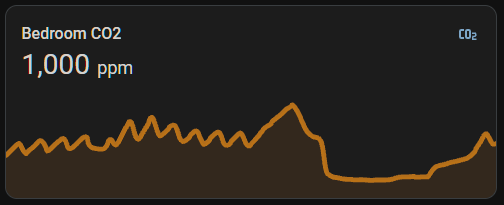
Home Assistant sensor card
This card is built into Home Assistant, so there's nothing to install.
graph: line
type: sensor
entity: sensor.apollo_msr_1_a79e38_co2
detail: 2
name: Bedroom CO2
hours_to_show: 24
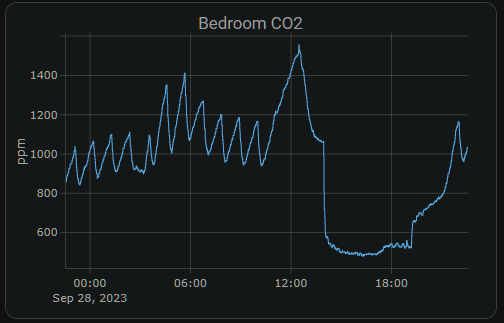
Plotly graph card (custom)
This card installs from HACS, so add it there first:
type: custom:plotly-graph
entities:
  - entity: sensor.apollo_msr_1_a79e38_co2
hours_to_show: 24
refresh_interval: 10
title: Bedroom CO2
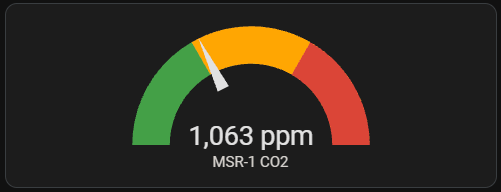
Home Assistant gauge card
This card is also built into Home Assistant. Its needle points into a green, yellow, or red range depending on the CO2 level.