TEMP-1 temp probe
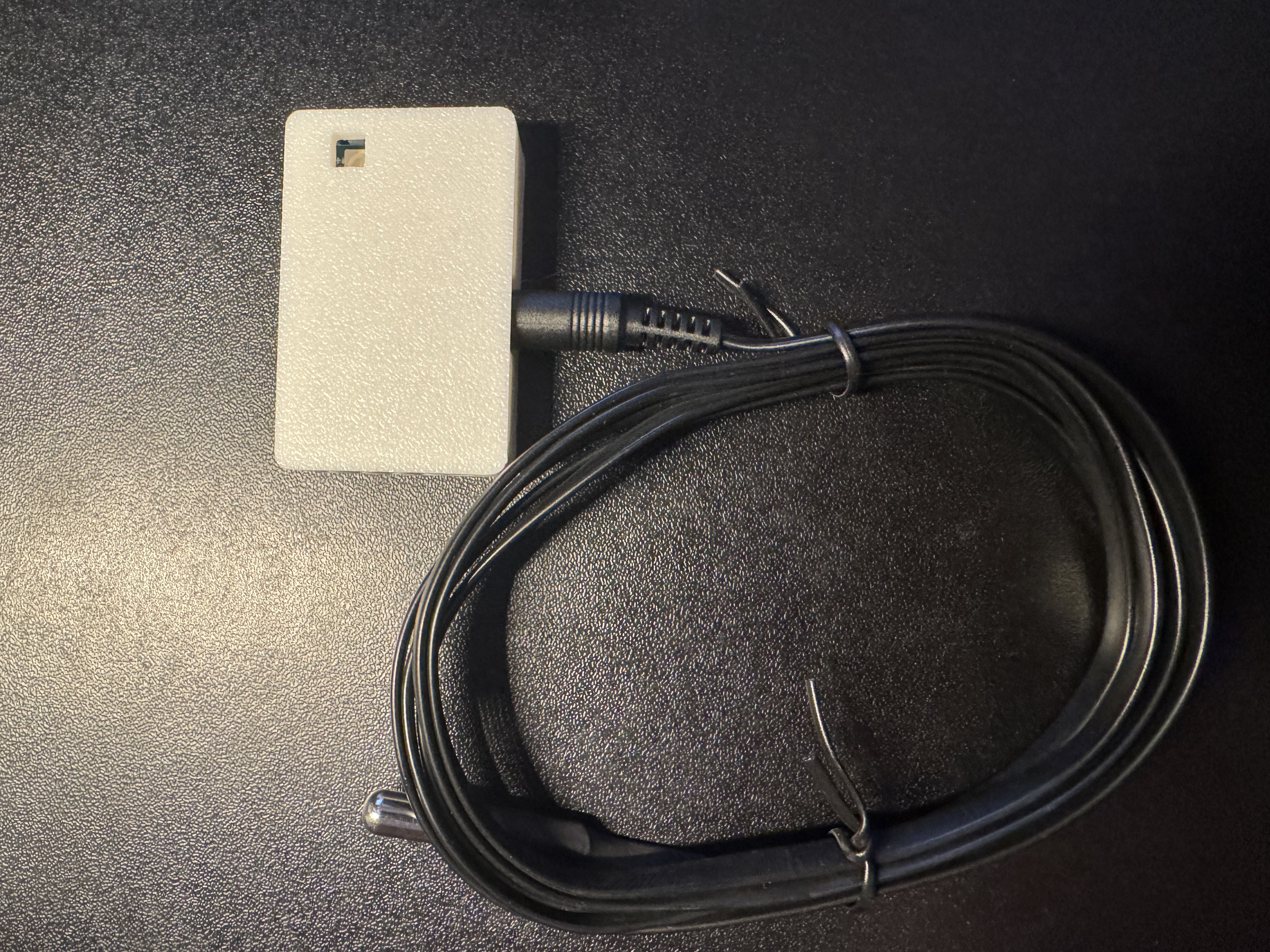
The TEMP-1 comes with an optional temp probe which can be used to monitor a fridge, freezer, fish tank, pool, hot tub, etc. It includes a protected cable but the TEMP-1 itself needs to stay in a cool environment.
1. To use your temp probe, take it out of the package and insert it into the 3.5mm port on your TEMP-1.
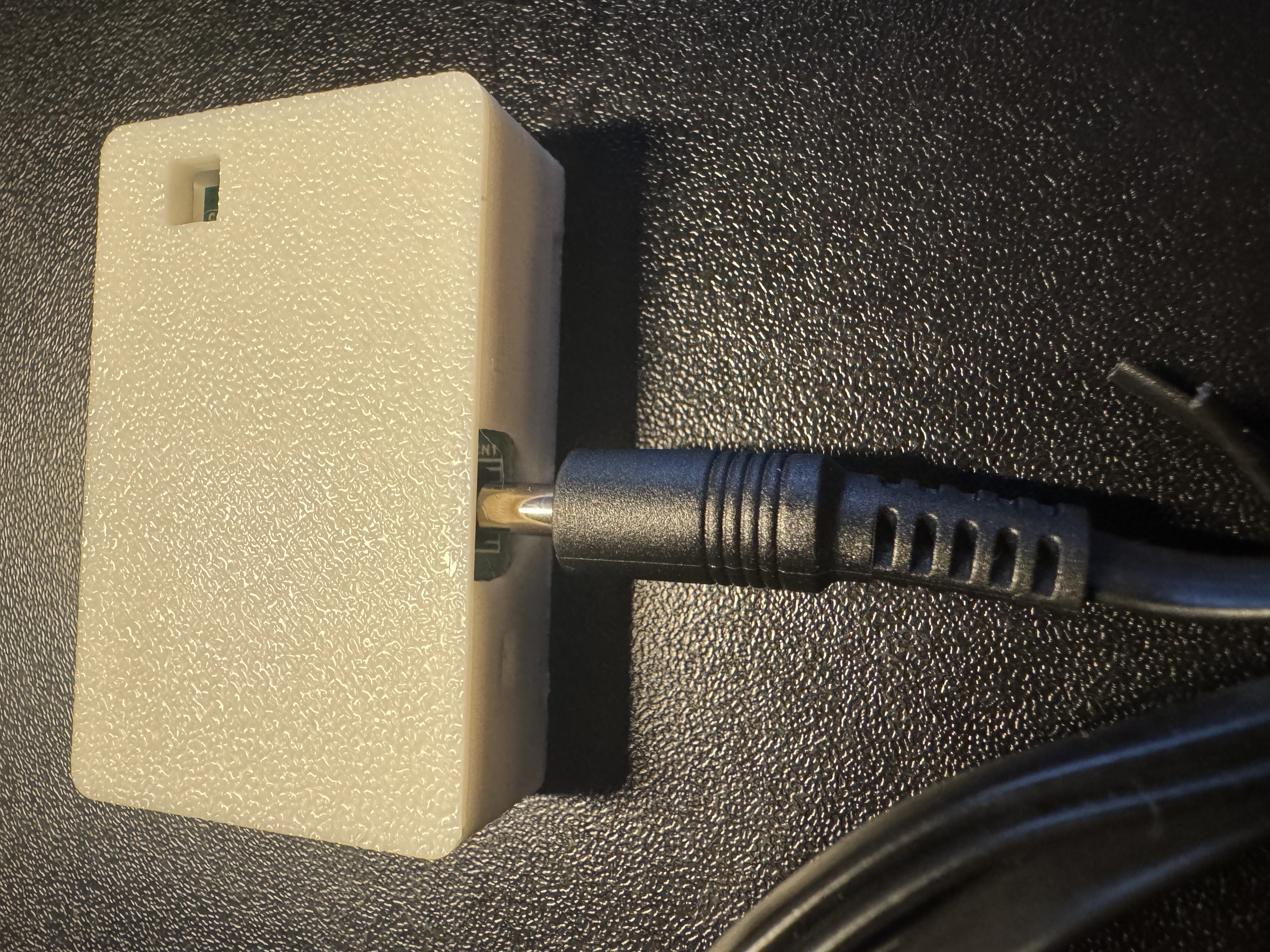
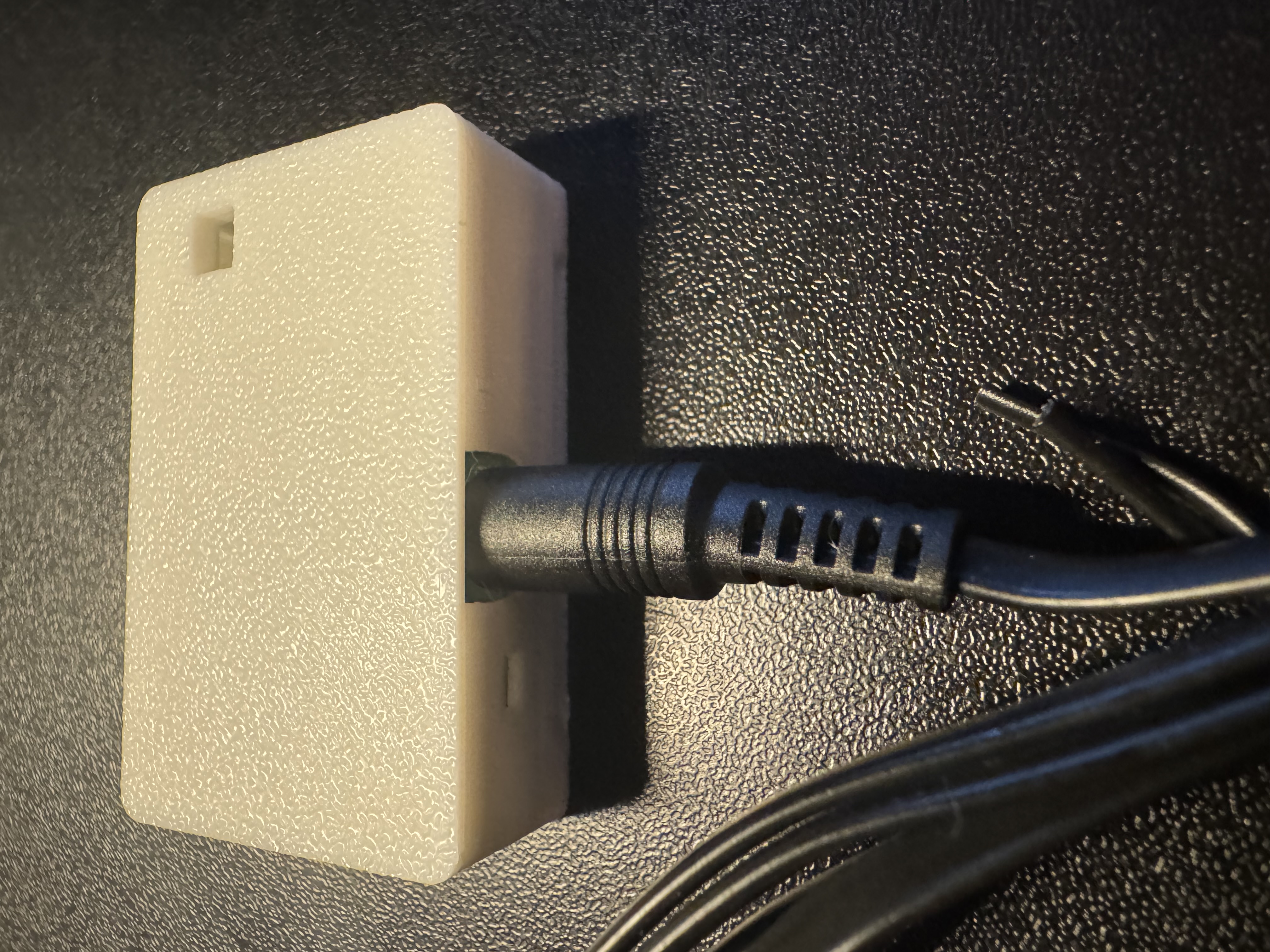
2. Once inserted, proceed to step 3.
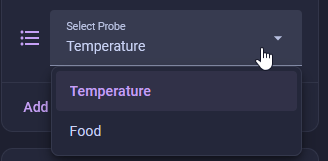
3. Go to the device page of your TEMP-1 in Home Assistant and choose the Temperature Probe.
Do not leave your sensor outside or let it get wet!
The TEMP-1 should not be left outside for long periods of time or allowed to get wet. You will need to use another case around your TEMP-1 if there will be high moisture content in the air or if it is expected to rain.
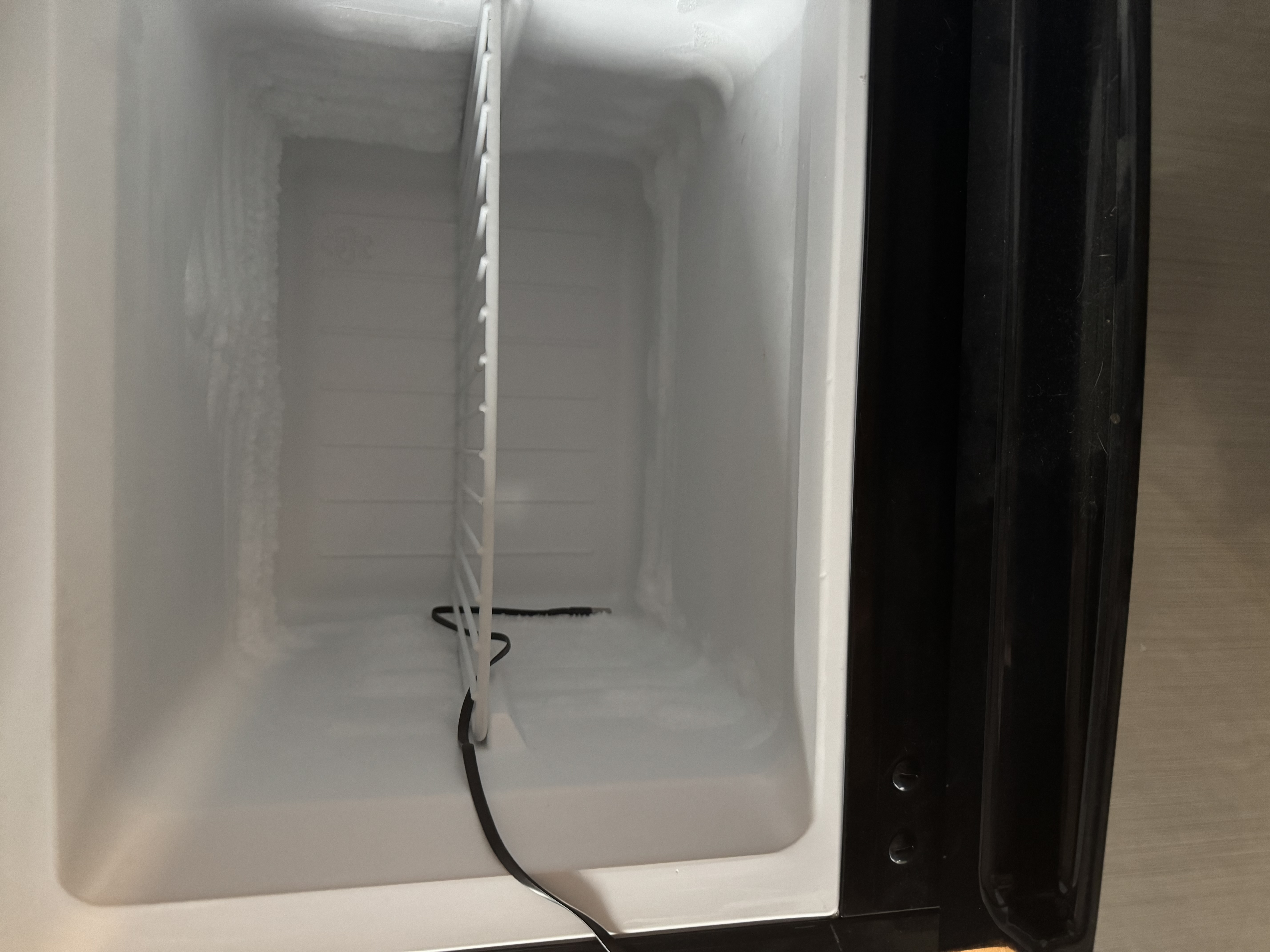
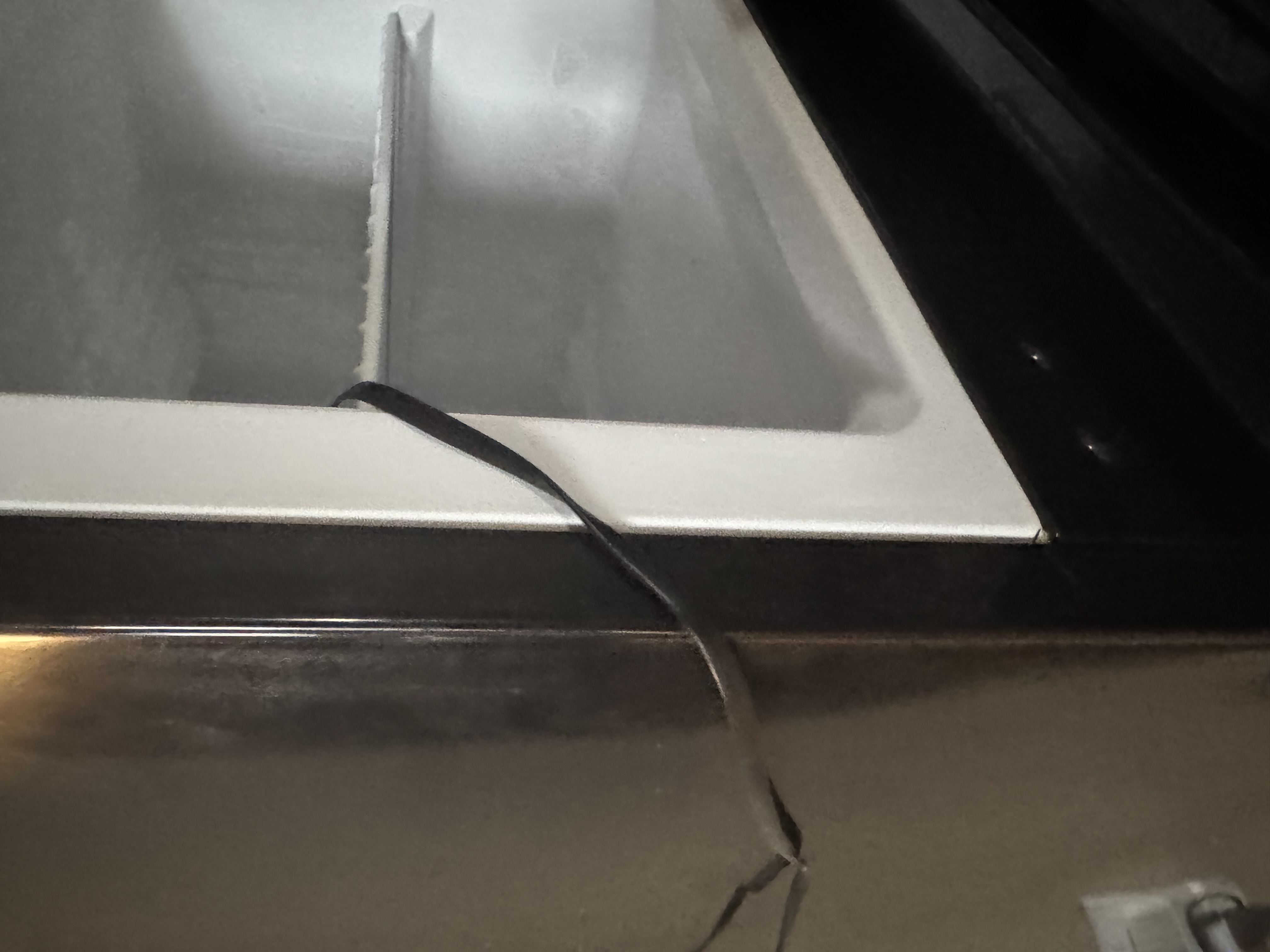
Example images of the long temperature probe in a mini freezer:
Probe pinout
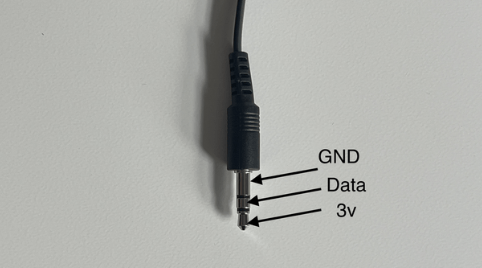
The 1.5m and 20cm DS18B20 temp probes use a standard 3.5mm TRS plug. Wire yours the same way if you're building your own probe or repairing a cut cable.
| Contact | Signal |
|---|---|
| Tip | 3.3V |
| Ring | Data |
| Sleeve | GND |