Factory re-flash PLT-1
If your device becomes unresponsive and you've exhausted the other troubleshooting methods you can reflash the factory firmware by following the below guide.
This needs to be done in Chrome, Edge, or another Chromium based browser.
If your device has already been connected to Home Assistant please remove it from the ESPHome integration and the ESPHome Device Builder before continuing.
Follow these steps to put your device in boot mode and install the factory firmware.
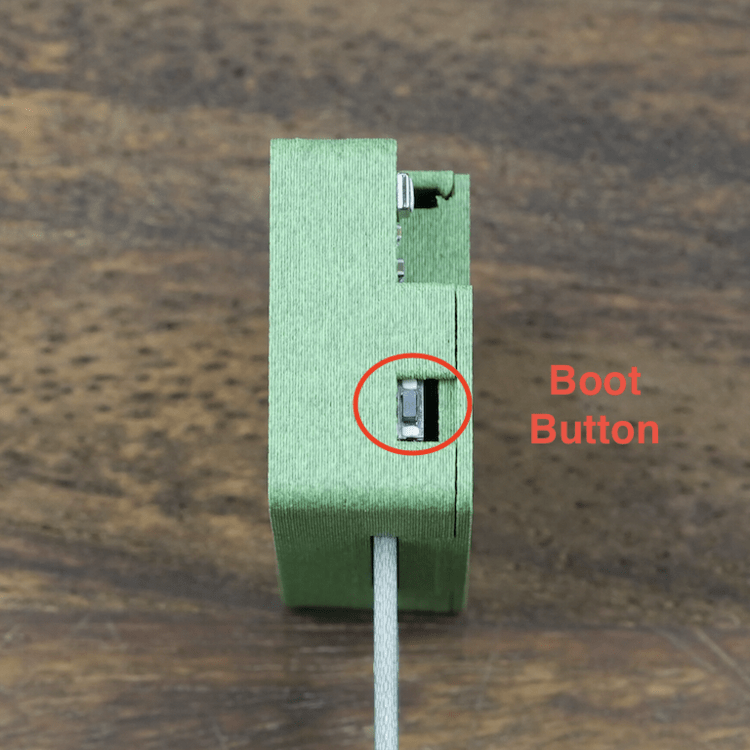
1. Put your device in boot mode by holding down the boot button and then plugging in the USB cable.
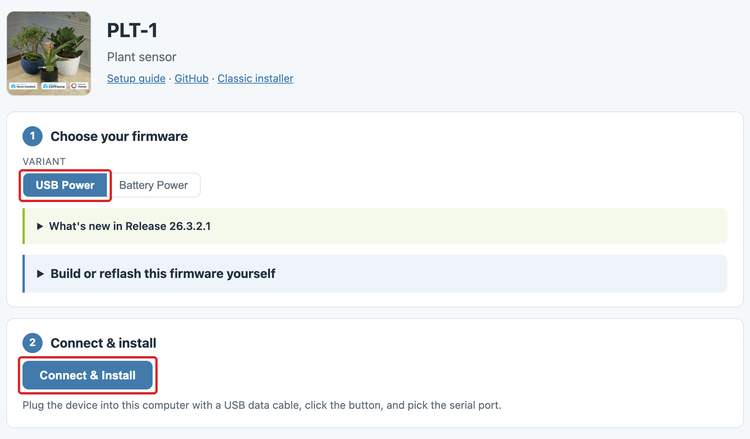
2. Navigate to the Apollo PLT-1 installer and choose USB Power since you are using a PLT-1.
3. Click Connect & Install.
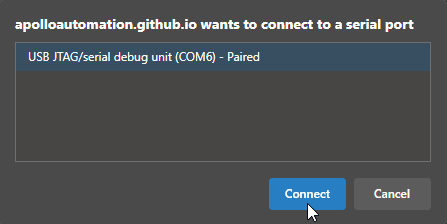
4. Select the open com port then click Connect.
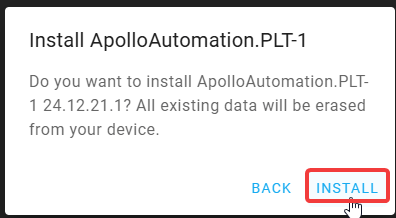
5. Click Install ApolloAutomation.PLT-1.
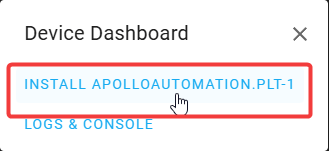
6. Click "INSTALL".
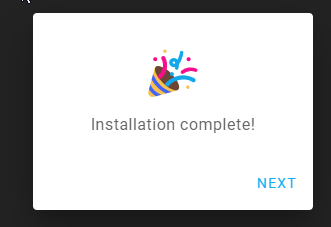
7. Once you see "Installation complete!" you are finished. Click Next then close out of the browser window.
Power cycle your device before doing anything else!
Your device is still in boot mode and needs to be power cycled aka power removed to make it boot in a normal mode!
8. Please proceed to the getting started guide and set up your sensor as a new device!