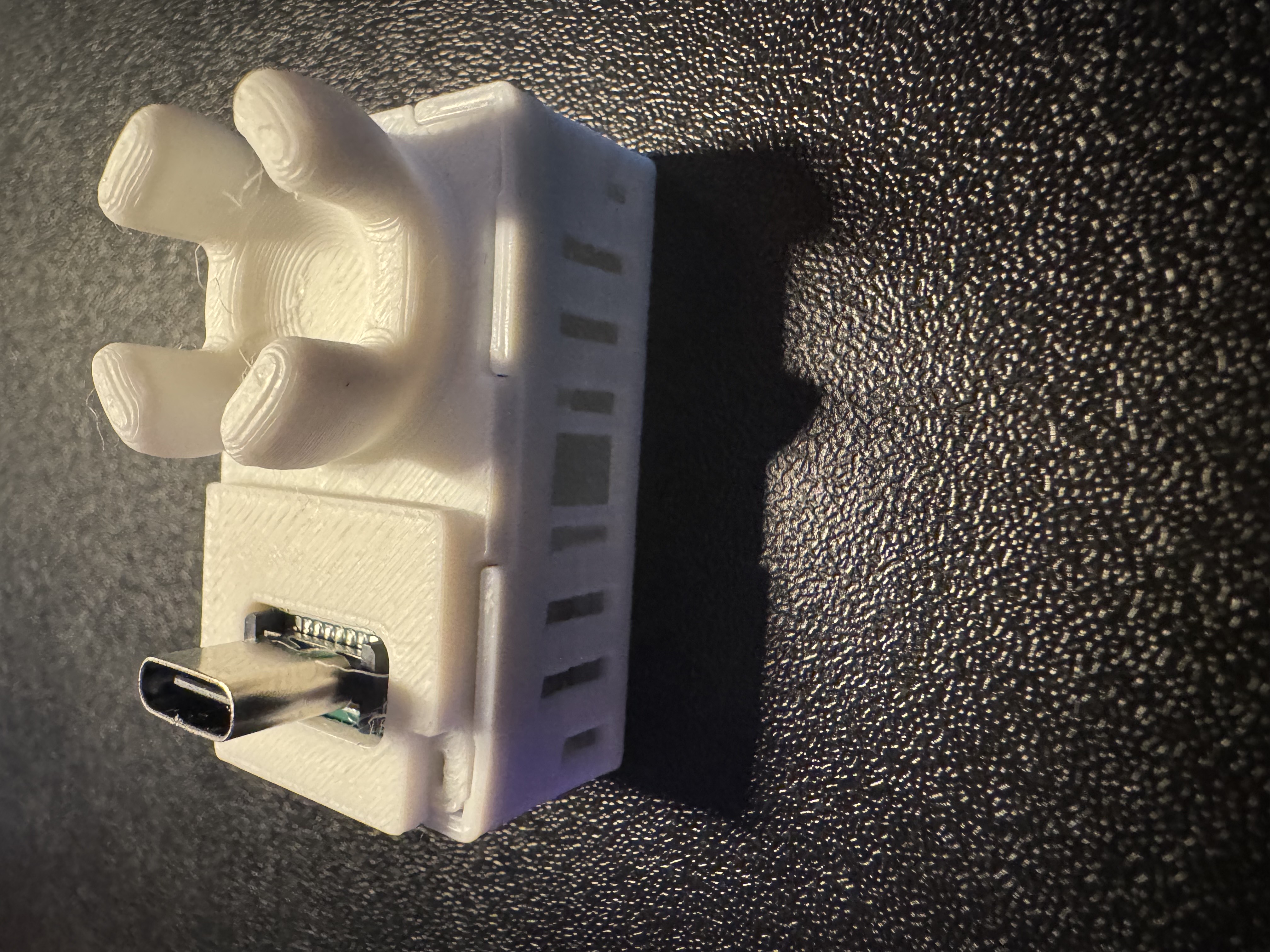
Adding rear female USB-C to MSR-2
You'll seat the Female Rear USB-C addon on the mezzanine connector on the back of your sensor, then fit the new back that came with it.
1. Unplug your MSR-2 from power and remove the back
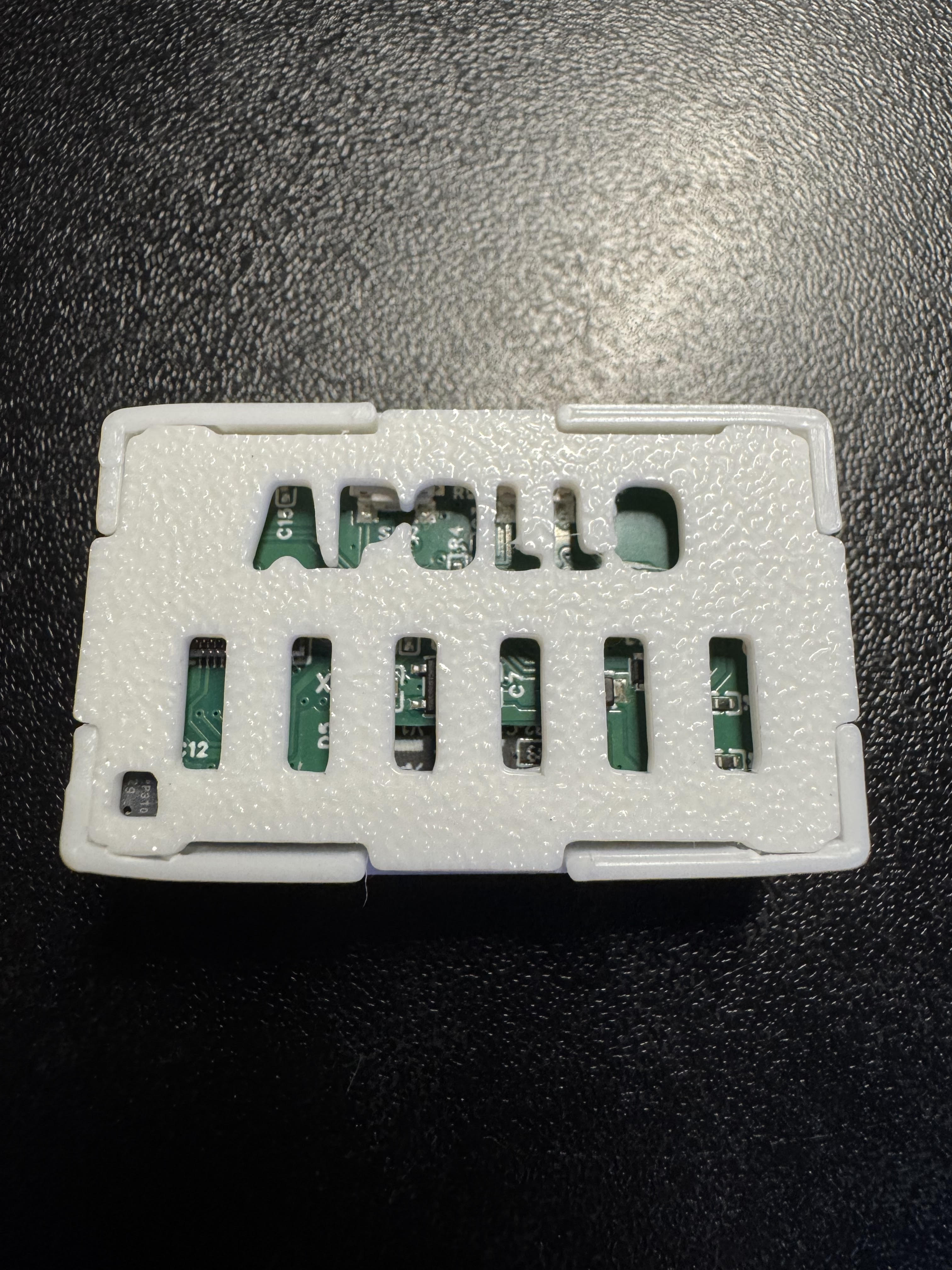
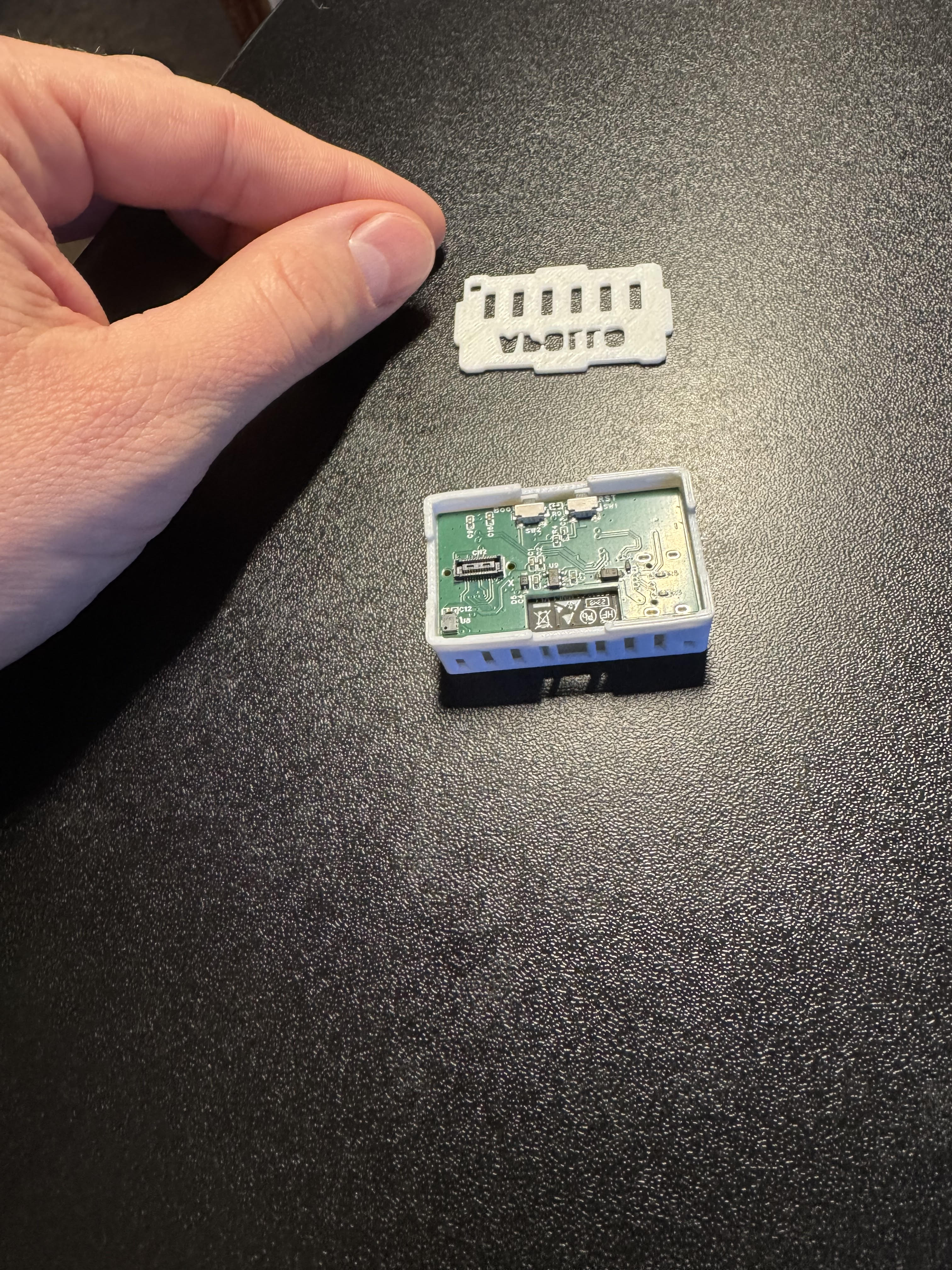
2. Identify the "X" on the PCB on the back of your MSR-2 and the "X" on the top left corner of the Female Rear USB-C addon.
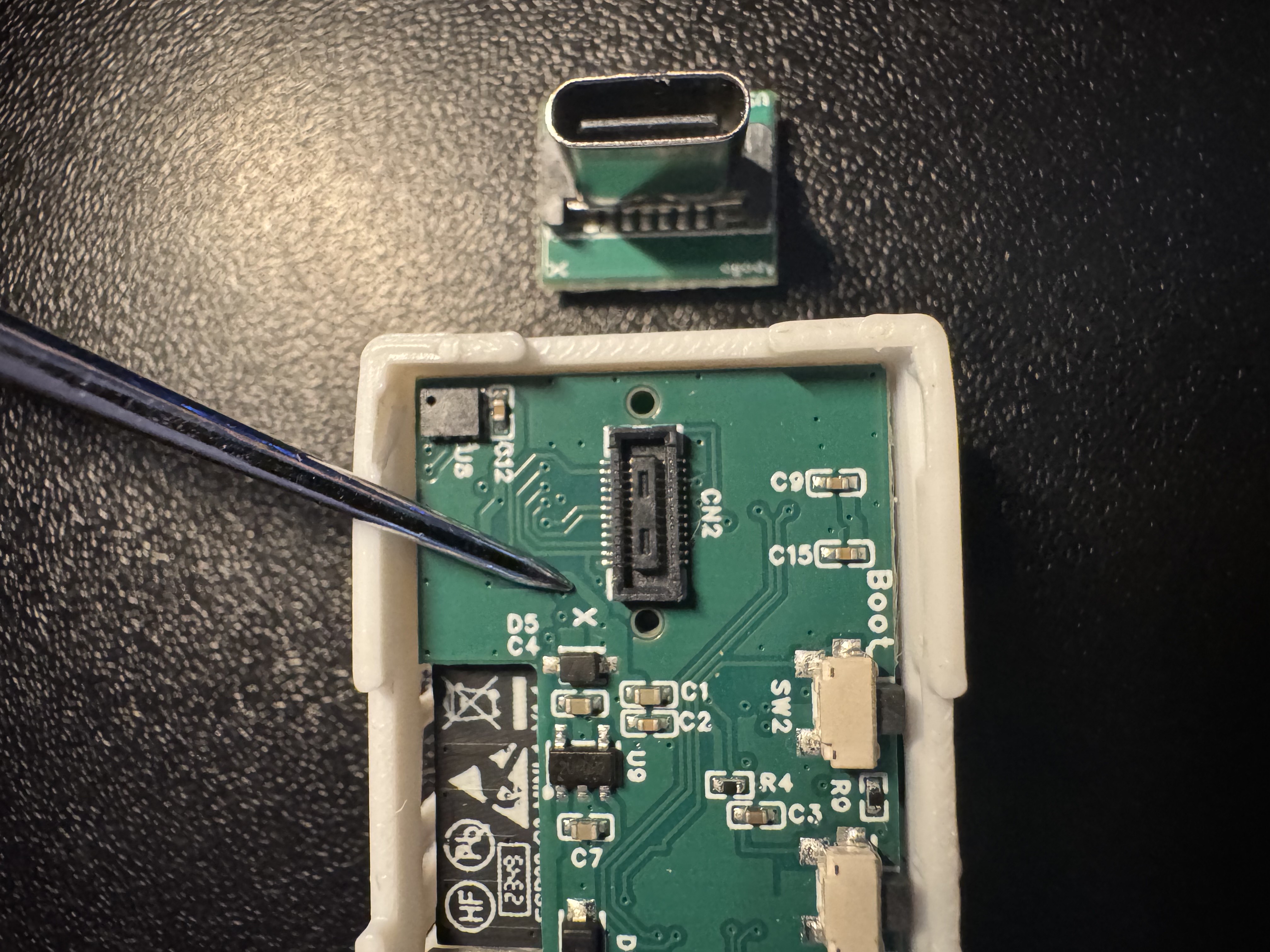
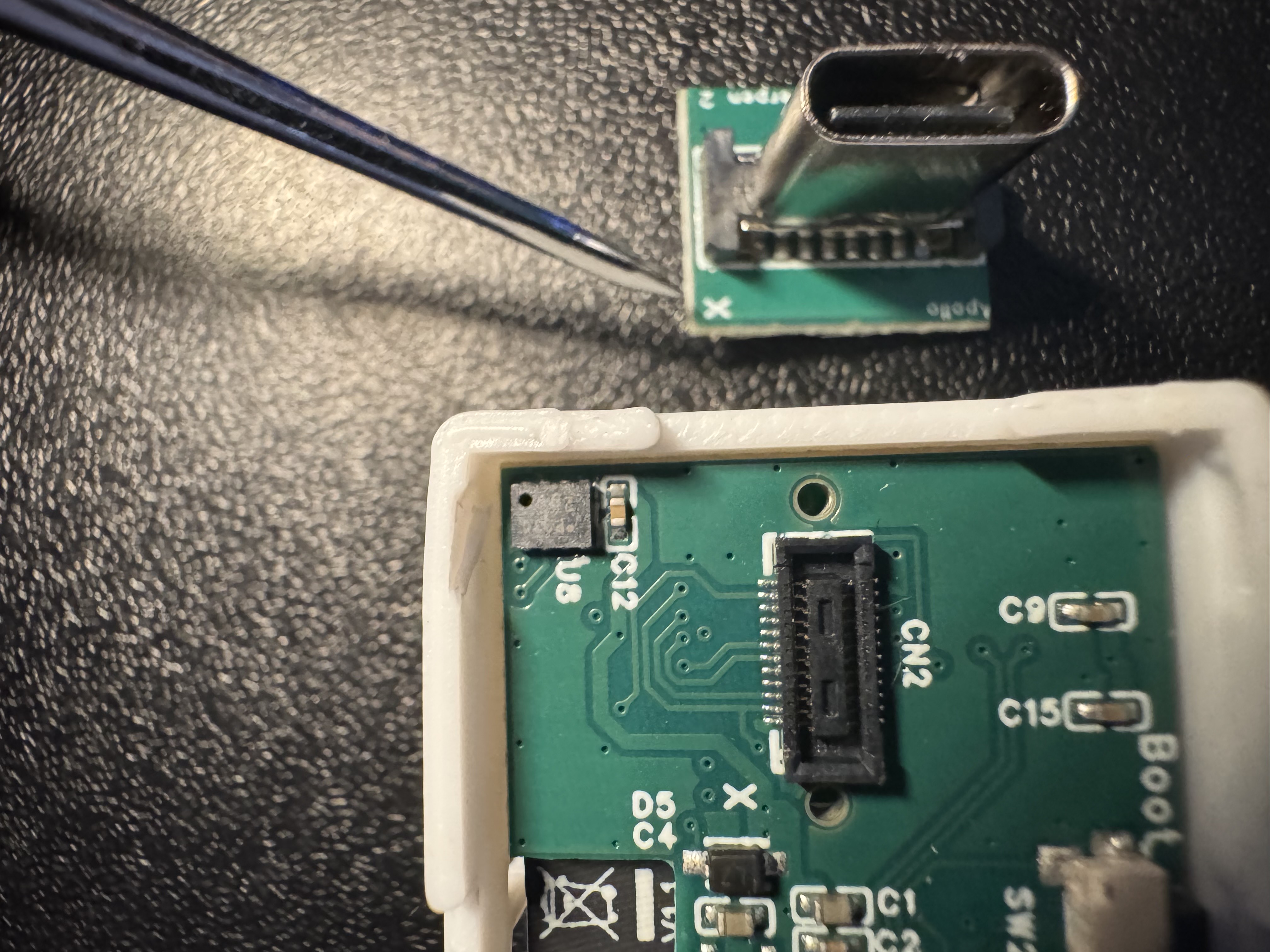
3. Keep the "X" aligned on both sides and gently push down until it securely seats in the small mezzanine connector.
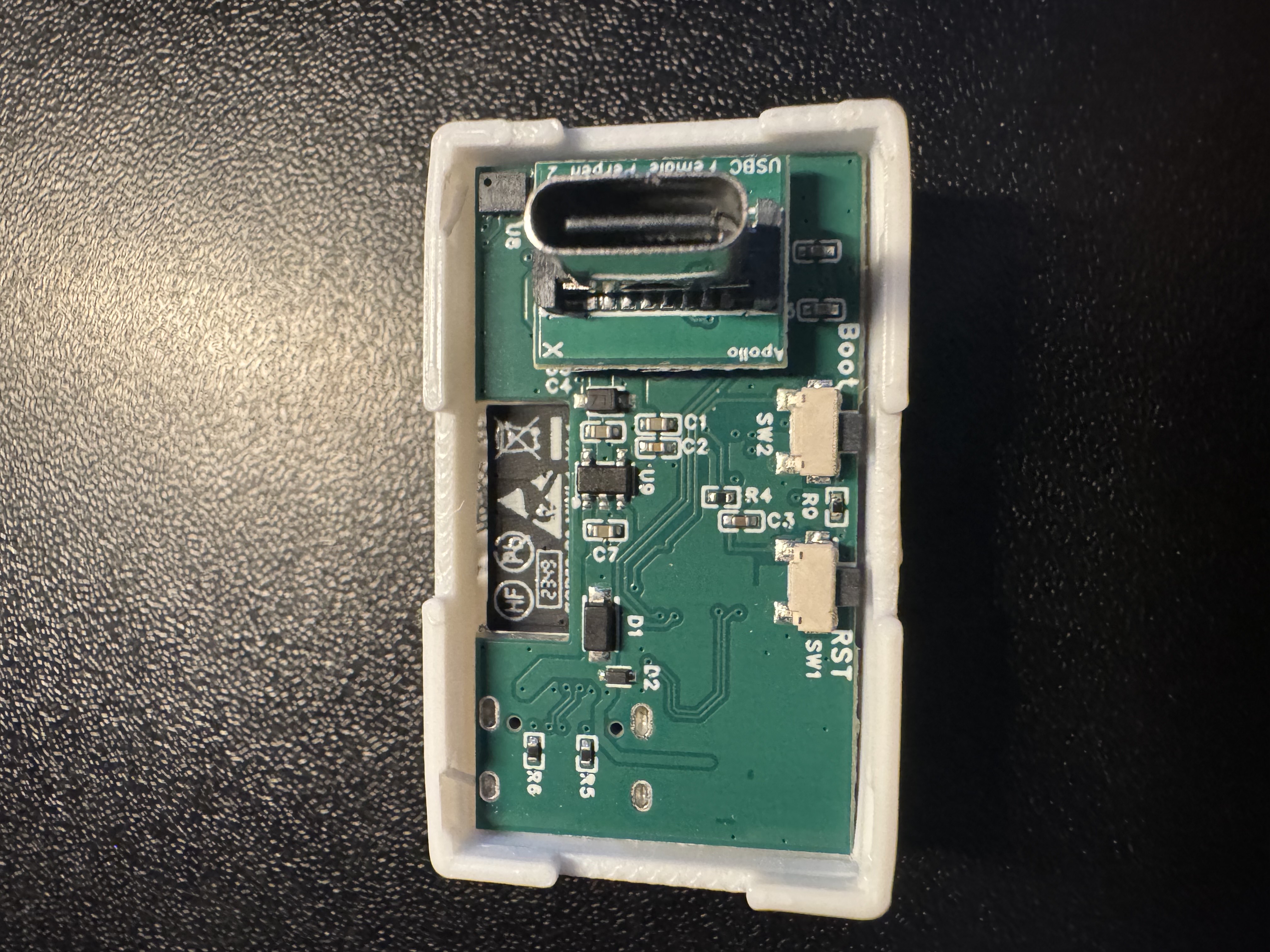
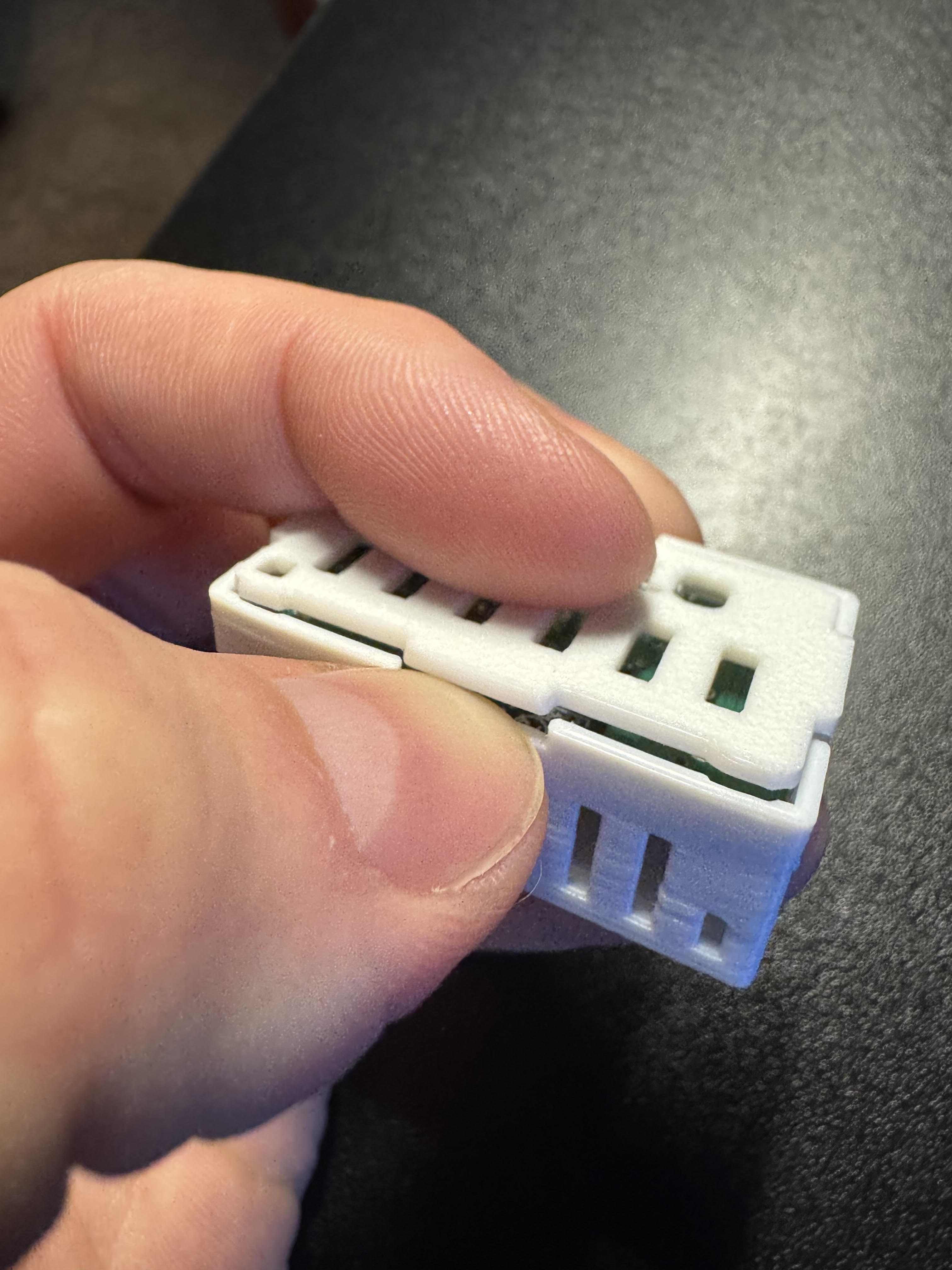
4. Align the new back for your MSR-2 that came with the Female USB-C addon. It's possible you might have a flat back version and you can print that yourself too!
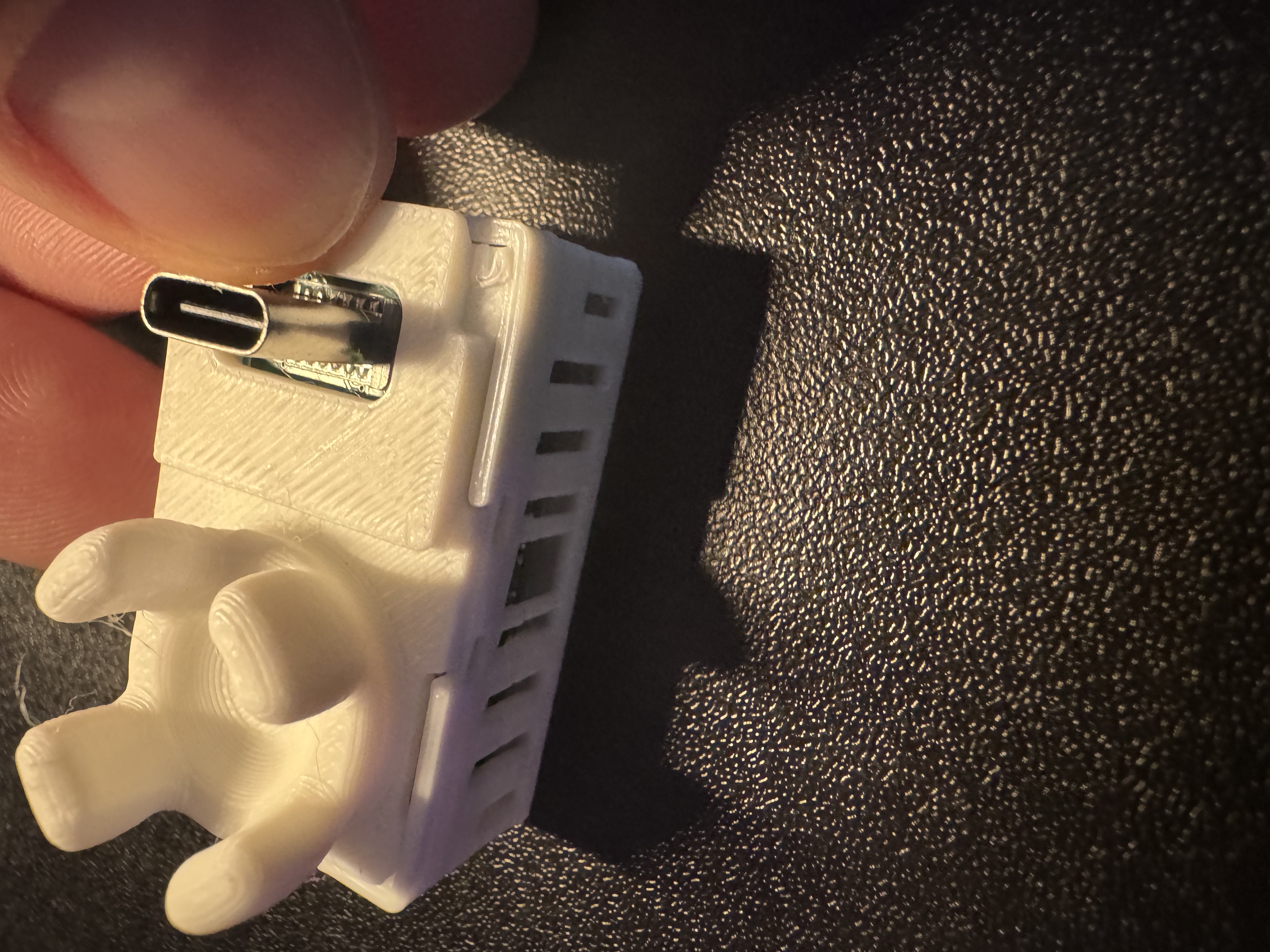
5. Push down on the corners closest to the USB-C addon first, and then push the back on securely on the other two corners.