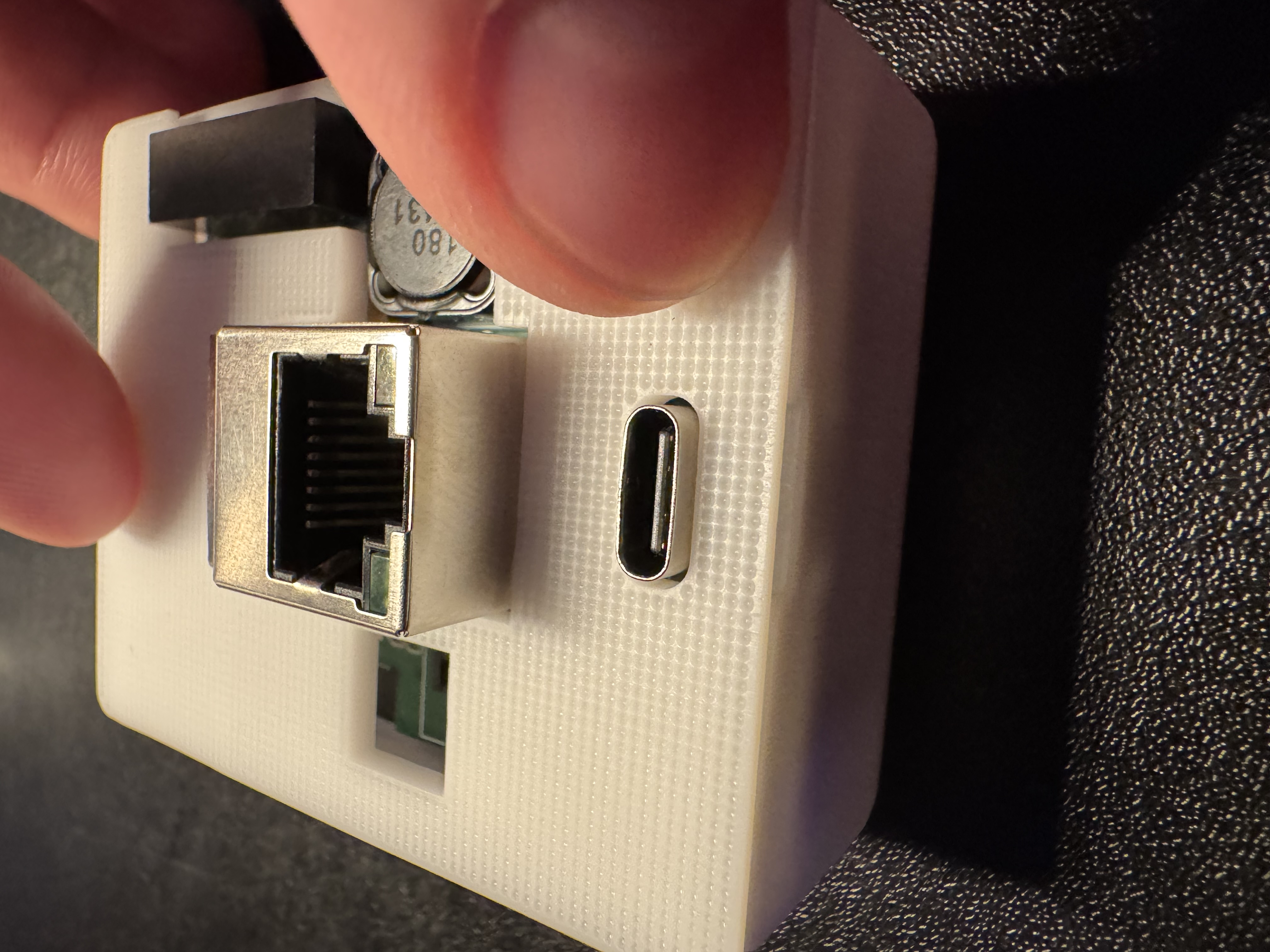
Teardown and reassembly of R PRO-1
Disassembly:
You'll remove the back, take the PCB out of the case, and remove both mmWave sensors.
1. Unplug your R PRO-1 from power and remove the back.
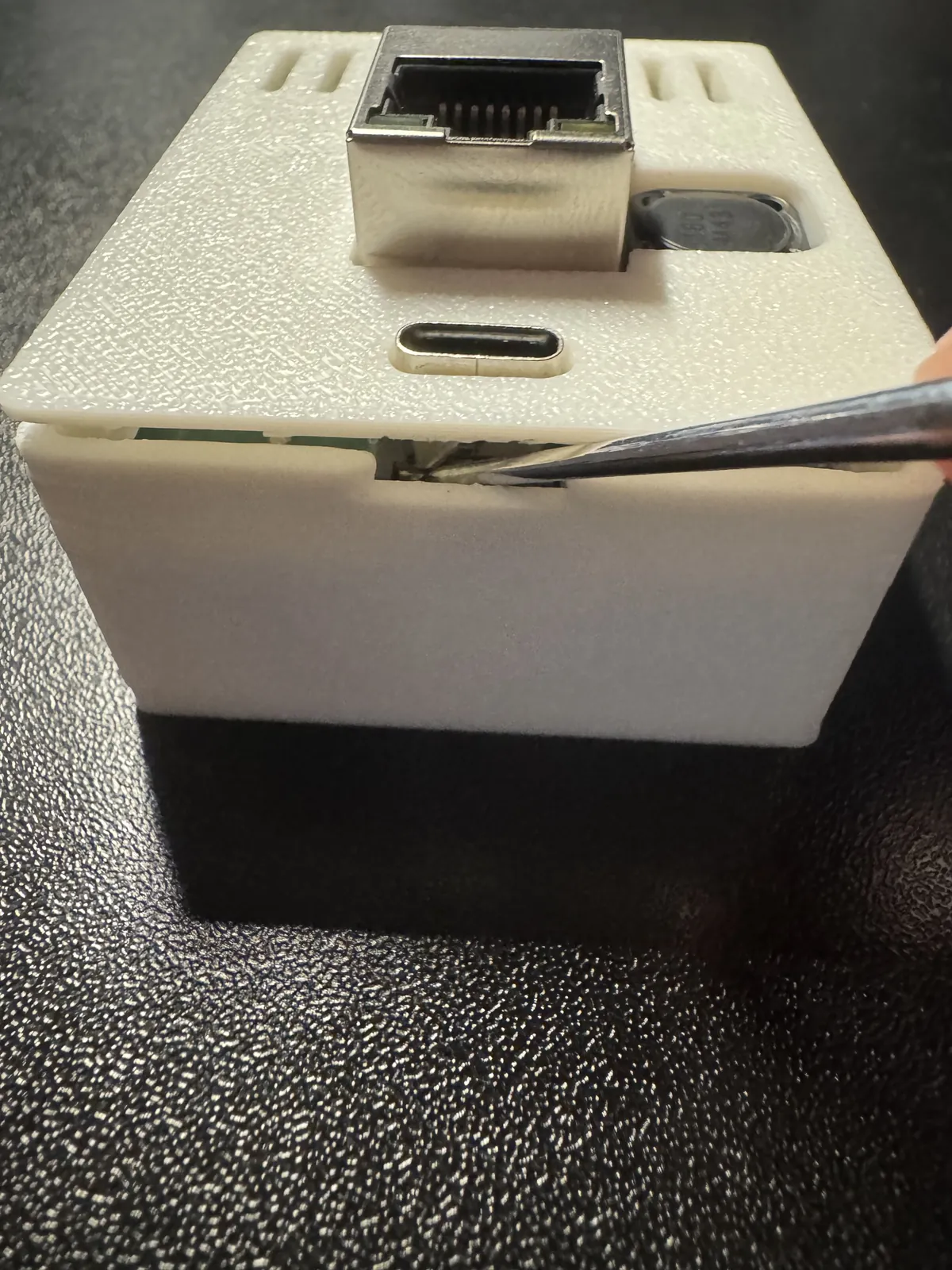
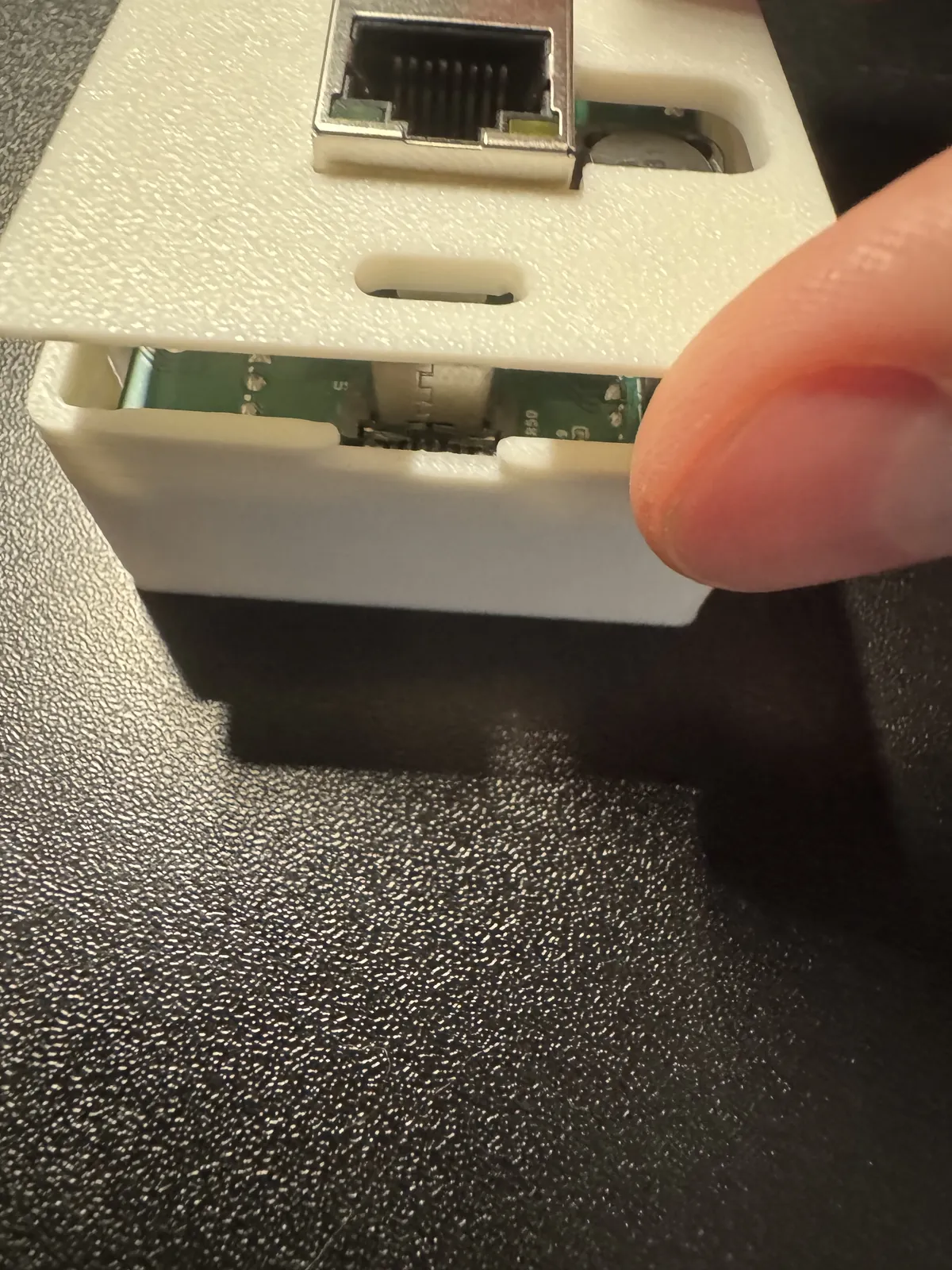
2. Gently remove the PCB from the case and flip it over.
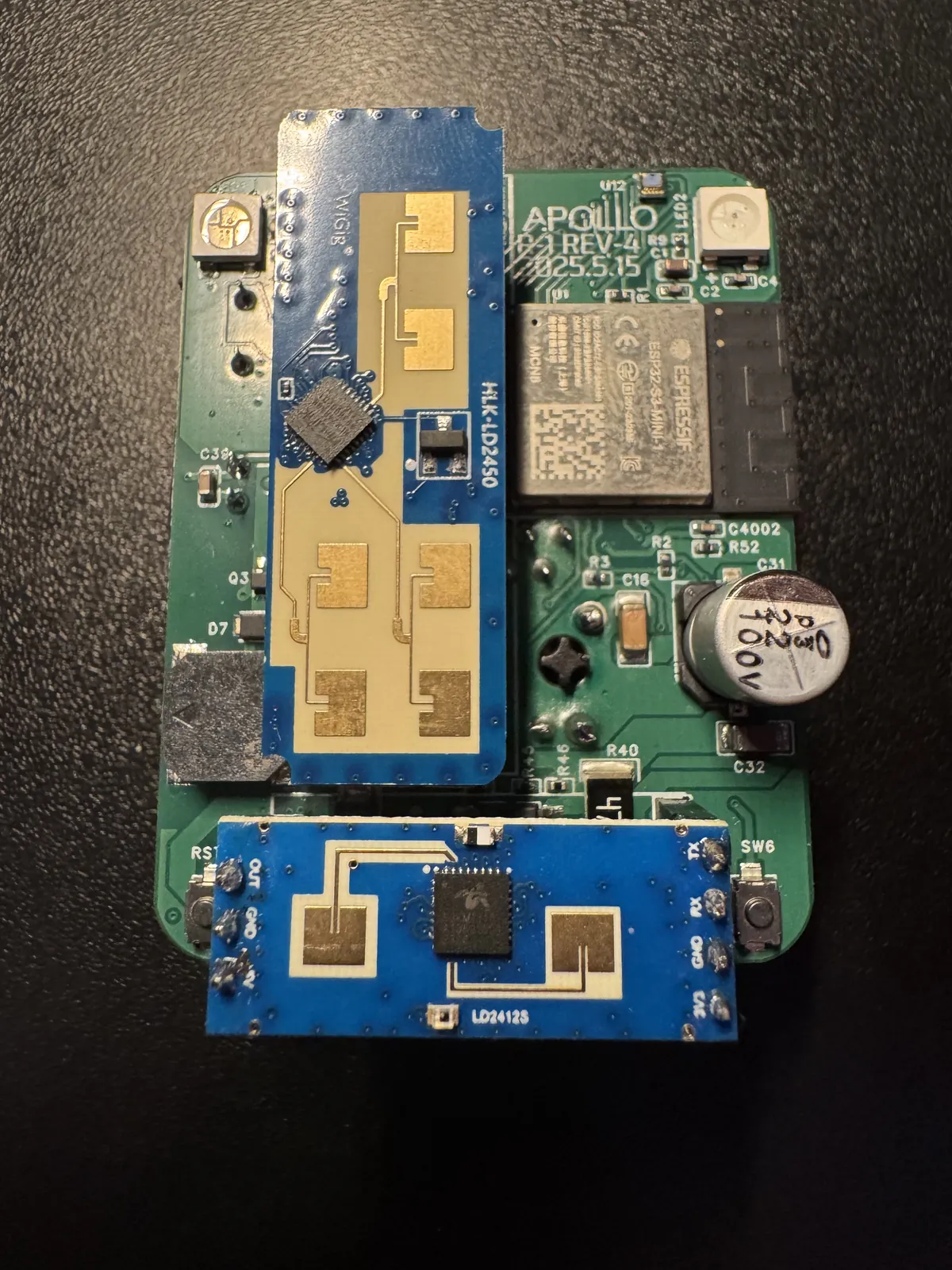
3. Gently remove the LD2412 as shown below.
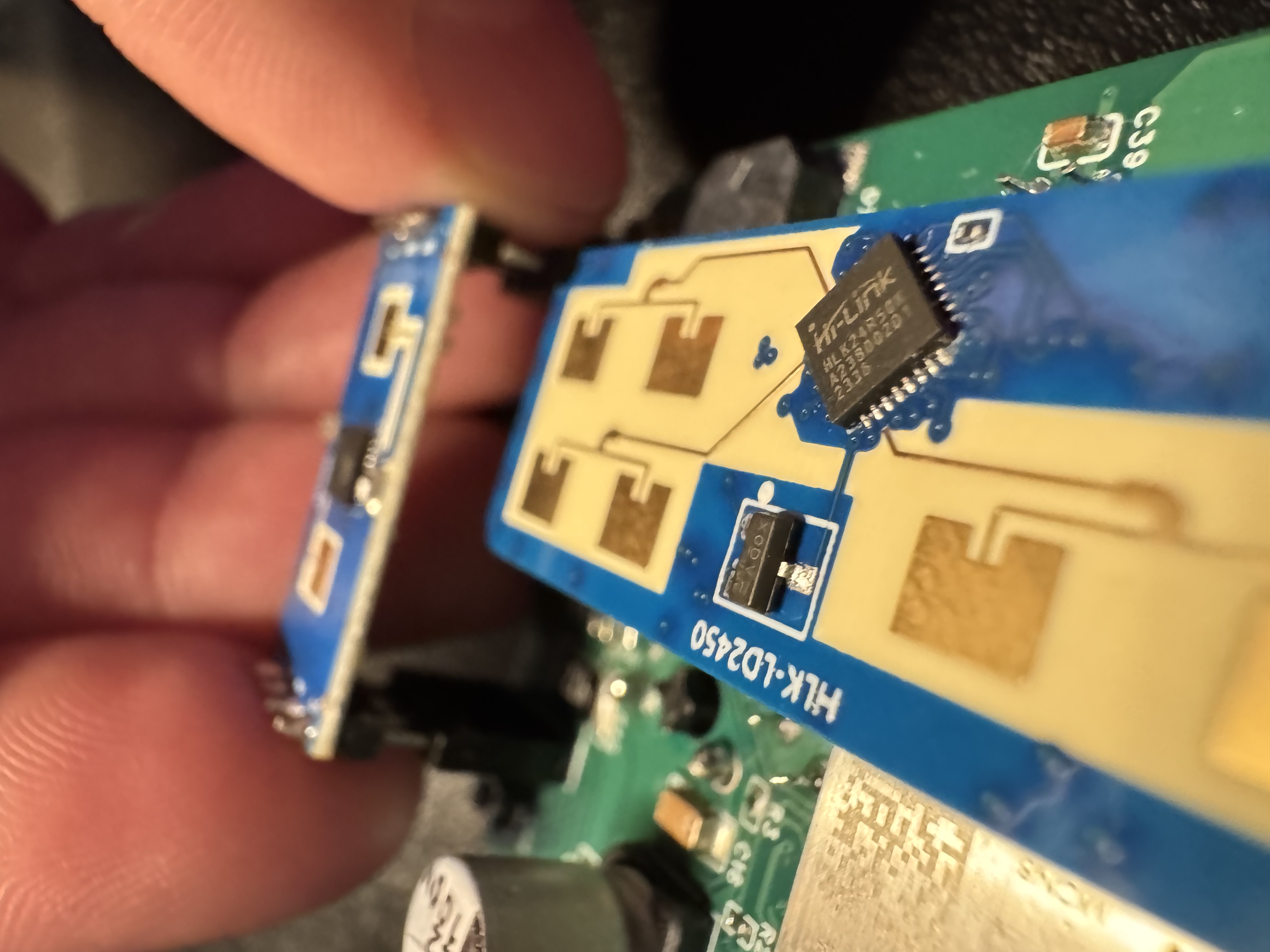
4. Gently remove the LD2450 as shown below.
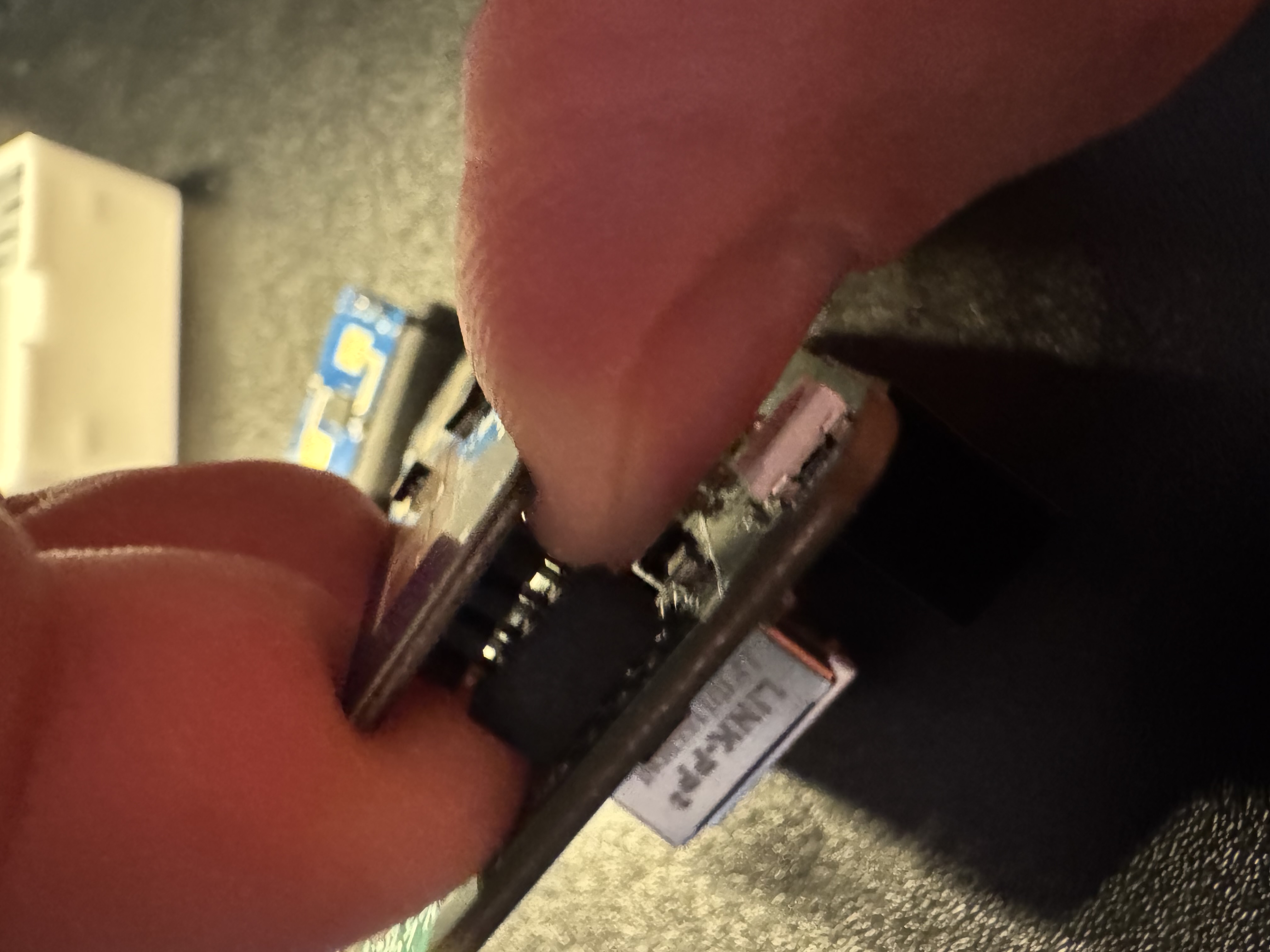
Reassembly
To put everything back together, you'll reinstall both mmWave sensors, place the PCB back in the case, and snap the lid on.
1. Place the LD2450 on the 8 pin header.
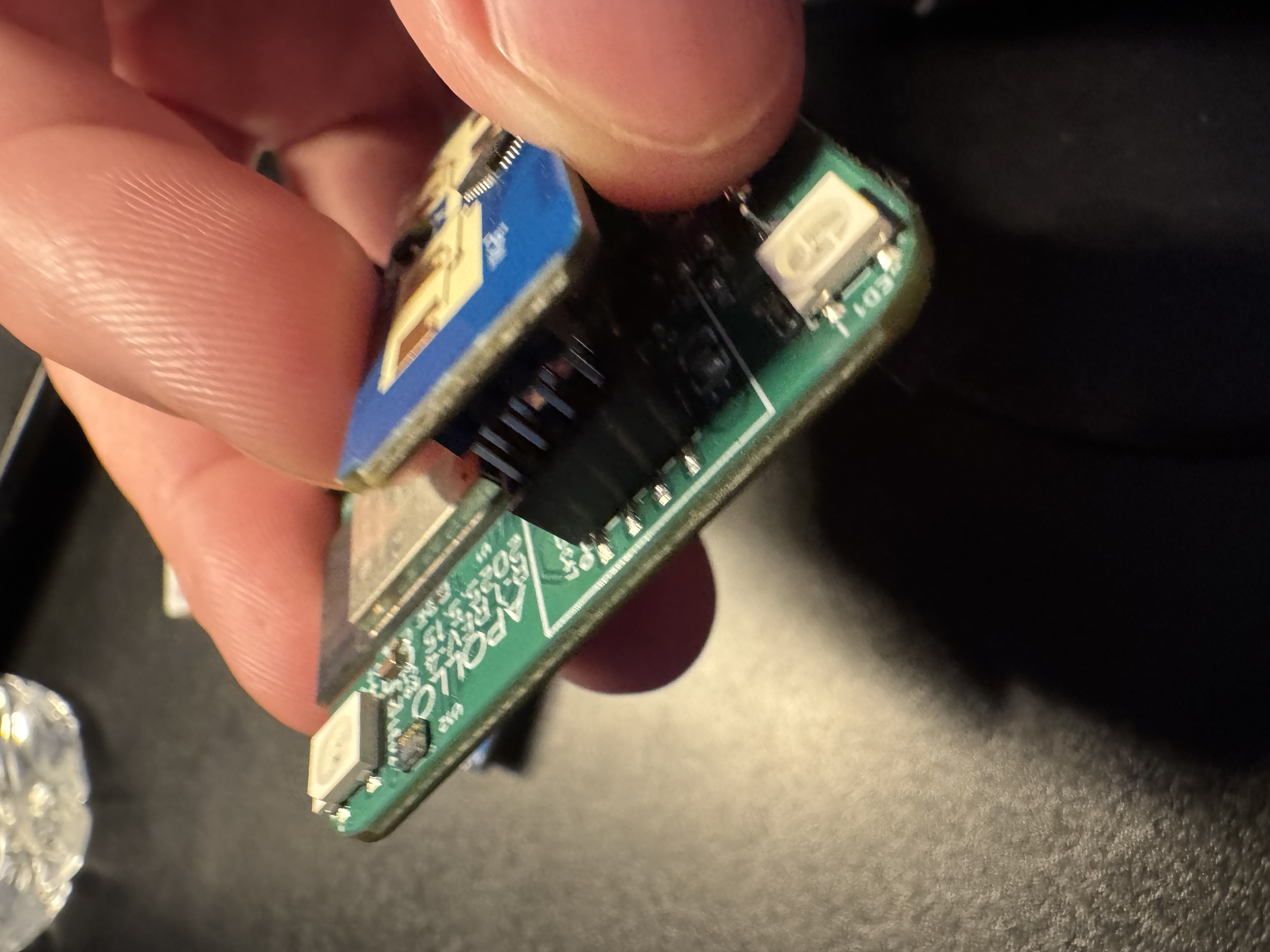
2. Place the LD2412 on the 4 and 3 pin headers (only fits one way).
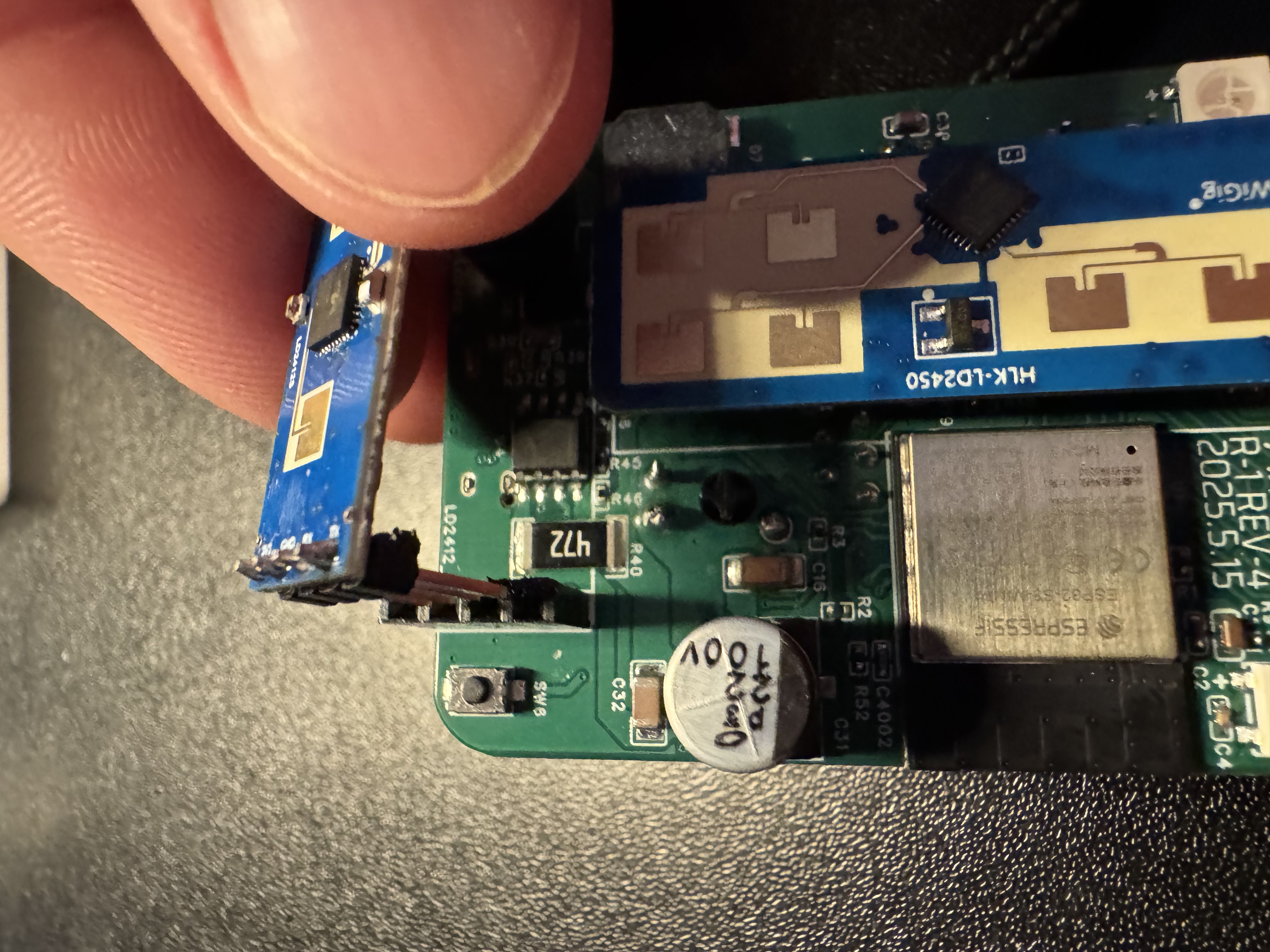
3. Place back into the case with the ethernet module facing up and the USB-C port facing you.
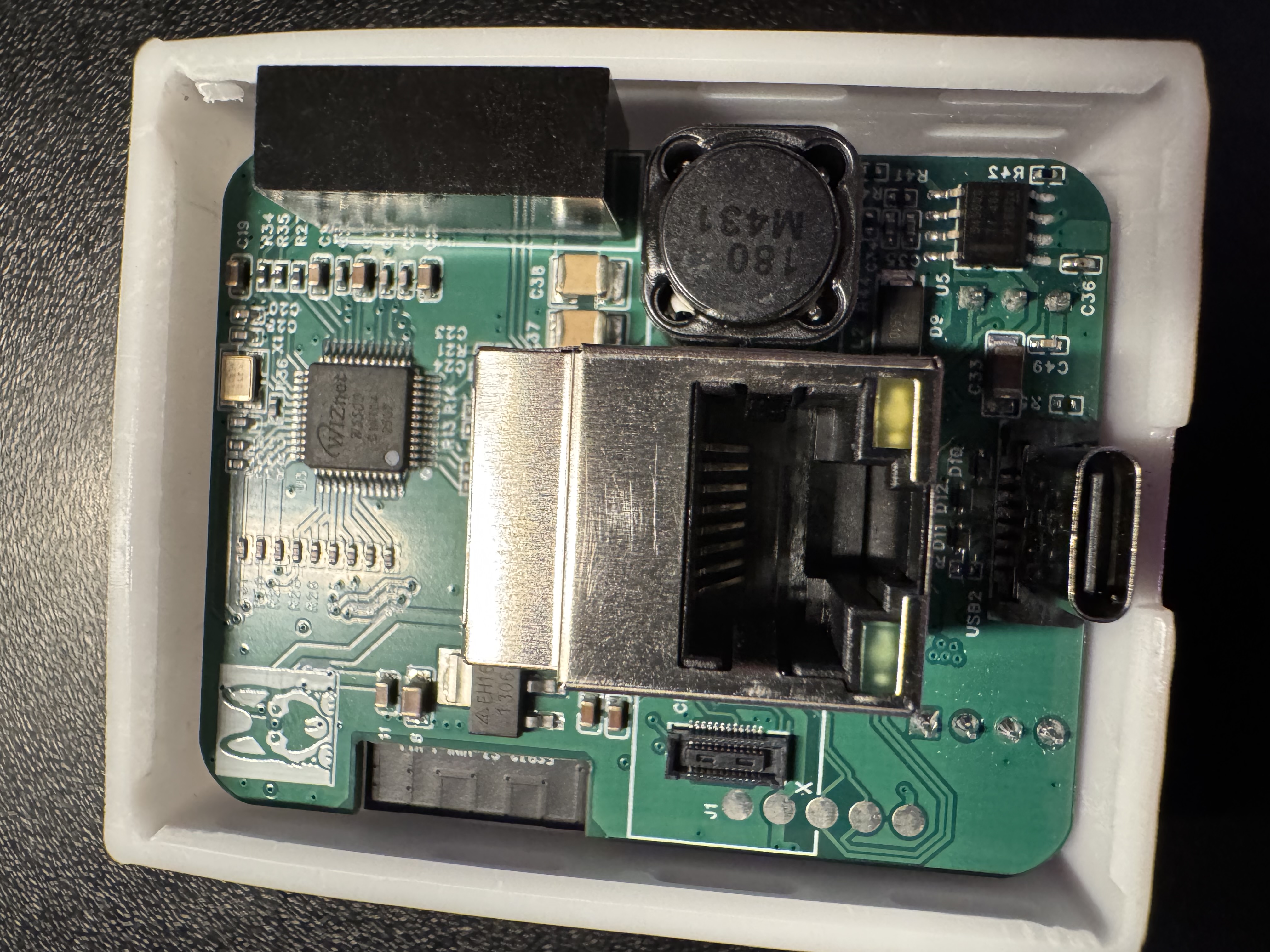
4. Snap the lid back into place!