Reset Wi-Fi credentials on your CAST-1
Resetting the Wi-Fi credentials makes your device broadcast its hotspot again so you can enter new Wi-Fi details.
Using the Ethernet module? Unplug the cable first.
Your CAST-1 doesn't broadcast its hotspot while an Ethernet cable is connected, so take the cable out before you start.
1. Plug the CAST-1 into power.
2. Long press the boot button (on the left) for 10 seconds.
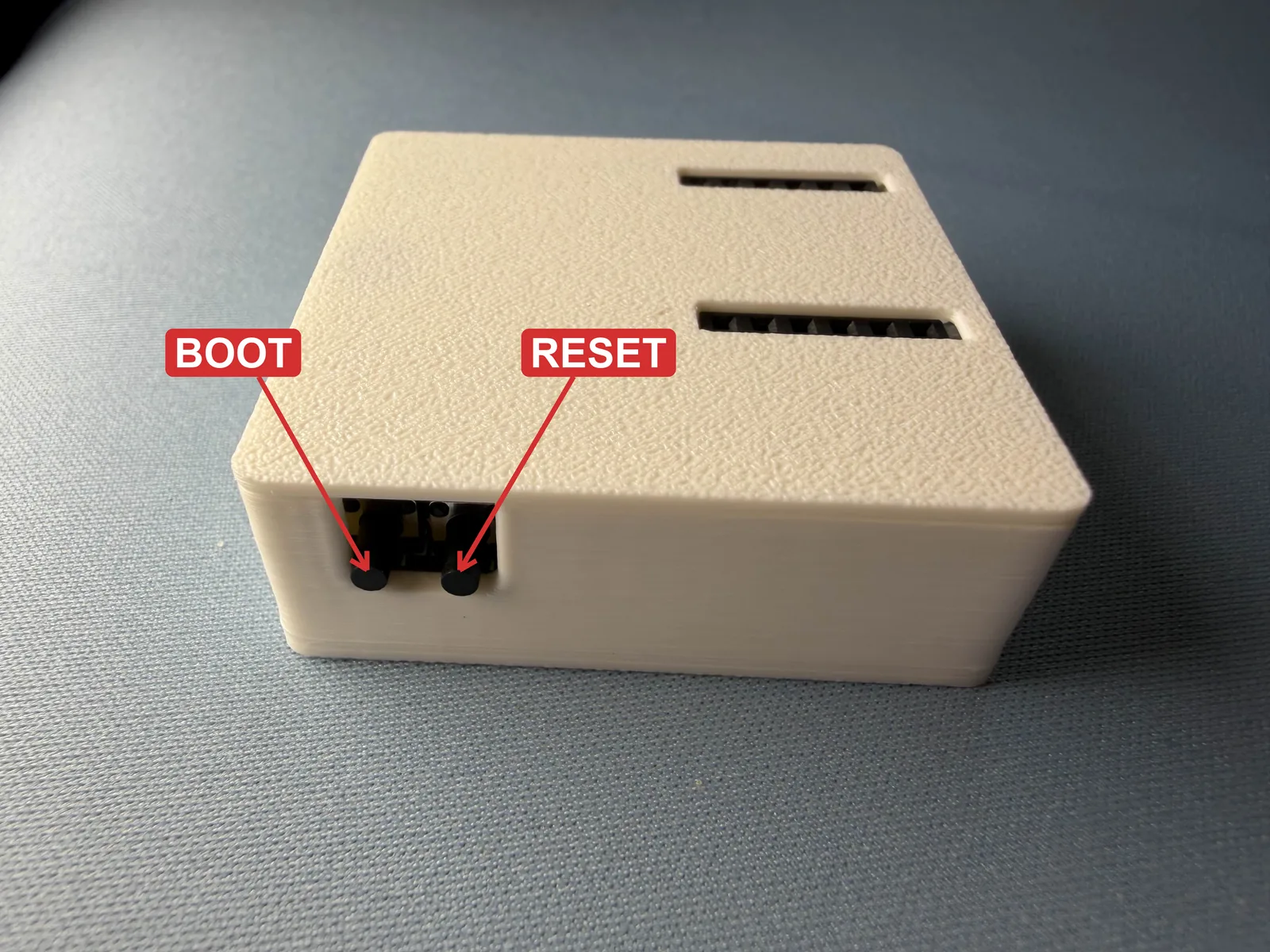
3. The Wi-Fi credentials should be reset and it will broadcast its hotspot again.
4. Connect to the hotspot titled "Apollo CAST 1 Hotspot" and enter your new Wi-Fi details!
Still not broadcasting a hotspot?
If your CAST-1 won't broadcast its hotspot after resetting, reflash it to restore the factory firmware and settings.