General tips
Boot and reset buttons
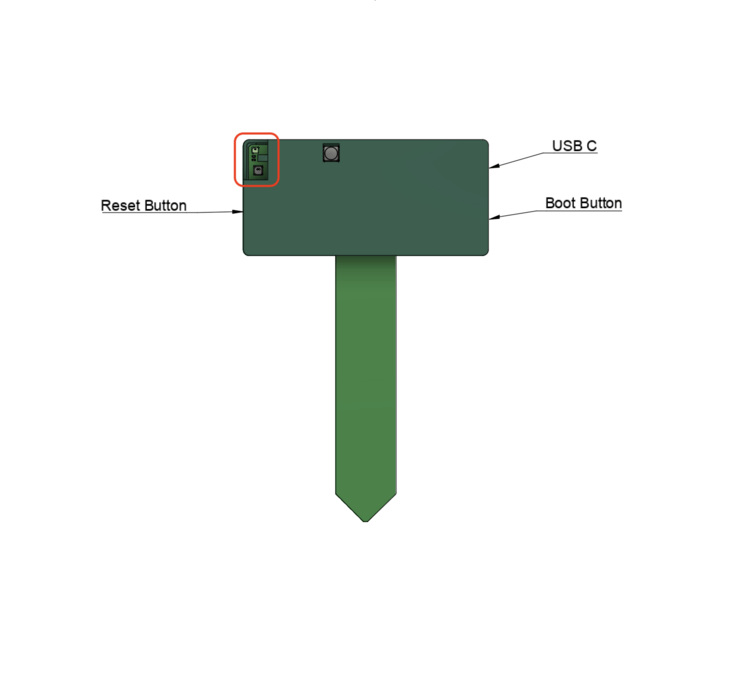
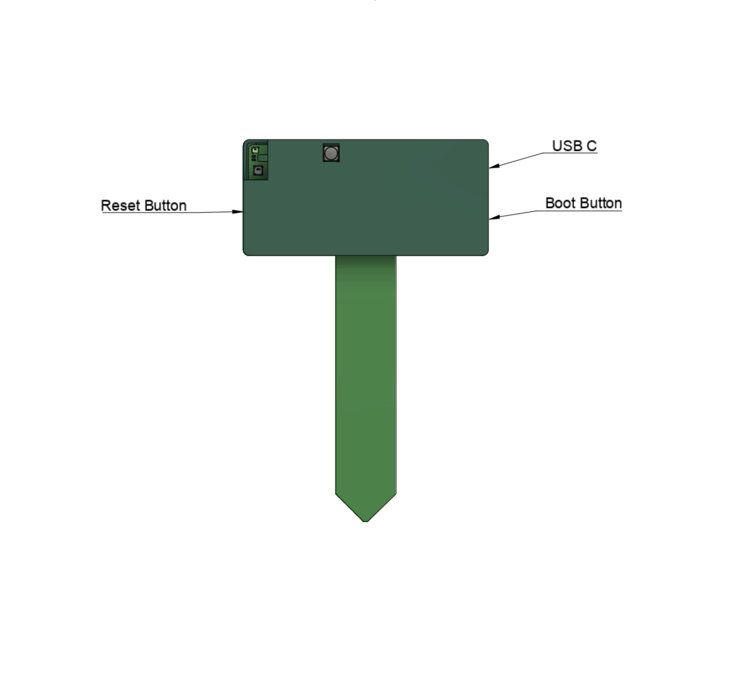
When looking at the PLT-1B in the below orientation, the reset button is on the left and the boot button is on the right by the USB-C port.
LTR390 UV
For the most accurate UV and LUX readings, be sure to expose the sensor circled in the image below to light.