MSR-2 Home Assistant dashboard examples
These example cards put readings from your Apollo MSR-2 on a Home Assistant dashboard. Each section shows a screenshot of the card, followed by its YAML. Copy the YAML for the card you want and paste it into a new card on your dashboard.
Use your own entity IDs
The entity IDs in every YAML block on this page contain the placeholder xxxxxx. Replace xxxxxx with the last six characters of your MSR-2's name.
Radar scatter plot with ApexCharts (custom card)
This card plots the radar's detection, moving, and still distances as a scatter plot over 24 hours.
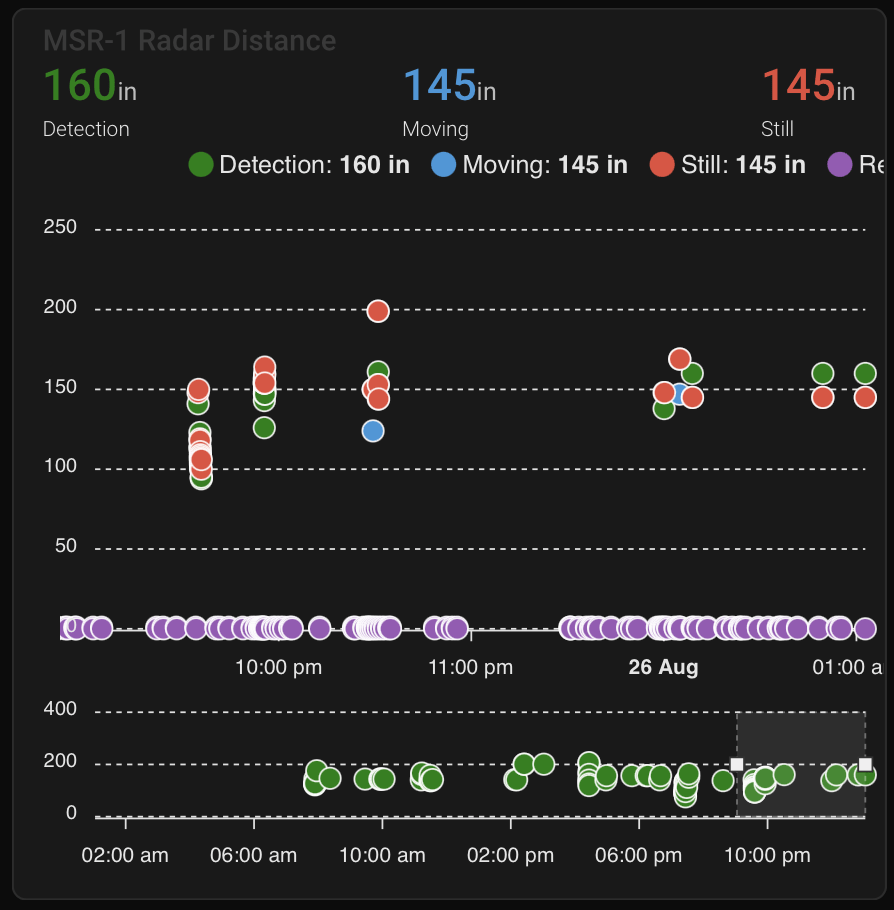
type: custom:apexcharts-card
header:
  show: true
  title: MSR-2 Radar Distance
  show_states: true
  colorize_states: true
apex_config:
  legend:
    position: top
    horizontalAlign: center
    offsetX: -80
    offsetY: 0
experimental:
  brush: true
brush:
  selection_span: 4h
graph_span: 24hr
chart_type: scatter
series:
  - entity: sensor.apollo_msr_2_xxxxxx_radar_detection_distance
    name: Detection
    stroke_width: 1
    color: green
    show:
      in_brush: true
      extremas: true
  - entity: sensor.apollo_msr_2_xxxxxx_radar_moving_distance
    name: Moving
    stroke_width: 1
  - entity: sensor.apollo_msr_2_xxxxxx_radar_still_distance
    name: Still
    stroke_width: 1
CO2 charts
These three cards show readings from the CO2 sensor, so your MSR-2 needs the CO2 addon installed.
Home Assistant sensor card
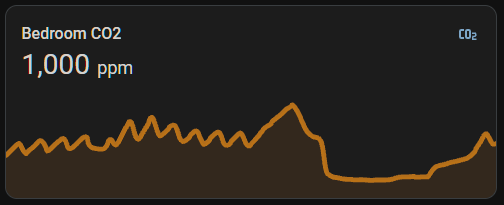
graph: line
type: sensor
entity: sensor.apollo_msr_2_xxxxxx_co2
detail: 2
name: Bedroom CO2
hours_to_show: 24
Plotly graph card (custom card)
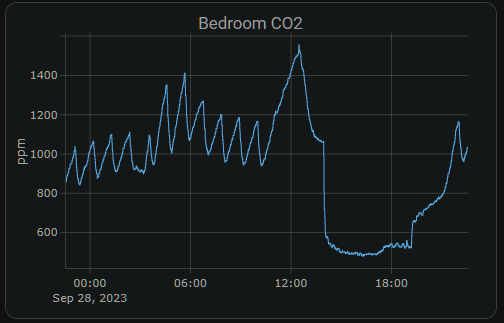
type: custom:plotly-graph
entities:
  - entity: sensor.apollo_msr_2_xxxxxx_co2
hours_to_show: 24
refresh_interval: 10
title: Bedroom CO2
Home Assistant gauge card