Microphone
This will guide you through installing and configuring the microphone on your M-1 LED Matrix.
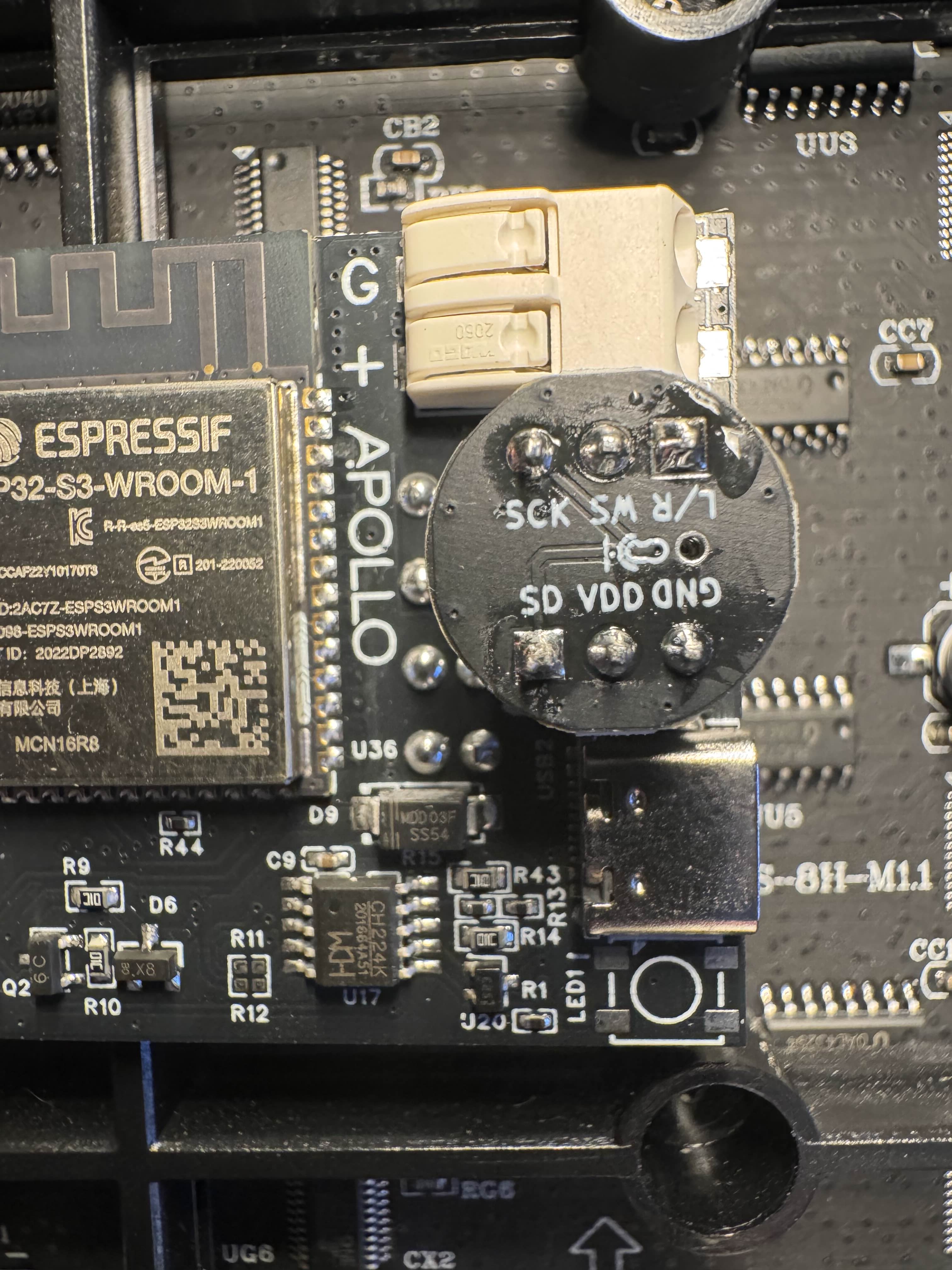
1. Unplug your M-1 from power and set the matrix side face down with the M-1 Controller PCB facing you.
2. Insert the microphone addon as shown in the image below. Make sure the Microphone image is facing to the right side and the GND pin is on the bottom right!
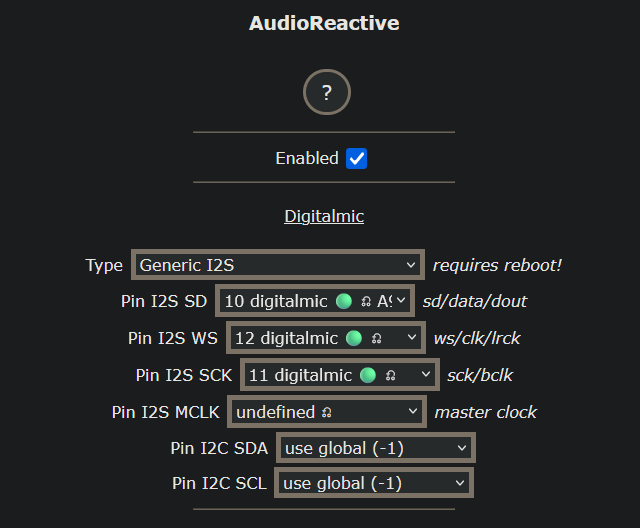
3. Click on Config, then AudioReactive. Check Enabled then select Generic I2S for the Type.
4. Select 10 digitalmic for Pin I2s SD, select 12 digitalmic A5 for Pin I2S WS, and select 11 digitalmic for Pin I2S SCK and click Save.
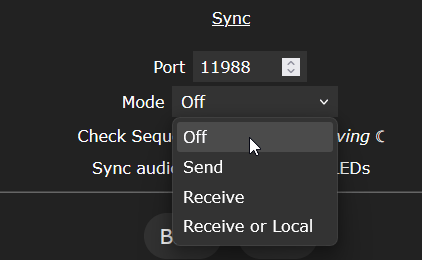
5. Scroll to the bottom of the AudioReactive settings and set the Mode to Off and click Save.